AI Carousel Generator: From Rough Notes to Reviewed Slides
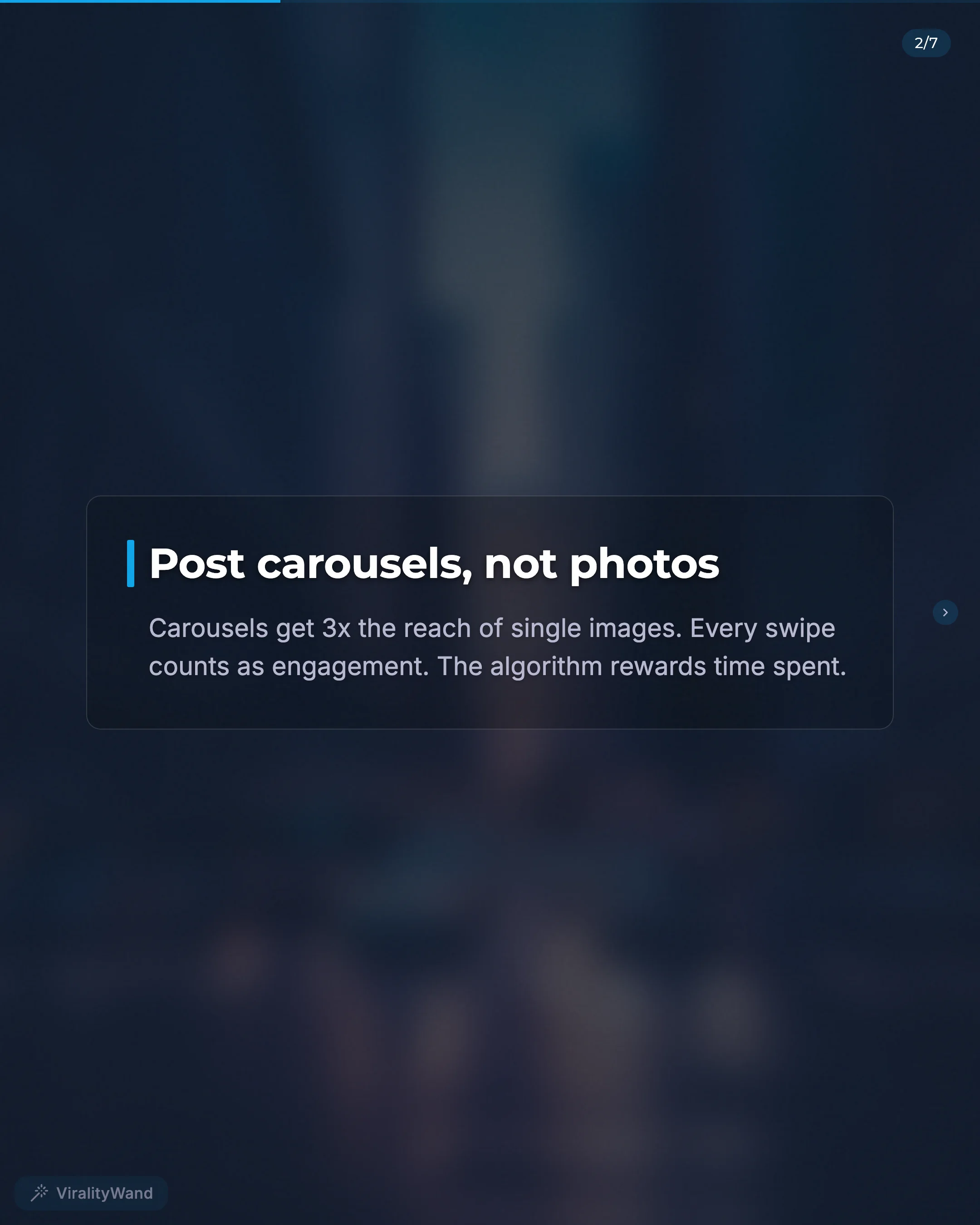
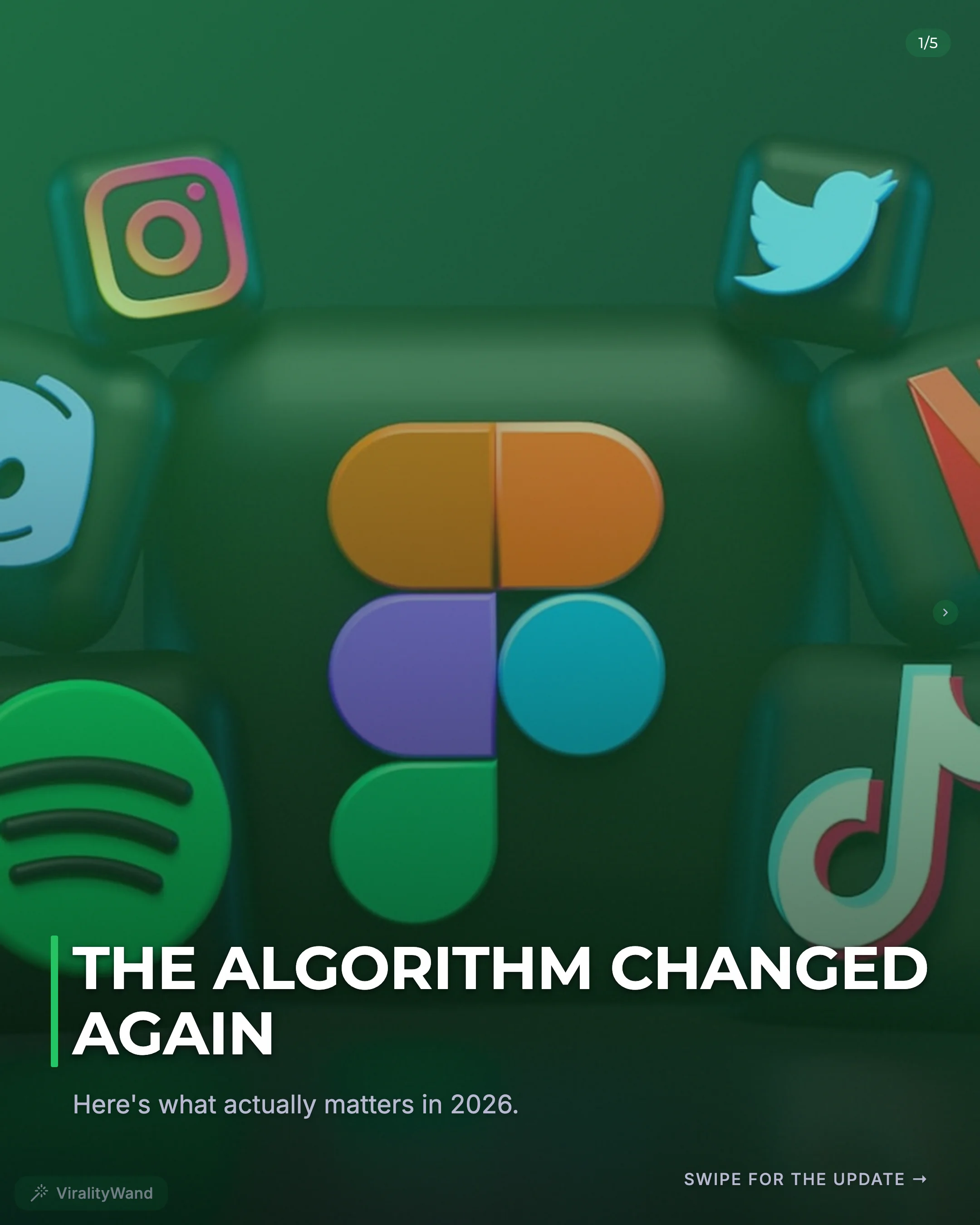
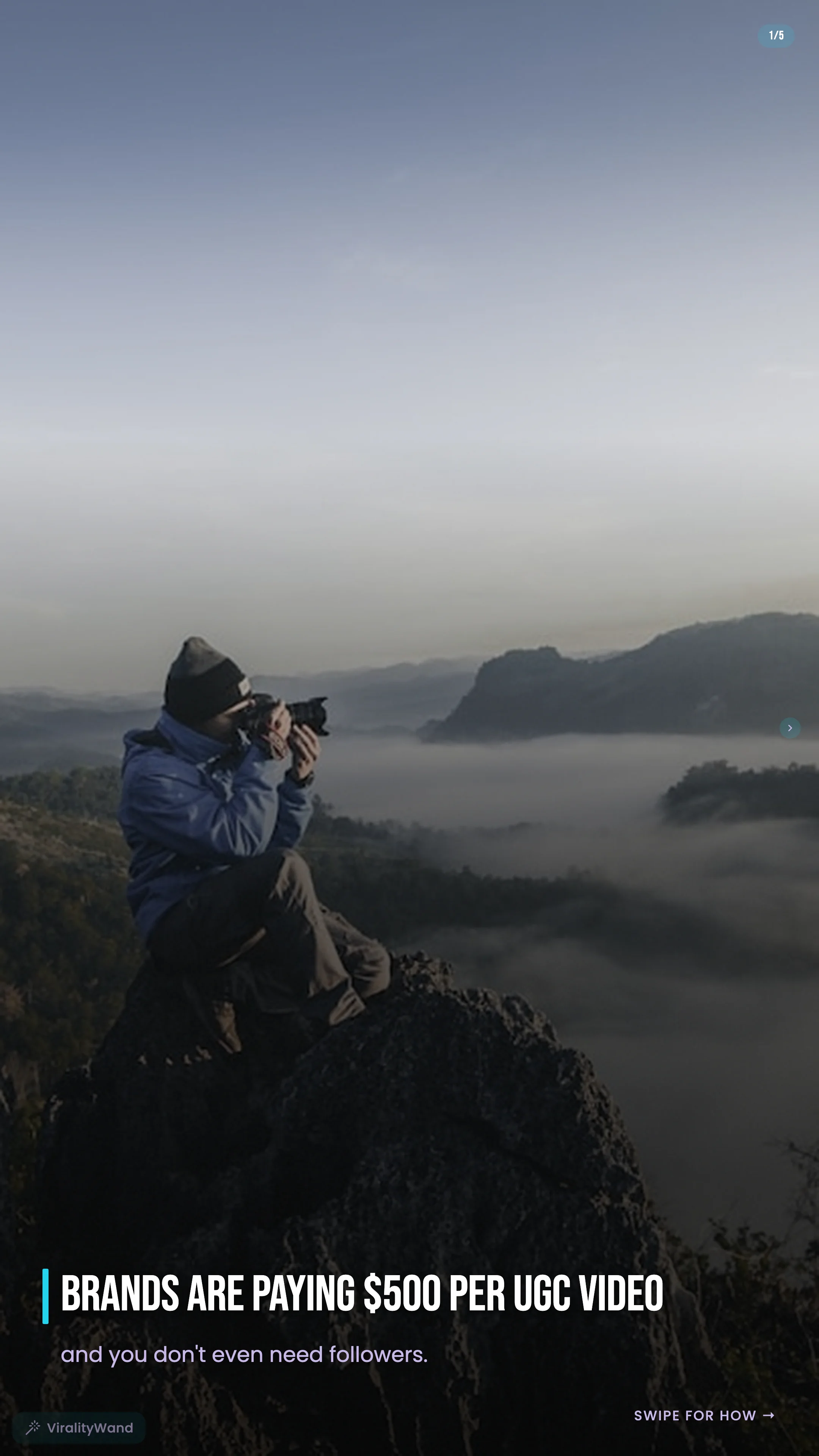
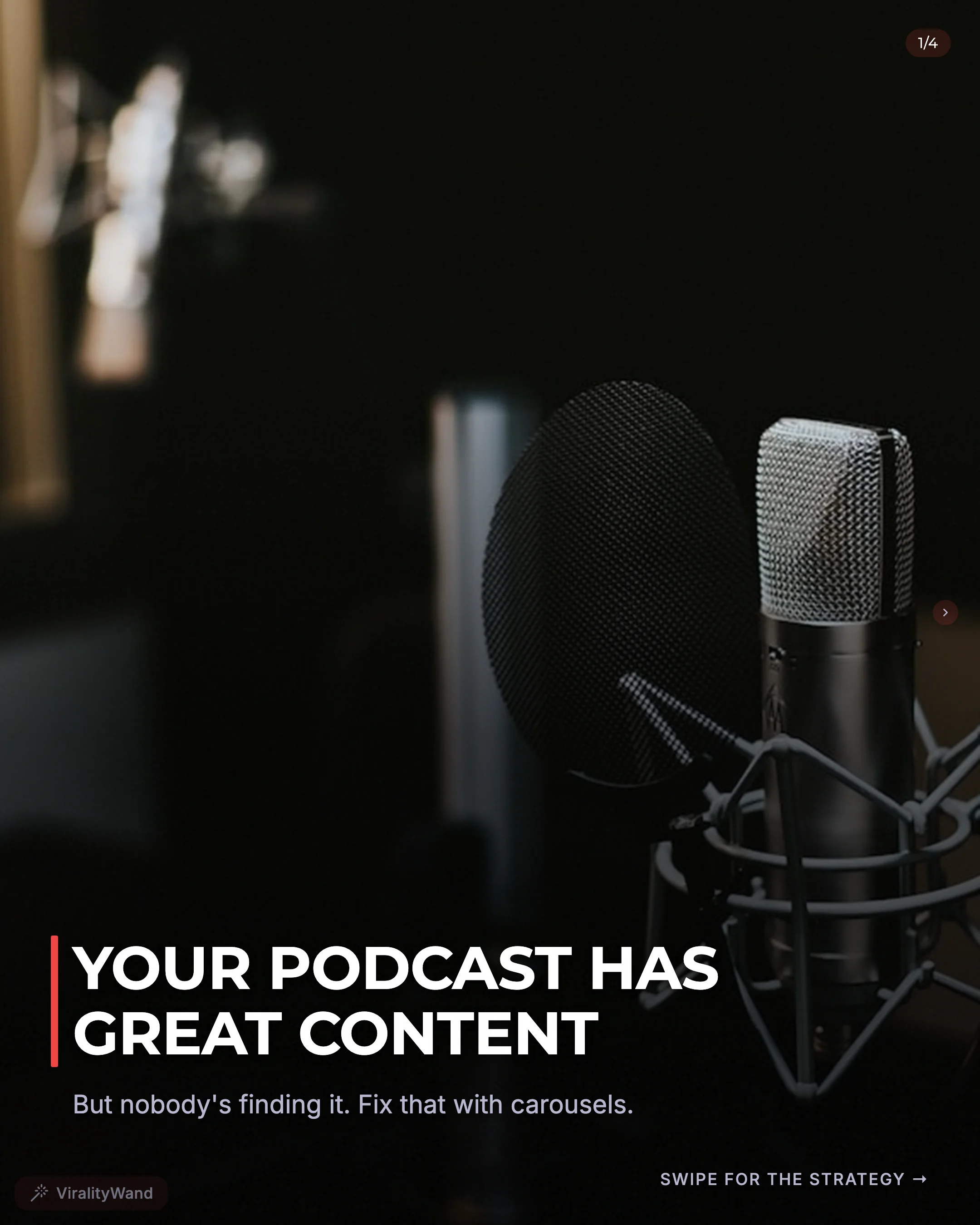
An AI carousel generator is a tool that takes your raw text — notes, ideas, blog excerpts, or even a single keyword — and turns it into a complete carousel post with a hook slide, body slides, CTA slide, caption, and hashtags. Generation speed varies with the brief, images, and service load; leave time to review the result.
If you're spending 1-3 hours per carousel post, that time isn't going toward the thing that actually grows your account: publishing consistently. This post breaks down what AI carousel generators produce, how they compare to doing it manually or using ChatGPT, and where they fall short.
The Content Creation Bottleneck
Here's the math most creators don't want to face. If you spend 2 hours creating a single carousel post and you want to post 5 times a week, that's 10 hours per week just on carousels. That's a part-time job.
The bottleneck isn't ideas. Most creators have plenty of ideas. The bottleneck is the formatting process:
- Writing a scroll-stopping hook
- Structuring 7-10 slides with one clear idea per slide
- Making sure the flow builds toward a CTA
- Writing a caption that drives engagement
- Selecting a small set of relevant hashtags
Each step has its own skill set. Writing hooks is different from writing captions. Structuring slides is different from picking hashtags. No wonder it takes hours.
The result? Most creators post inconsistently, burn out, or settle for lower-quality content just to keep up. The ones who post daily either have a team or have found a way to compress the creation process.
What an AI Carousel Generator Actually Produces
Not all AI carousel generators work the same way, but a good one should give you everything you need to publish — either as designed image slides or as text you bring to your own design tool. Here's what the output typically includes:
Hook Slide
The first slide is the most important. It determines whether someone swipes or scrolls past. A dedicated carousel tool can suggest several hook approaches — controversial takes, curiosity gaps, authority statements, fear/urgency, story openers, and listicle formats.
Example: Instead of "5 Tips for Better Productivity," you get "I wasted 3 years on productivity advice before learning this."
Body Slides (5-9 Slides)
Each slide covers one idea in 2-3 sentences. The key is that each slide should make the reader want to swipe to the next one. Good generators structure slides so they build on each other rather than just listing disconnected tips.
CTA Slide
The last slide tells the reader what to do — follow, save, share, comment, or visit a link. This isn't optional. Carousels without a CTA leave engagement on the table.
Caption
A caption that expands on the carousel content, adds context, and includes a call-to-action. Usually 100-300 words, formatted for readability with line breaks.
Hashtags
A shortlist of topic-specific hashtags. Choose only the ones that fit the post and the limit shown by the publishing app; a generated list is not an instruction to use every tag.
If you're getting all five of these components in one output, you've saved yourself the majority of the carousel creation process. You still need to check facts, wording, visual design, and platform preview before publishing.
The AI Slop Problem
Here's where most people get burned. You paste your idea into ChatGPT, ask it to write a carousel, and get back something that reads like a corporate press release crossed with a motivational poster.
You've seen the telltale signs:
- Every point starts with "In today's fast-paced world..."
- The hook uses words like "transformative" and "impactful"
- Every sentence sounds like it was written by a committee
- The output has no personality, no edge, no voice
This is AI slop. And your audience can smell it from three swipes away.
The problem isn't that AI wrote it. The problem is that generic AI models are trained on the entire internet, which means they default to the most average, most common phrasing for everything. When everyone uses the same tool with similar prompts, you get a feed full of content that sounds identical.
What Good AI Output Looks Like
Good AI-generated carousel content should be indistinguishable from what a skilled human creator would write. That means:
- Short, punchy sentences. Not compound sentences with three clauses.
- Specific, supported claims. Use your actual result and measurement period. If you have no data, show the process rather than inventing a growth figure.
- No banned phrases. If you see words like "unlock," "supercharge," "game-changer," or "in today's digital landscape," the tool has failed you.
- Conversational tone. It should sound like you talking, not a textbook.
The difference between a forgettable carousel and one that gets saved 500 times is usually in the writing quality of the first two slides. Treat writing checks as editing suggestions. A tool cannot verify your personal experience or guarantee that a post will perform.
ViralityWand: From Text to Carousel
ViralityWand is an AI carousel maker that generates complete carousel posts from any text input. Here's what the actual workflow looks like:
Step 1: Open the Editor
Open ViralityWand in your browser, create or sign into your account, and choose your carousel workflow.
Step 2: Paste Your Text
This is where the input flexibility matters. You can paste:
- A rough idea: "5 mistakes first-time founders make with hiring"
- A paragraph from your blog post
- A section from your newsletter
- A podcast transcript excerpt
- Just a keyword: "email marketing tips"
The editor works with whatever you give it.
Step 3: Get Your Complete Carousel
Generate a draft, then review its components:
- A hook slide with an opening suited to your brief
- 5-9 body slides, each with a single focused idea
- A CTA slide designed to drive follows, saves, or shares
- A full caption with context and engagement prompts
- A shortlist of relevant hashtags
Step 4: Get Your Visuals
You have two paths. Upload a photo and pick a visual style — ViralityWand renders designed PNG slides you can post directly. Or, if you prefer full design control, copy the text into Canva, CapCut, or whatever tool you already use and apply your own branding. You access it through your browser; AI generation uses online services.
Separate generation from review. Measure your own time from brief to publishable export, including corrections and design decisions.
What About Multiple Languages?
ViralityWand generates carousels natively in English, Portuguese, Spanish, and Hindi. Review the target-language draft for local phrasing, names, and examples before publishing. If you're targeting audiences in Brazil, Latin America, or India, you can produce localized carousels from the same input text.
Manual vs ChatGPT vs Dedicated AI Carousel Generator
Let's compare the three main approaches creators use today.
Writing Carousels Manually
| Aspect | Details |
|---|---|
| Time per carousel | Depends on research, design, and review |
| Quality control | Full control over voice and content |
| Hook quality | Depends on your copywriting skill |
| Structure | You need to know carousel best practices |
| Consistency | Hard to maintain daily posting |
| Cost | Free (but your time has value) |
Best for: Creators who enjoy the writing process and post 2-3 times per week. If you have strong copywriting skills and posting at a lower frequency works for your growth goals, manual is fine.
Using ChatGPT or Claude with Custom Prompts
| Aspect | Details |
|---|---|
| Time per carousel | Depends on prompting, edits, and design |
| Quality control | Requires prompt engineering skills |
| Hook quality | Generic unless you provide detailed hook instructions |
| Structure | You need to specify carousel format in your prompt |
| Consistency | Better than manual, but prompt fatigue is real |
| Cost | Free and paid options; check the provider’s current pricing |
Best for: Creators who already use ChatGPT for other tasks and don't mind spending time refining prompts. You'll get usable drafts, but you'll be editing heavily to remove AI-sounding language and fix the structure.
The hidden cost here is what I call the prompt engineering tax. You spend time writing and iterating on prompts, saving good ones, adjusting for different content types, and still end up manually restructuring the output into proper carousel format. That 10-30 minutes adds up.
Using a Dedicated AI Carousel Generator
| Aspect | Details |
|---|---|
| Time per carousel | Generation plus editorial and visual review |
| Quality control | Built-in hook templates and AI slop filtering |
| Hook quality | Suggested openings still need your judgment |
| Structure | Automatic carousel structure (hook, body, CTA) |
| Consistency | Easy to create 1-2 carousels per day |
| Cost | Check current ViralityWand pricing and credit costs |
Best for: Creators who want to post daily or near-daily and need to compress creation time as much as possible. Also ideal for creators who want to repurpose long-form content into carousels at scale.
Honest Limitations
No tool is perfect, and pretending otherwise would be dishonest. Here's where AI carousel generators — including ViralityWand — have real limitations:
Visuals depend on the tool. Some AI carousel generators only produce text, leaving you to design slides yourself. ViralityWand can also render designed PNG slides — upload a photo, pick a visual style, and get ready-to-post images. If you prefer full design control, you can still take the text output into Canva, CapCut, or your own tool.
Your personal stories need personal input. If your best-performing carousels are deeply personal stories or case studies, you'll need to provide that context as input. The AI can structure and enhance your story, but it can't invent your experiences.
Not every output is a banger. Some generations will be good, some will be great, and occasionally one won't hit the mark. That's true of human writing too. Compare revisions against your original brief rather than generating endlessly.
It won't replace your taste. You still need to evaluate whether the hook feels right, whether the slides flow well, and whether the CTA matches your goals. The tool accelerates creation — it doesn't replace editorial judgment.
Who Should Use an AI Carousel Generator?
This type of tool makes the most sense if you:
- Want to post carousels daily or multiple times per week
- Have plenty of ideas but hate the formatting process
- Already create long-form content (blogs, newsletters, podcasts) and want to repurpose it into carousels
- Need to create content in multiple languages
- Value your time at more than $5/hour (because the math on manual creation doesn't work otherwise)
It makes less sense if you post once a week and enjoy the creative process of writing each carousel from scratch. Nothing wrong with that approach — it's just a different set of priorities.
Try It
Create a free account, open the editor, and paste a short brief. Check pricing for the current welcome allowance and generation costs.
Keep the draft if it communicates your idea accurately and saves review time. Rewrite or discard it if the result does not meet your standards.
You can also read our step-by-step guide to creating viral carousel posts or check out 15 carousel hook examples that stop the scroll.
It feels good to have your first carousel going viral 😏
Just your idea, click-clack and voila! ViralityWand made just for that
A few clicks. Ready to edit and post.