Instagram Carousel Size in 2026: Dimensions, Safe Zones, and Export Checklist

Use 1080 × 1350 px for a portrait Instagram carousel. That is a 4:5 ratio and gives your idea more screen space in the feed.
The file size is the easy part. Readability decides whether anyone reaches slide two.
Safe layout numbers
Keep important text away from the edge:
Canvas: 1080 × 1350 px
Outer margin: at least 80 px
Text width: roughly 780–880 px
Cover headline: 5–10 words
Body slide: one idea
Export: PNG or high-quality JPG
Place page numbers, arrows, and small labels inside the same safe margin. Instagram crops previews in different surfaces, so the central message should survive without the edges.
The cover check
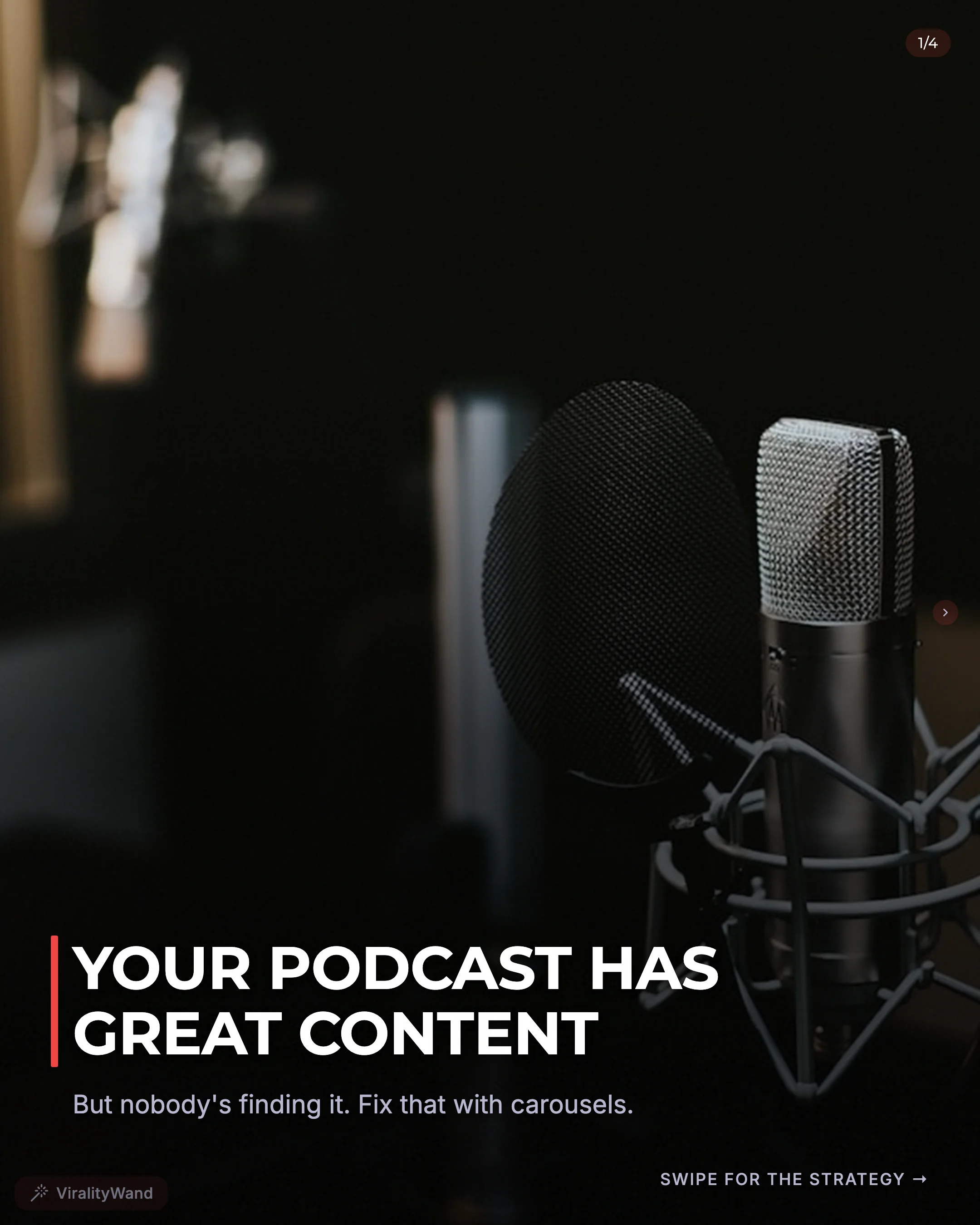
Shrink your cover until it is roughly the size it appears on a phone. You should still understand:
- who the post is for;
- what they get;
- why they should swipe now.
If the headline needs a subtitle to make sense, simplify the headline.
Before you upload
[ ] Every slide uses the same dimensions
[ ] Text is readable at phone size
[ ] Nothing important touches the edge
[ ] Slide one makes one clear promise
[ ] Slide two keeps that promise moving
[ ] Final slide gives a useful takeaway
[ ] Files are numbered in posting order
Already have the slides? Use the Instagram Image Resizer to fix dimensions in the browser. Starting with a PDF? The PDF to Instagram Carousel Converter turns every page into a numbered slide.
Treat these numbers as design guidance
The 80 px margin and text-width ranges above are starting points for this 4:5 layout, not Instagram-required safe zones. A profile thumbnail, feed crop, and shared preview can frame the same post differently.
Preview the whole deck in the publishing app. Check the first slide in the profile grid, inspect text near the edges, and keep the same canvas dimensions across slides. Confirm supported upload ratios in Instagram’s photo-resolution guidance before changing the export size.
It feels good to have your first carousel going viral 😏
Just your idea, click-clack and voila! ViralityWand made just for that
A few clicks. Ready to edit and post.