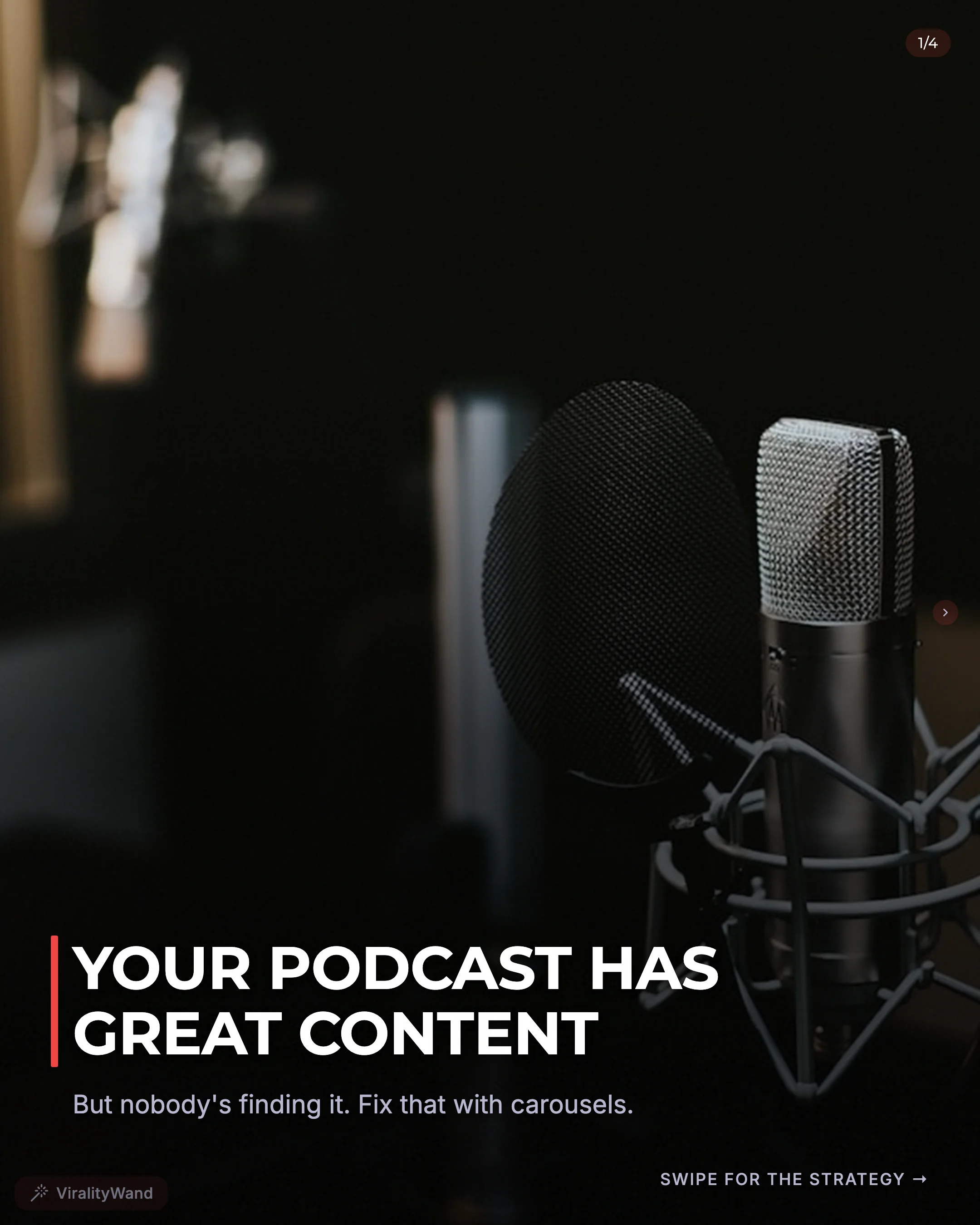
TikTok Carousel Posts: The Complete Guide for 2026

A TikTok carousel post (officially called "photo mode") is a swipeable multi-image format that lets you post up to 35 photos in a single TikTok. Use it when your idea works as a sequence of images, short explanations, or examples.
Adapting an Instagram carousel for TikTok gives you another place to test the idea. Check your own audience response rather than assuming lower competition or extra reach.
This guide covers everything: how TikTok carousels work, how they differ from Instagram, what content types perform best, and a step-by-step process to create them.
What Is TikTok Photo Mode?
TikTok launched photo mode as a dedicated format for static image content. Before photo mode, creators could only post images as slideshows set to music — essentially a video of photos. Photo mode changed that by letting users swipe through images at their own pace, exactly like Instagram carousels.
Key specs for TikTok carousels in 2026:
- Up to 35 images per carousel (Instagram caps at 20)
- Recommended aspect ratio: 9:16 (vertical, full-screen)
- Use one consistent canvas size and inspect the upload preview for cropping
- Check the caption limit in the app; API photo descriptions allow up to 4,000 UTF-16 code units
- You can add music/sound to photo mode posts
- Each image can be edited individually within the TikTok app
The 9:16 vertical format is critical. Unlike Instagram where 1:1 (square) and 4:5 work well, TikTok carousels are consumed on full-screen vertical feeds. A 1:1 carousel on TikTok will have dead space above and below — which may change how the design fits.
How TikTok Carousels Differ From Instagram Carousels
The two formats look similar on the surface but behave differently in important ways. Understanding these differences determines whether your carousels perform on TikTok or flop.
Measure the Result on Each Platform
Track each platform separately. A post that attracts qualified questions on TikTok may be useful even if its save count differs from Instagram. Neither platform publishes a universal carousel ranking weight or guaranteed format boost.
Choose one primary goal before posting, keep a consistent observation window, and compare several relevant posts instead of treating one outlier as a rule.
Audience Behavior
Instagram carousel users tend to swipe deliberately. They expect educational or informational content and will read text-heavy slides carefully.
TikTok users swipe faster. They're conditioned by short-form video to move quickly. Your slides need to be more visually striking and less text-dense than what works on Instagram.
Rule of thumb: If your Instagram carousel slides have 30-40 words each, your TikTok versions should have 15-25 words per slide. Bigger fonts, bolder statements, less explanation per slide.
Content Expectations
On Instagram, polished, branded carousels perform well. Consistent colors, fonts, and layouts signal professionalism.
On TikTok, overly produced content can actually hurt performance. The platform rewards authenticity. Text-on-photo carousels, screenshot-style content, and "raw" formats often outperform highly designed slides.
This is actually good news — it means TikTok carousels are faster to create.
Format Differences at a Glance
| Feature | Instagram Carousel | TikTok Carousel |
|---|---|---|
| Max slides | 20 | 35 |
| Best aspect ratio | 4:5 or 1:1 | 9:16 (vertical) |
| Music/audio | Available for eligible photo posts | Available; check account and sound rights |
| Algorithm reach | Followers + Explore | For You Page (broader) |
| Sharing | Use the options available on the post | Use the options available on the post |
| Text density | Higher (30-40 words/slide) | Lower (15-25 words/slide) |
| Design style | Polished, branded | Raw, authentic |
| Caption length | Check the current composer | Check the current composer; API descriptions allow 4,000 UTF-16 units |
Content Types That Crush It on TikTok Carousels
Not every Instagram carousel translates to TikTok. These are the content formats that consistently perform best in TikTok's photo mode:
1. Hot Takes and Controversial Opinions
TikTok thrives on debate. A carousel that opens with a bold claim and backs it up across slides generates comments — and a useful disagreement can start a conversation.
Example: A fitness creator posting "The planning mistake that made my workouts harder to maintain." Each slide explains one change from the creator’s own experience.
2. Photo Dumps With Context
The "photo dump" carousel — a collection of related images with text overlays — is native to TikTok's culture. Unlike Instagram where photo dumps feel casual and low-effort, on TikTok they feel authentic.
Example: A travel creator posting 10 photos from a trip with one-line captions on each: "The restaurant nobody talks about," "This view cost $0," "Don't skip this neighborhood."
3. Step-by-Step Tutorials
Tutorial carousels work on both platforms, but TikTok rewards shorter, punchier tutorials. Think "5 steps" not "15 steps."
Example: "How to write an Instagram bio that converts — in 5 slides." Each slide is one action with a single-sentence explanation.
4. Before/After Transformations
Transformation content is TikTok's bread and butter. A carousel that shows a before state on slide 1 and reveals the after across subsequent slides creates a natural swipe incentive.
Example: A designer showing "Client brief: 'make it pop'" on slide 1, then the iterative design process across slides 2-8, ending with the final result.
5. Relatable Lists
Lists that tap into shared experiences generate saves and shares. The less polished, the better — these should feel like someone wrote them on their phone.
Example: "Things I wish someone told me before I started freelancing" — one slide per item, simple text on a solid background.
6. Myth-Busting Series
Take 5-7 common myths in your niche and debunk each one on a slide. This format creates natural slide-by-slide progression and encourages comments from people who believed the myths.
Example: "5 skincare myths your dermatologist is tired of hearing." Each slide states the myth and the reality.
How to Create a TikTok Carousel: Step by Step
Step 1: Plan Your Content
Start with a single message or takeaway. What's the one thing you want the viewer to remember? Everything else supports that core message.
Choose a content format from the list above. Match it to your niche and audience.
Starting slide count: Try 5–10 slides when that is enough to answer the question. This is a drafting suggestion, not an official performance threshold. Remove repeated slides and keep the useful examples.
Step 2: Write Your Slides
Write your hook slide first. This is the most important slide — it determines whether anyone sees the rest. For hook formulas and examples, check out 15 Carousel Hook Examples That Stop the Scroll.
Then outline one idea per slide. Keep each slide to one concept with minimal text.
For TikTok specifically:
- Use larger font sizes than you would for Instagram
- Front-load each slide — put the key point at the top
- Use contrast (light text on dark, or vice versa)
- Write in conversational language, not formal copywriting
Step 3: Create Your Slides
You have three options:
Option A: In TikTok's app. Open TikTok, tap the + button, select "Photo" mode, and add your images. You can edit, add text, and add filters directly in the app. Best for photo dumps and casual formats.
Option B: Design externally. Use Canva, Figma, or CapCut to design slides at 1080x1920px (9:16). Export as PNG and upload to TikTok. Best for text-based educational carousels where you want consistent formatting.
Option C: Screenshot style. Type your content in a notes app, take screenshots, crop, and upload. This "raw" format actually performs well on TikTok because it feels authentic. Works for hot takes and relatable lists.
Step 4: Write Your Caption
Use the caption to add context the images do not provide. Check the current composer’s limit before publishing.
Keep your TikTok caption to 1-3 sentences. Front-load it with a hook or question. Add 3-5 relevant hashtags.
Example caption: "Slide 4 is the one nobody talks about. Which one surprised you? #carouseltips #contentcreator #tiktokgrowth"
Step 5: Add Music
This is where TikTok carousels get an edge over Instagram. Choose a sound that fits the story and that you have permission to use. A popular track is not a guaranteed distribution boost.
Choose music that fits the vibe of your content. Upbeat for motivational, chill lo-fi for educational, audio that suits the story.
Step 6: Post and Optimize
Choose a posting window: Start with audience activity in your analytics. Compare several posts across consistent time windows and account for topic differences.
Reply to useful comments. Answer questions when you can, and save recurring questions for follow-up posts. Avoid treating the first hour as a guaranteed ranking lever.
Cross-Posting: Instagram to TikTok (and Back)
If you're already creating carousels for Instagram, adapting them for TikTok is faster than starting from scratch. But don't just cross-post the same images — that rarely works.
Adaptation checklist:
- Resize to 9:16. Instagram's 4:5 or 1:1 slides will have dead space on TikTok. Rebuild or crop for vertical.
- Cut text by 30-40%. What works on Instagram is too dense for TikTok. Simplify each slide.
- Make the hook bolder. TikTok scrolling is faster. Your hook needs to work in 1 second, not 2.
- Add audio. No-audio carousels feel incomplete on TikTok.
- Adjust your CTA. "Save this" is an Instagram behavior. On TikTok, "Share this with someone" or "Follow for more" works better.
Going from TikTok to Instagram, check the crop, reading size, and caption context. Keep or change audio according to the account’s available features and rights.
Decide Whether Photo Posts Fit Your Work
Photo posts are worth testing when you already have useful images or a story that benefits from swiping. Reuse the core idea, then change the crop, text size, and caption for the destination.
Keep the format if it attracts the audience and actions you want. For a repeatable writing process, read How to Create Viral Carousel Posts.
Create and Review Your Cross-Platform Draft
The biggest friction point with cross-platform carousels is creating content twice. Different formats, different text density, different tone — it adds up.
ViralityWand generates carousel content optimized for both Instagram and TikTok from a single text input. Paste your notes, an idea, or even just a keyword into the editor, and it produces the full carousel: hook slide, value slides, CTA slide, caption, and hashtags — ready for your editorial review.
Create a free account and check pricing for the current allowance. Draft in the browser, then review and export for the platform you will use.
Check the platform rules before exporting
TikTok’s photo posting API reference documents up to 35 photos and a description limit of 4,000 UTF-16 code units. API limits describe that integration; the app’s composer is the final check for a manual upload.
For a brand or product promotion, check TikTok’s commercial music guidance before choosing a track. Preview the deck on the phone you will use to publish.
It feels good to have your first carousel going viral 😏
Just your idea, click-clack and voila! ViralityWand made just for that
A few clicks. Ready to edit and post.