Rough note to post
Turn a rough idea into a post
Bring a rough note about your offer, plus who it is for and what reply you want. ViralityWand develops it into a structured post draft.
Create from my ideaYour brief opens after sign-in, where you add your own text and photos.
AI uses credits. Free exports include a watermark. Pricing
Fictional example for Harrow Lane Works, a coworking operator pitching a midweek team day. The meeting-room photo is illustrative stock.
What you bring
Start with what you already have.
Your rough note
A note from your phone
Could we sell a focused team day? One room with a long table. Arrive 9, focused work 10 to 12:30, lunch at 1, second work block 2 to 3:30, review 3:30, finish 4. Tuesdays and Wednesdays. Ask for their preferred date and group size.
View example instructions
Could we sell a focused team day? One room with a long table. Arrive 9, focused work 10 to 12:30, lunch at 1, second work block 2 to 3:30, review 3:30, finish 4. Tuesdays and Wednesdays. Ask for their preferred date and group size.
Audience: coworking operators selling a room. Goal: team-day enquiries with a date and group size. Slides: 1 cover, headline TEAMDAY, kicker A MIDWEEK, body 'One room. A focused team.' 2 the morning, 9 to 12:30. 3 lunch at 1, then work 2 to 3:30. 4 review at 3:30, finish at 4. 5 ask for a preferred Tuesday or Wednesday and a group size.
Use this example text →Text only. Choose a template and add any photos in the app.Your editable post
A five-slide draft: offer, morning, afternoon, review, enquiry.
Make it yours
From note to draft
- 01
Paste your note
Add your rough idea, the details that matter and the reply you want back.
- 02
Choose a template and create.
Choose Develop my idea and a template, then press Create.
- 03
Edit and export
Adjust text and photos, then export PNG slides or a ZIP.
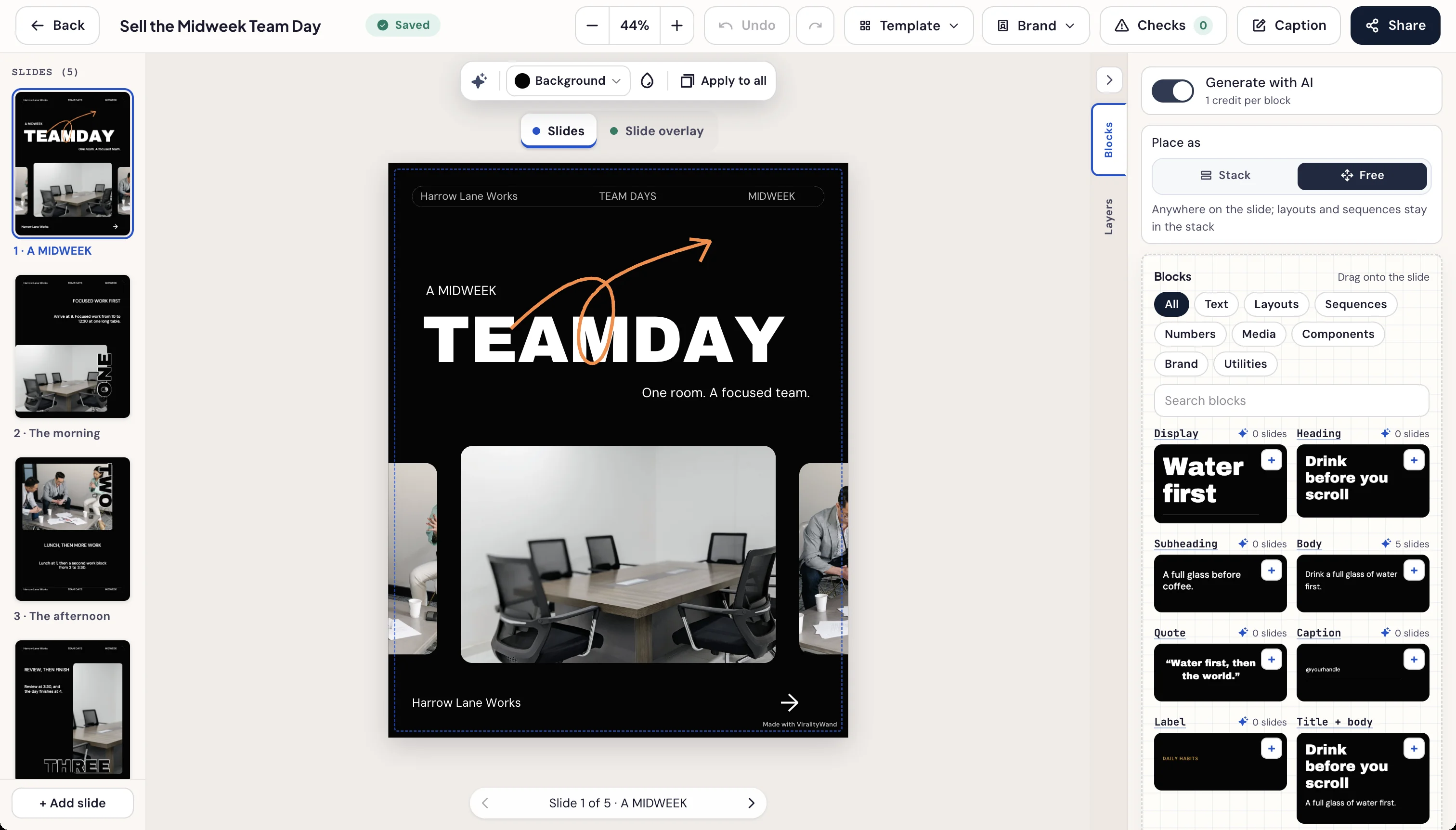
Your draft stays editable.
Watch this example in the real editor.
Show the detailed steps for this example
- Paste your note. On Home, type or paste the rough note into the field for your idea or source text. Mention the room, the hours, the two weekdays and the reply you want.
- Pick the mode and the template. Open Settings, then Writing, and choose Develop my idea so the draft grows from your note. Then open Template, search your own template, set How it applies and choose Follow.
- Create and review the five slides. Press Create and read the slides in order: the offer, the morning, the afternoon, the review and the enquiry. Check the hours and the two weekdays against your note.
- Edit, then export. Edit the text and crop the room photo where it needs it. Then open Share and choose Download ZIP. Read the hours once more and fact-check them before you publish. Unzip the file to get the individual PNG slides.
The demonstration uses a dedicated local template. It is not automatically loaded by the creation button.
A few things you might be wondering
How detailed should my rough note be?
Include the offer, the details that matter and the question you want answered. A bare topic gives the draft much less to work with.
Can I edit the draft after it is generated?
Yes. Every slide is editable, including the native text and the layout, so you can rewrite or reorder anything.
Can I paste a URL instead of text?
No. ViralityWand accepts pasted text and your own uploaded photos. There is no URL or audio import.
What does generation cost?
Generating a post uses credits. There is a free starting allowance, and free exports carry a watermark. Paid plans remove the watermark.
See pricing →Find your starting point
Choose a look for your post
Select a template to see it in the phone.
Start from the note you already have
One rough note is enough to begin. Check the details once, then export.
Create from my ideaAI uses credits. Free exports include a watermark. Pricing

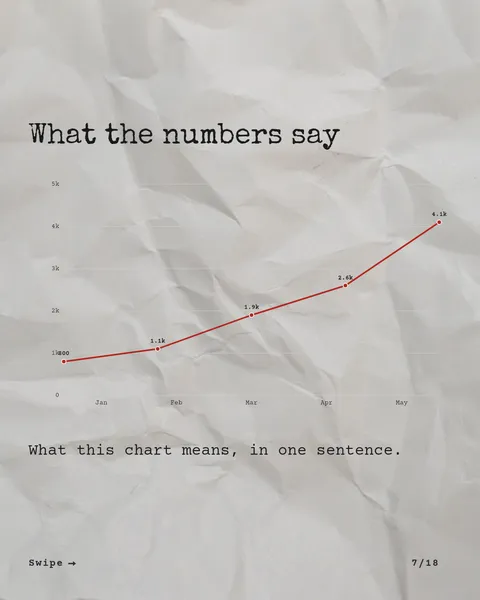
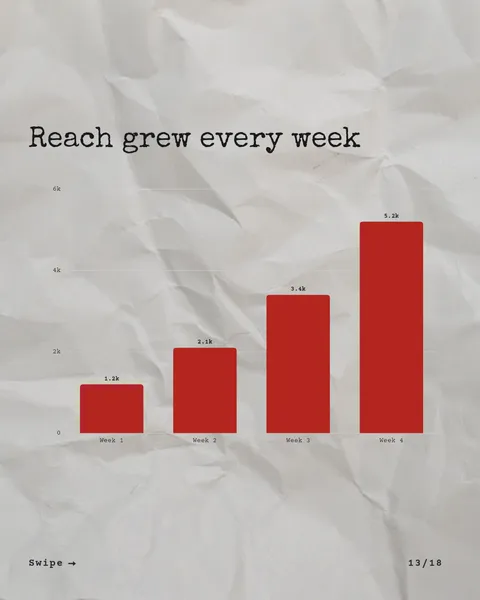
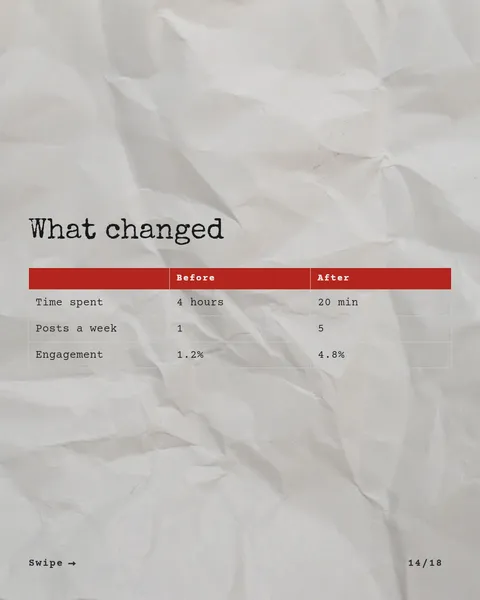
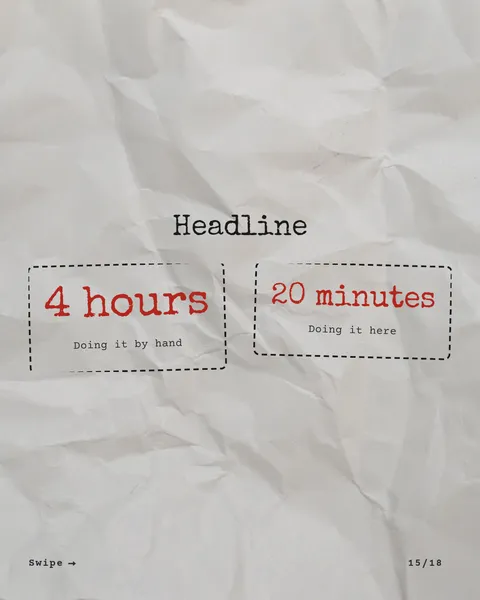
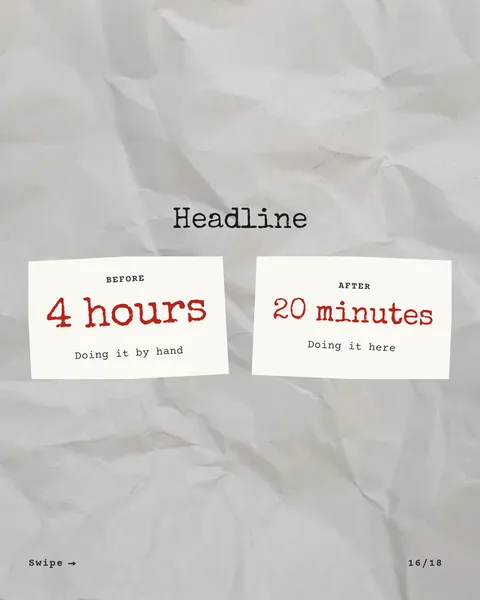
Paper Story · Crumpled Typewriter

Paper Story · Lined Notebook




Viral Post Tips · Photo Journal

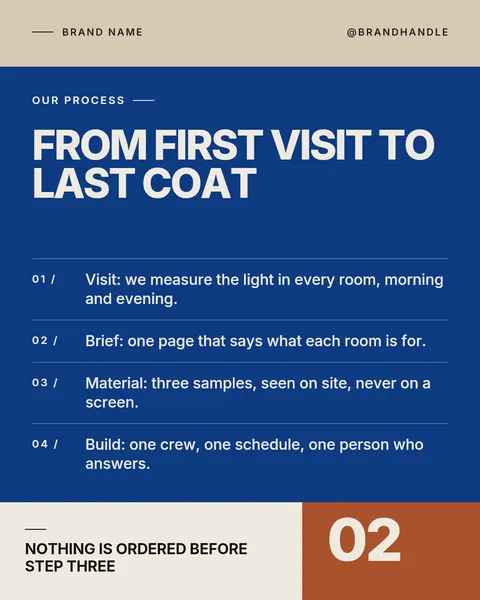
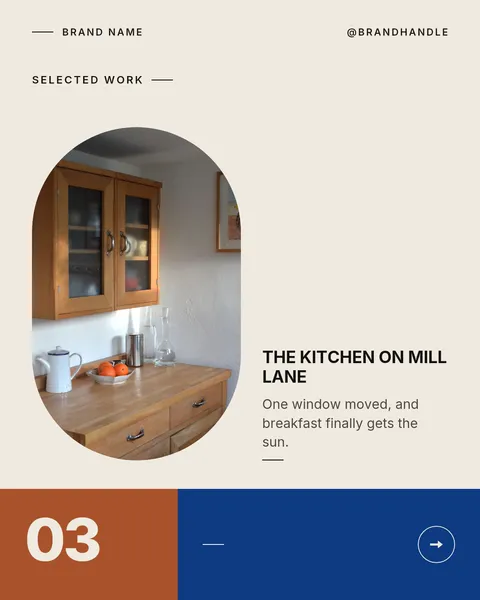
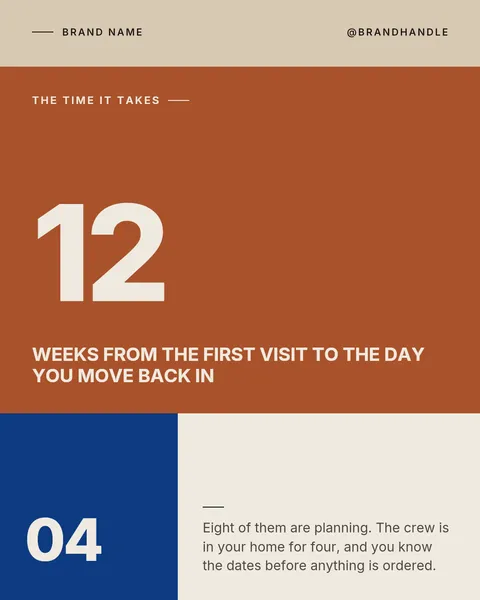

Cobalt Grid
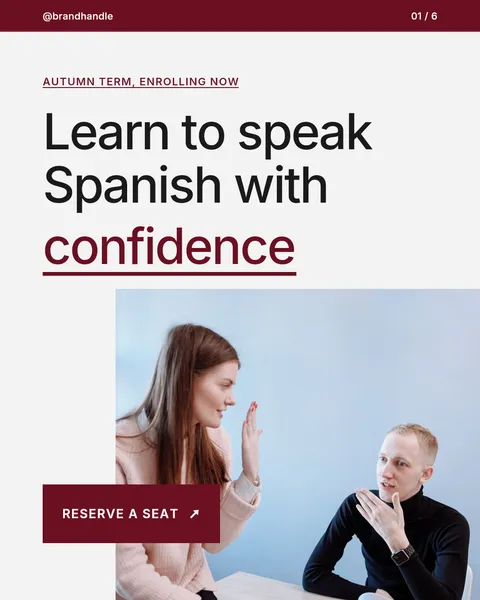
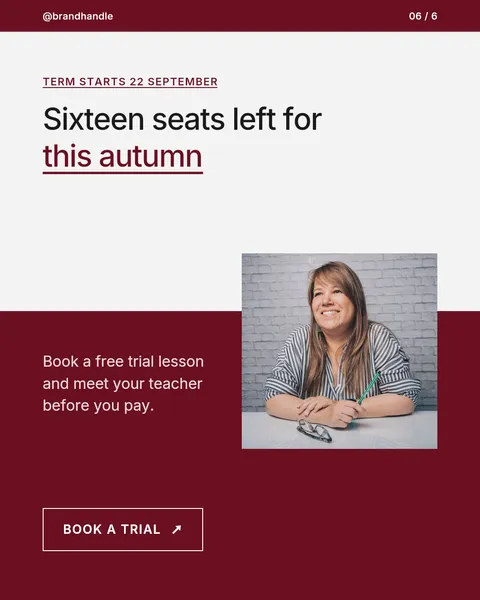
Maroon Academic
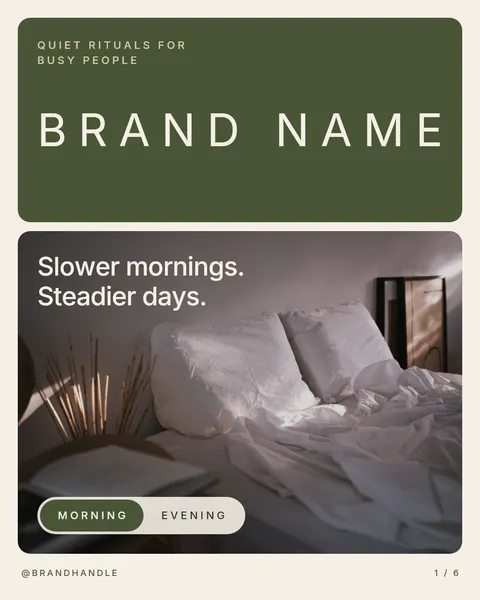
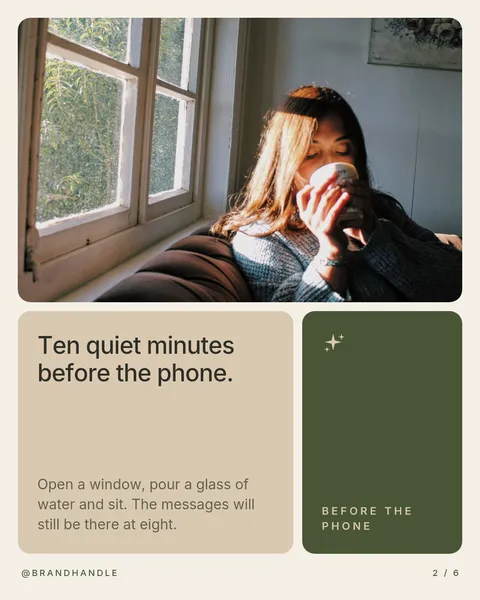
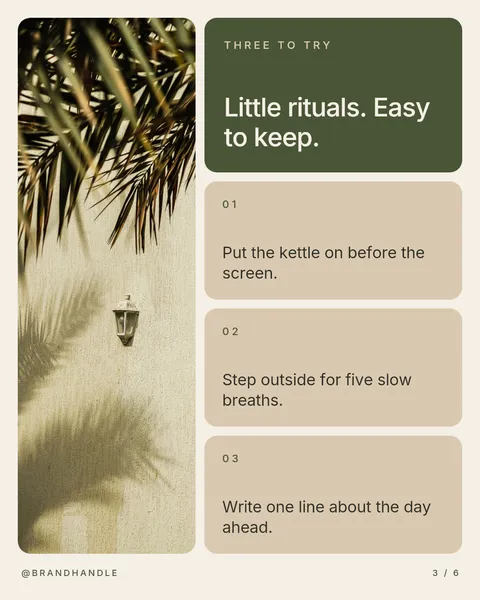
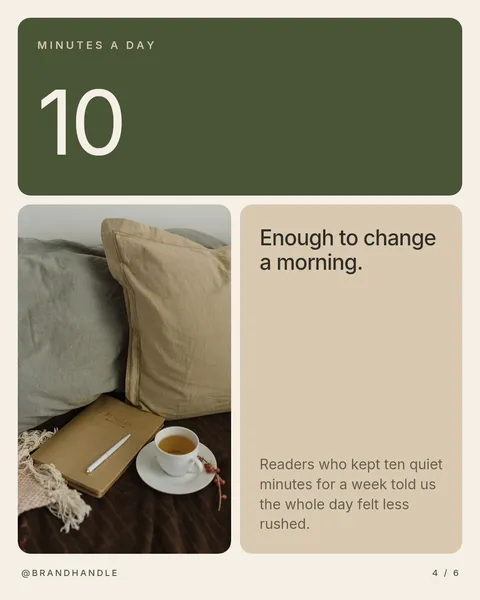
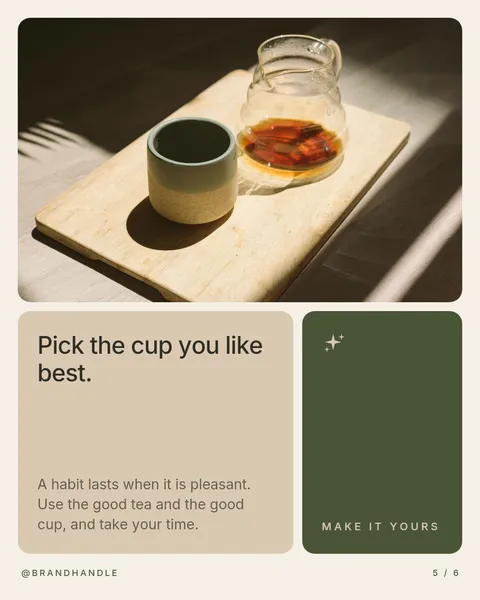
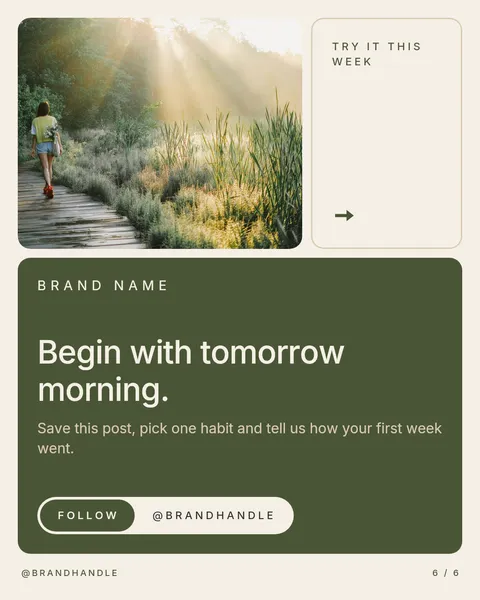
Olive Calm
About this example
Fictional example for Harrow Lane Works, a coworking operator pitching a midweek team day. The meeting-room photo is illustrative stock.Midweek Focus follows the slide composition of Orange and Black Bold Modern Business Tips Instagram Post by Boroo Studio on Canva. Rebuilt as an editable ViralityWand template with new text and separately licensed photographs. The linked design belongs to its original creator.
Photography: Aheed Baithul Nafia Felicity Tai · Pexels licence.