Client posts,
without starting from scratch
Paste a client brief, edit the post slides, then save the template so next month's post starts from a layout you've already built.
Example post
Studio Content Kit
Loop Studio Social, a fictional agency, pitches a fitness studio twelve posts a month, one shoot day and two review rounds.
Create a post
Pitch a monthly content package visually.
Start with the package details. Use the editor to build a post that shows the process and answers common client questions.
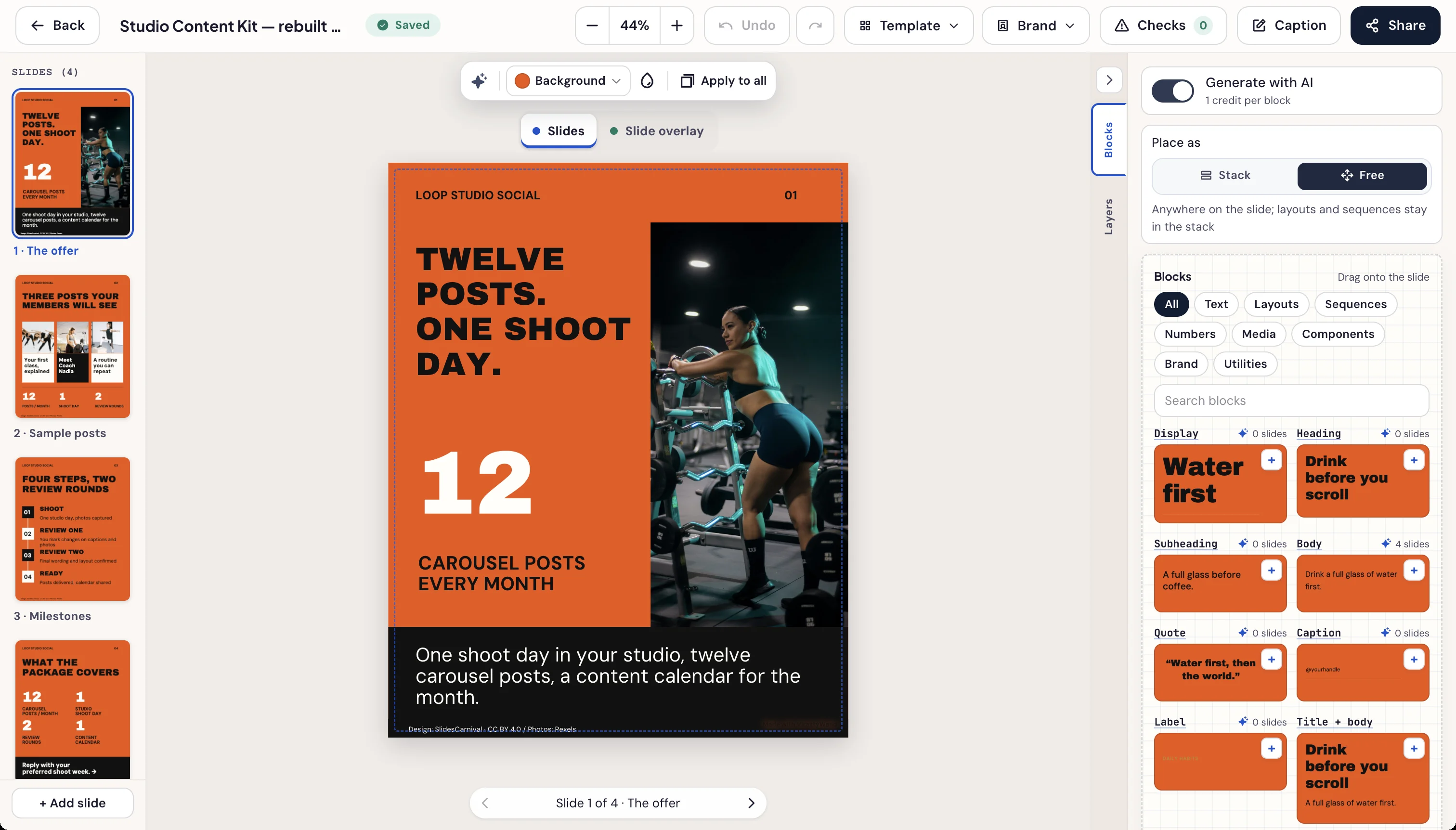
Pitch notes for a monthly package of twelve posts, one shoot day, and two client review rounds.
Enter package details
Add the fixed monthly offering, shoot days, and review rounds you provide.
Select a template
Pick a template with clear columns suitable for explaining a workflow.
Build your pitch
Adjust the copy, add any studio photos, and finalize the post flow.
How to make yours
- Enter your topic or initial notes
- Choose a template and optionally upload photos
- Click Create and edit the draft text, images, and crops
- Review and use the Share panel to export
Questions about client work
Can I change the slides after the draft appears?
Yes. Text, photos and layout all stay editable. Rewrite a headline, swap an image, or move a section, then export the version you want.
Can I use one template for several clients?
Save the template and reuse it. Open it for the next client, replace the words and photos, and keep the structure you already set up.
Does ViralityWand publish the post?
No. You export the slides and post or share them yourself, from your own accounts, whenever the client is ready.
Find your starting point
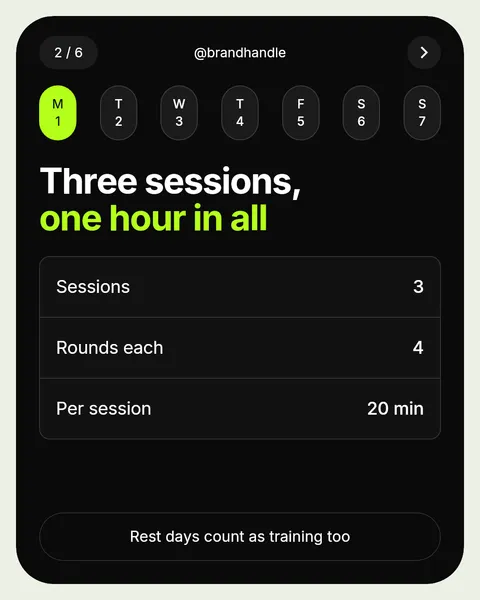
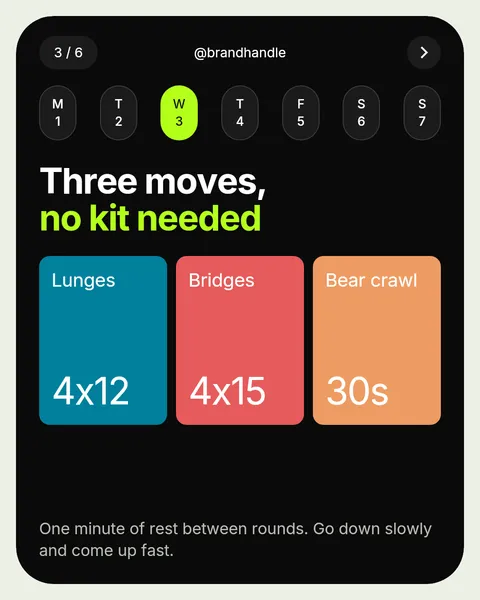
Choose a look for your post
Select a template to see it in the phone.
Make your next client post
Paste the client brief and the first draft appears in the editor.
Create a post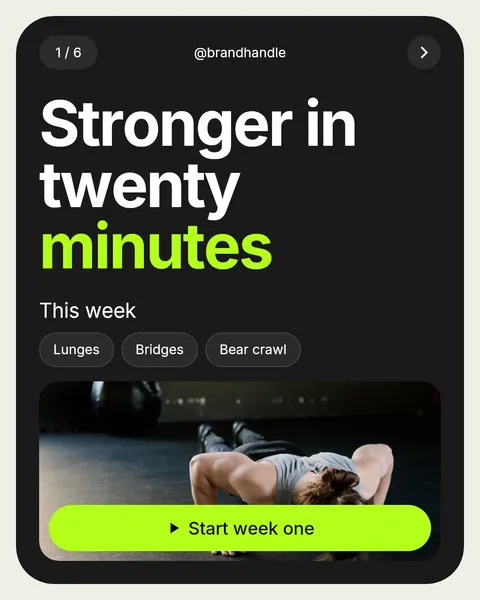
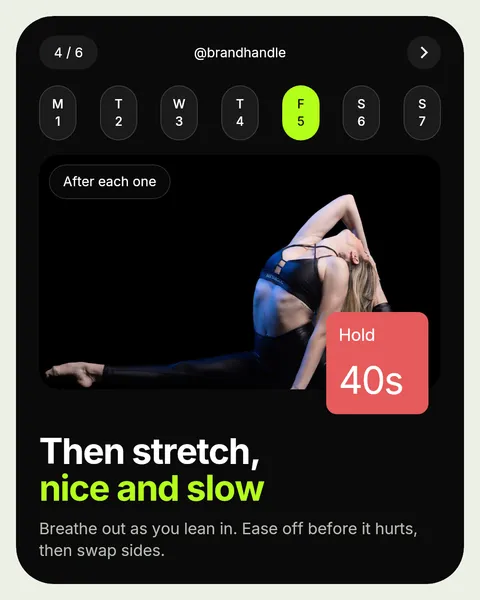
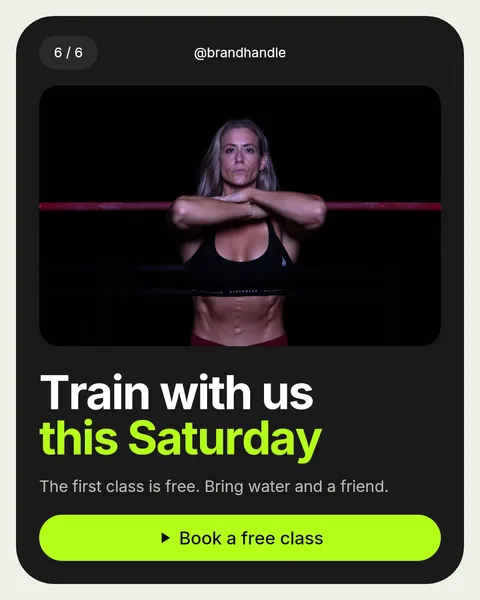
Neon Gym
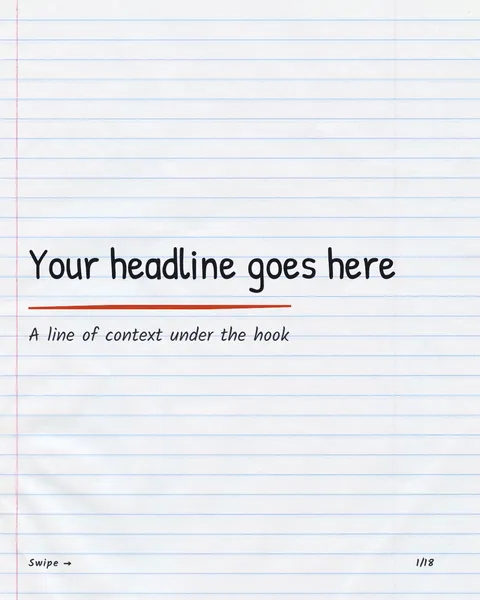




Paper Story · Lined Notebook



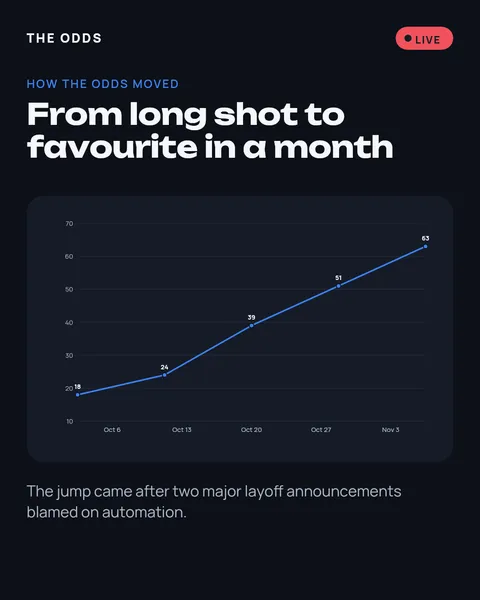
News · The Odds (prediction markets)
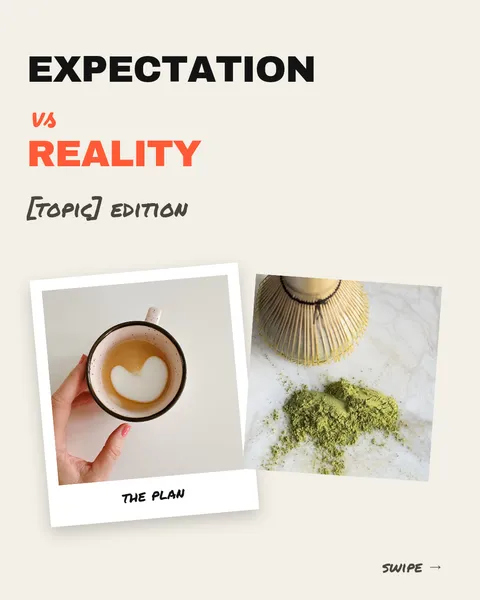
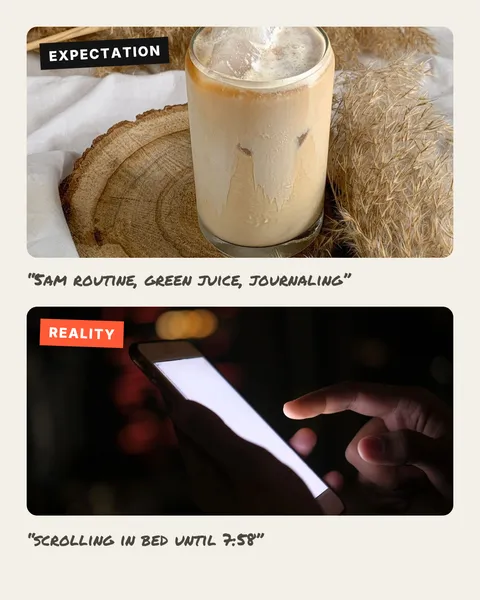

Compare · Expectation vs Reality
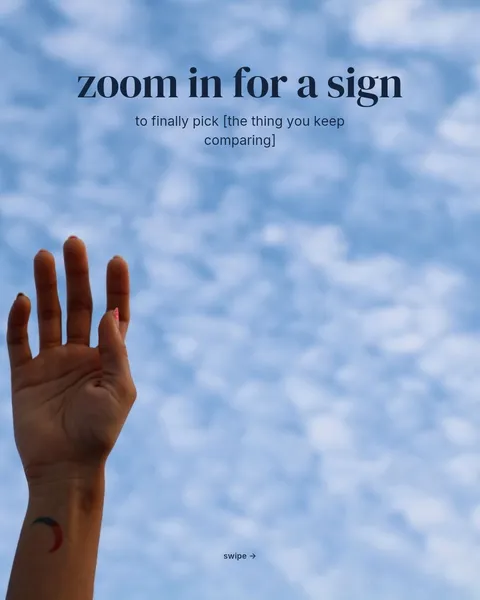
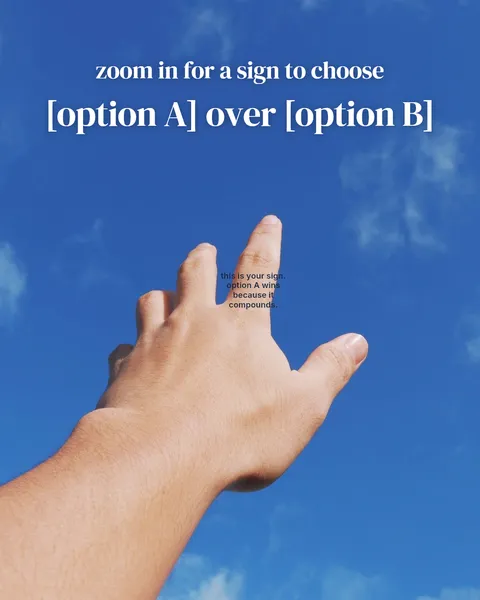

Compare · Zoom In For A Sign

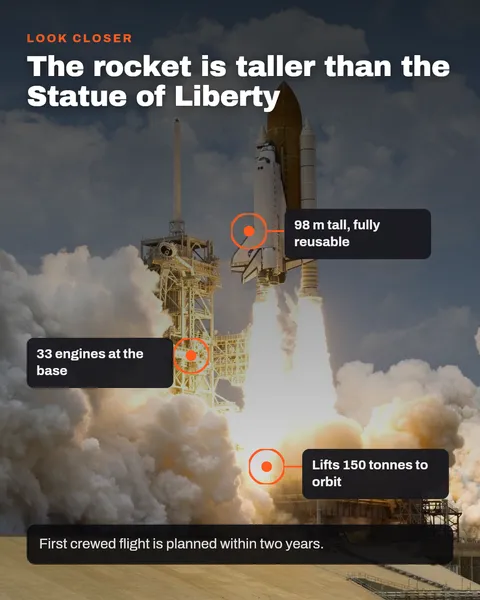
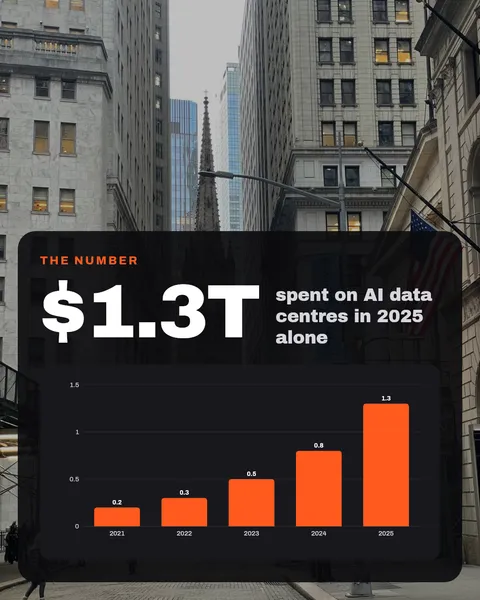
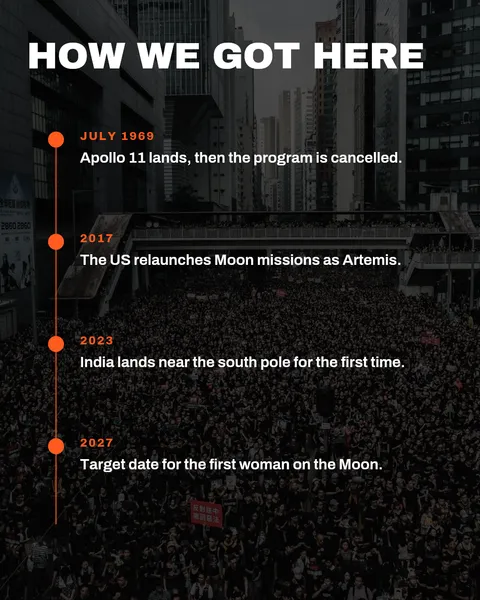

News · Photo Explainer