Make your next swipe worth saving.
Turn tips, product photos and tutorials into posts your audience can save and share.
Your photos. Your colours. One consistent feed.
Explore Instagram →Choose your audience, your platform or the result you’re working towards. See what you can create, how it works and where ViralityWand fits.
Your content, in the feed it’s made for. Swipe through real ViralityWand examples.
Turn tips, product photos and tutorials into posts your audience can save and share.
Your photos. Your colours. One consistent feed.
Explore Instagram →Turn a client result, a framework or an industry insight into a document that shows what you know.
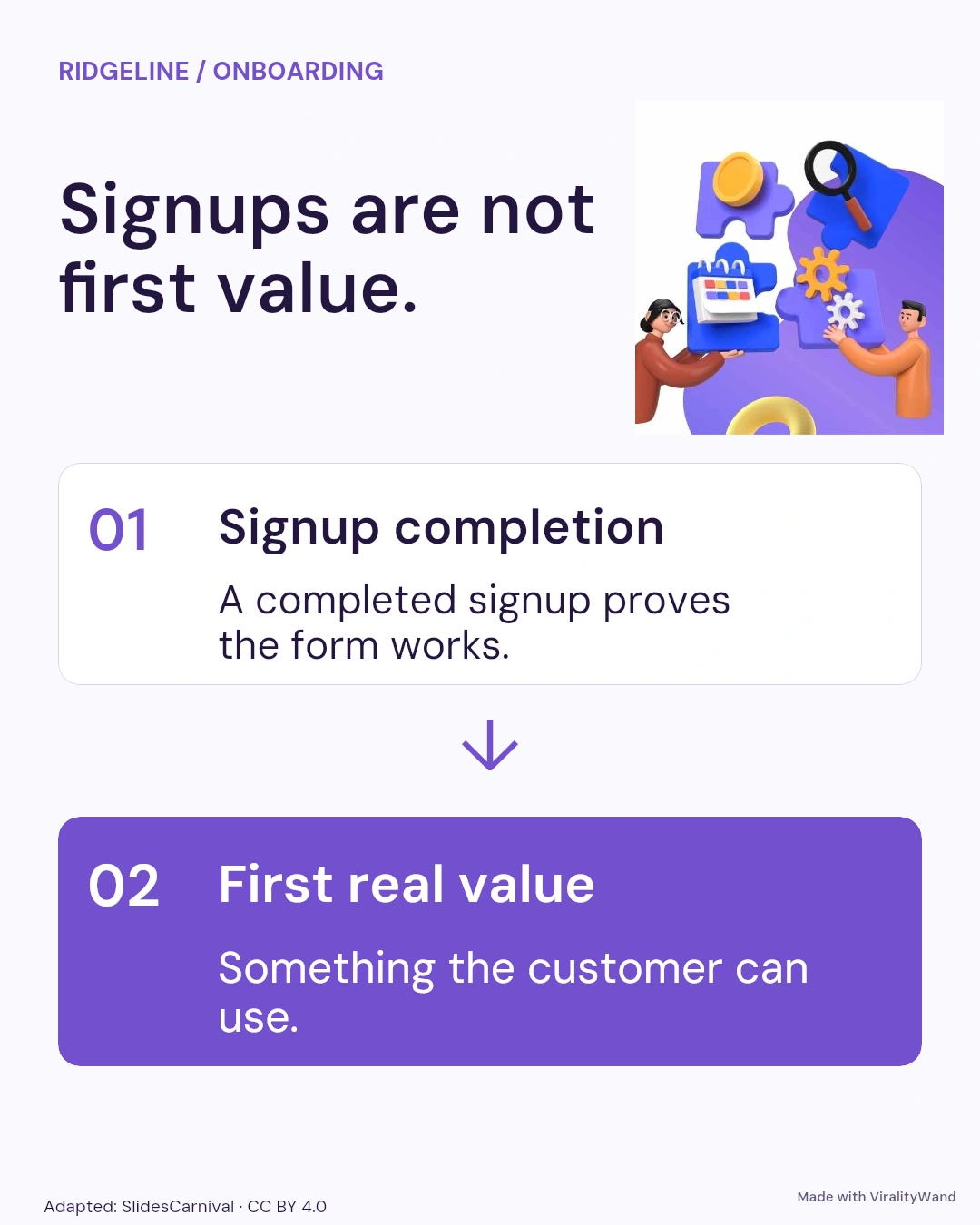
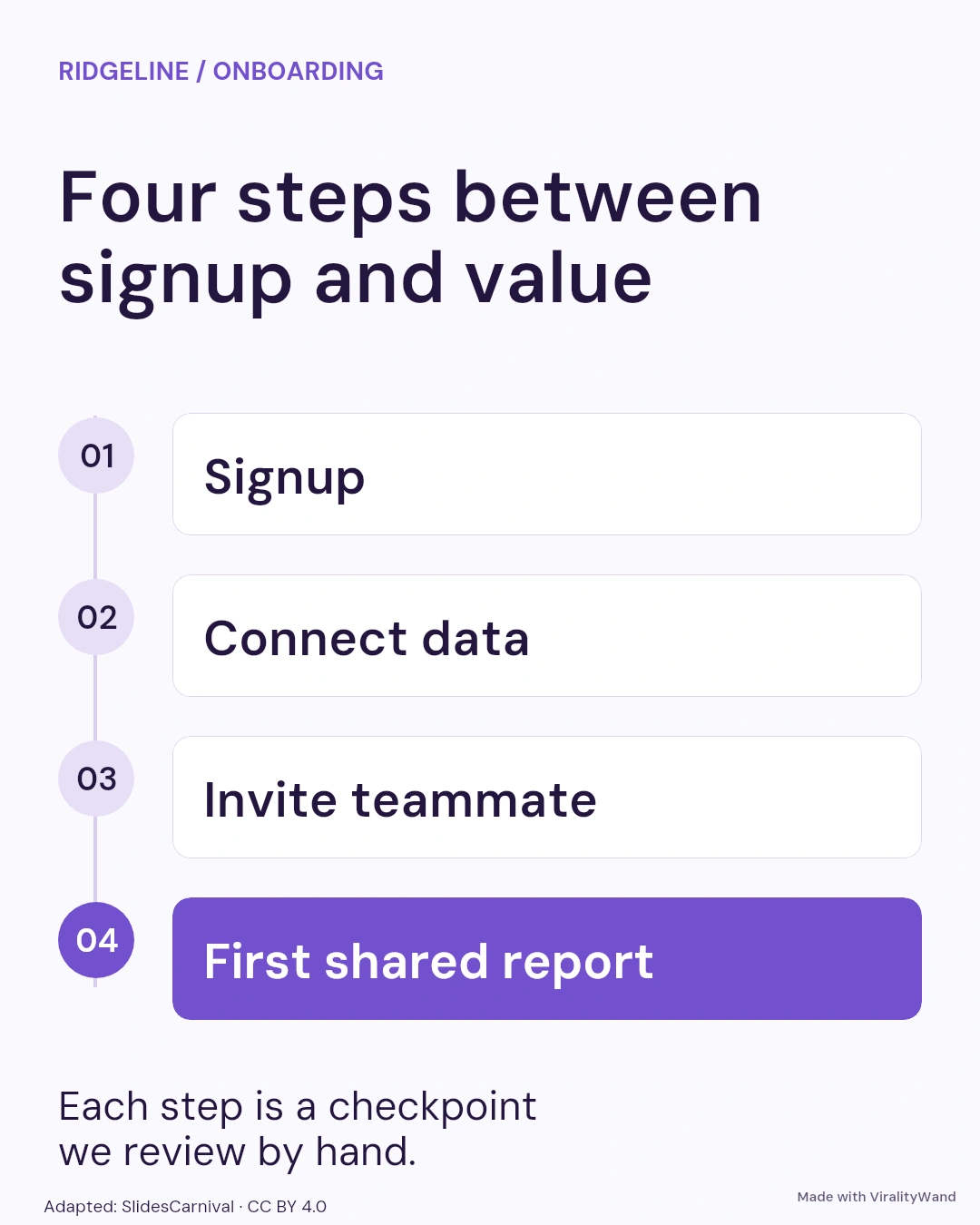
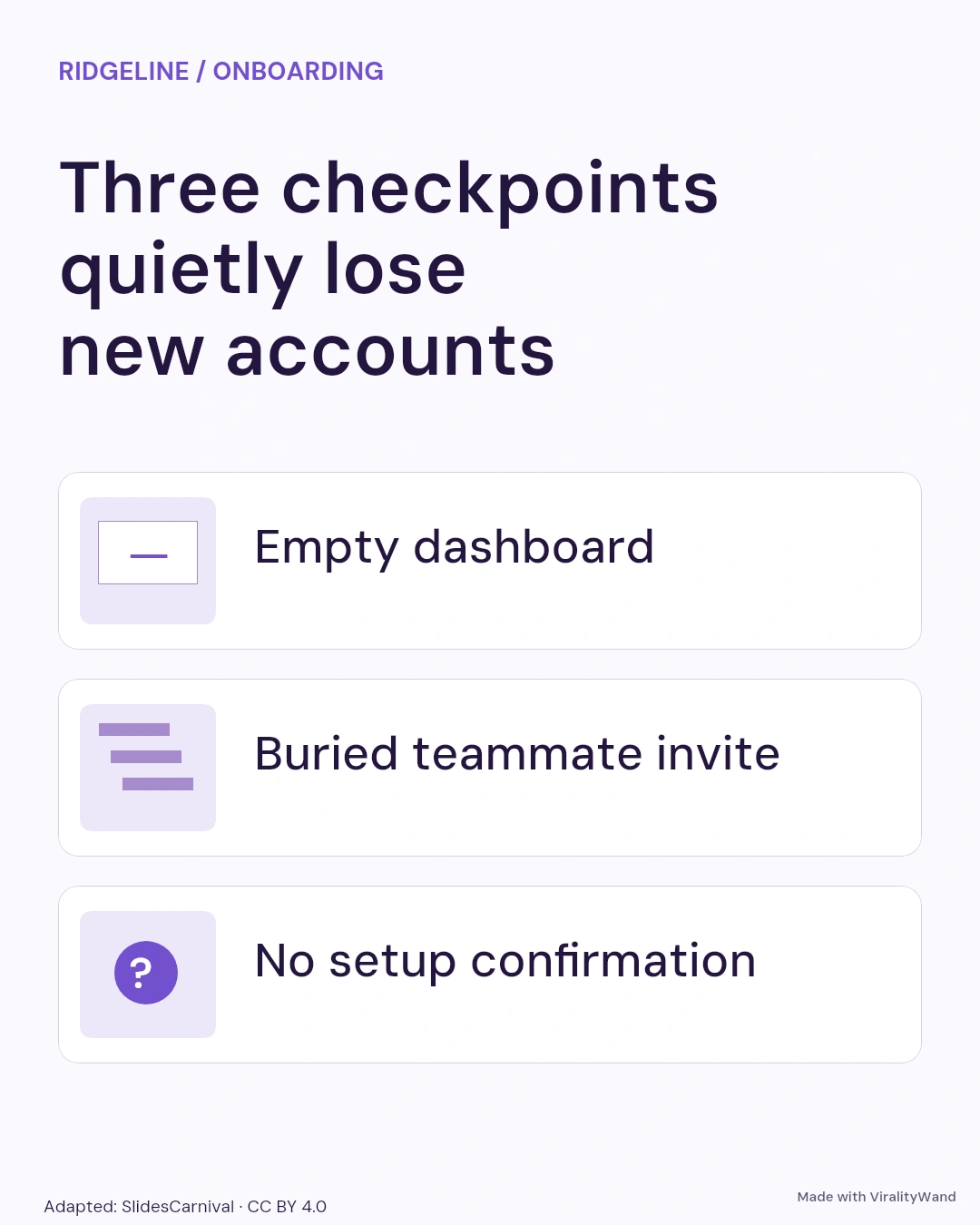
Signup completion is a handshake, not a first value moment, and the gap between them is where trials quietly die.
Draft my audit promo post
Build the slides. Convert to PDF. Share your expertise.
Explore LinkedIn →TikTok
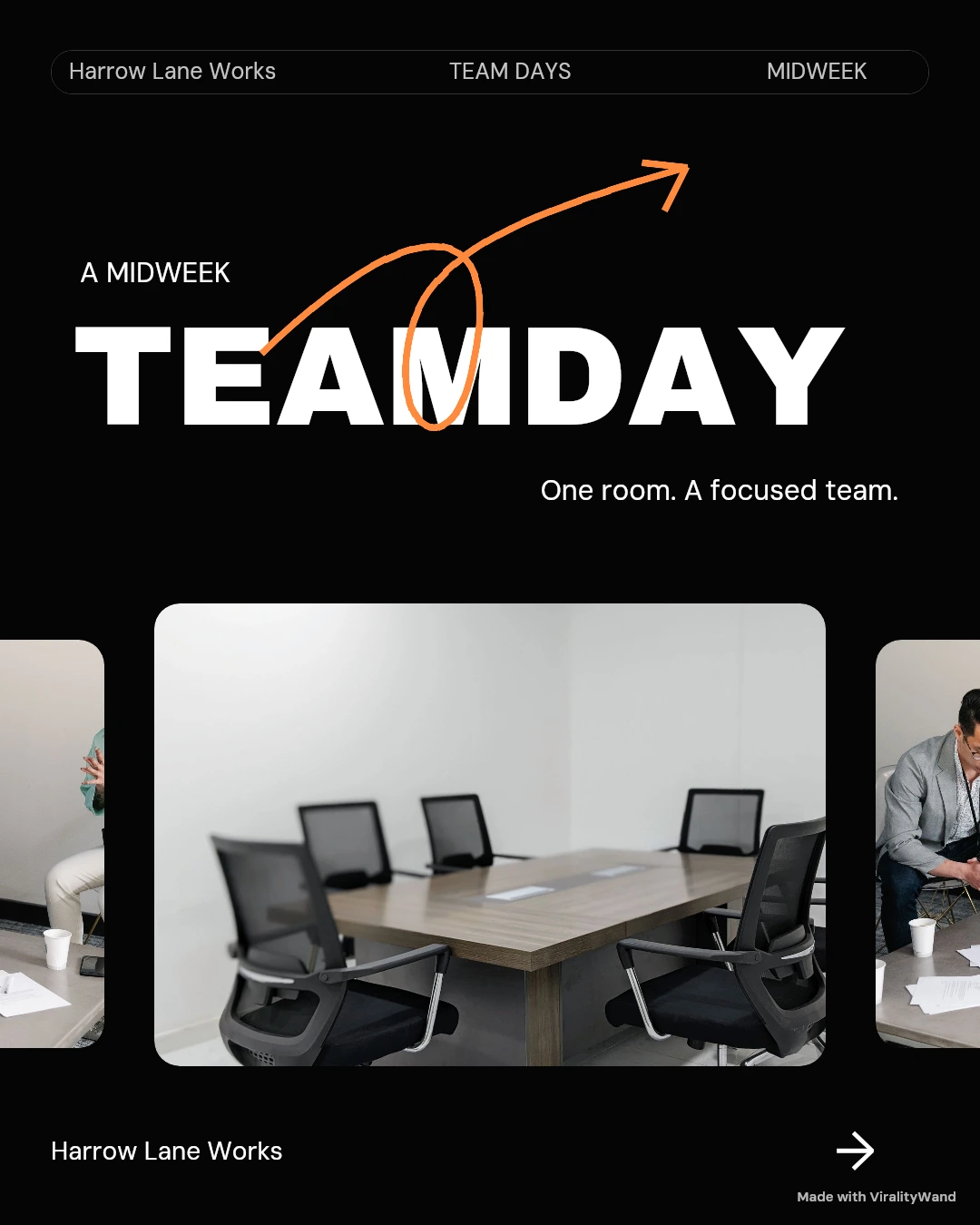
Turn behind-the-scenes photos, recommendations and personal stories into swipeable photo posts.
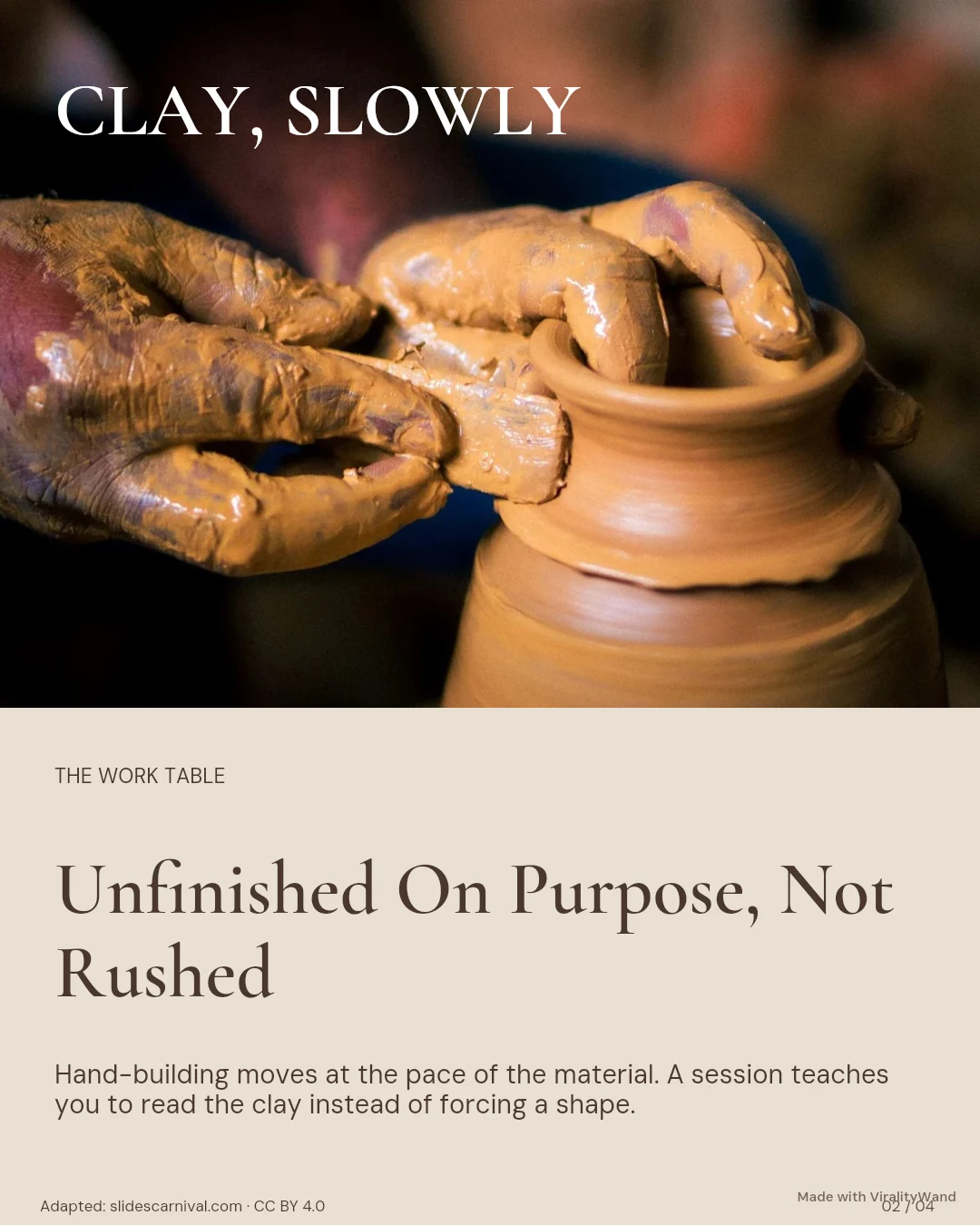
Hand-building rewards people who are willing to learn the material slowly, and an introductory session is where that starts.
Original sound · ViralityWandCreate the slides without filming or editing a video.
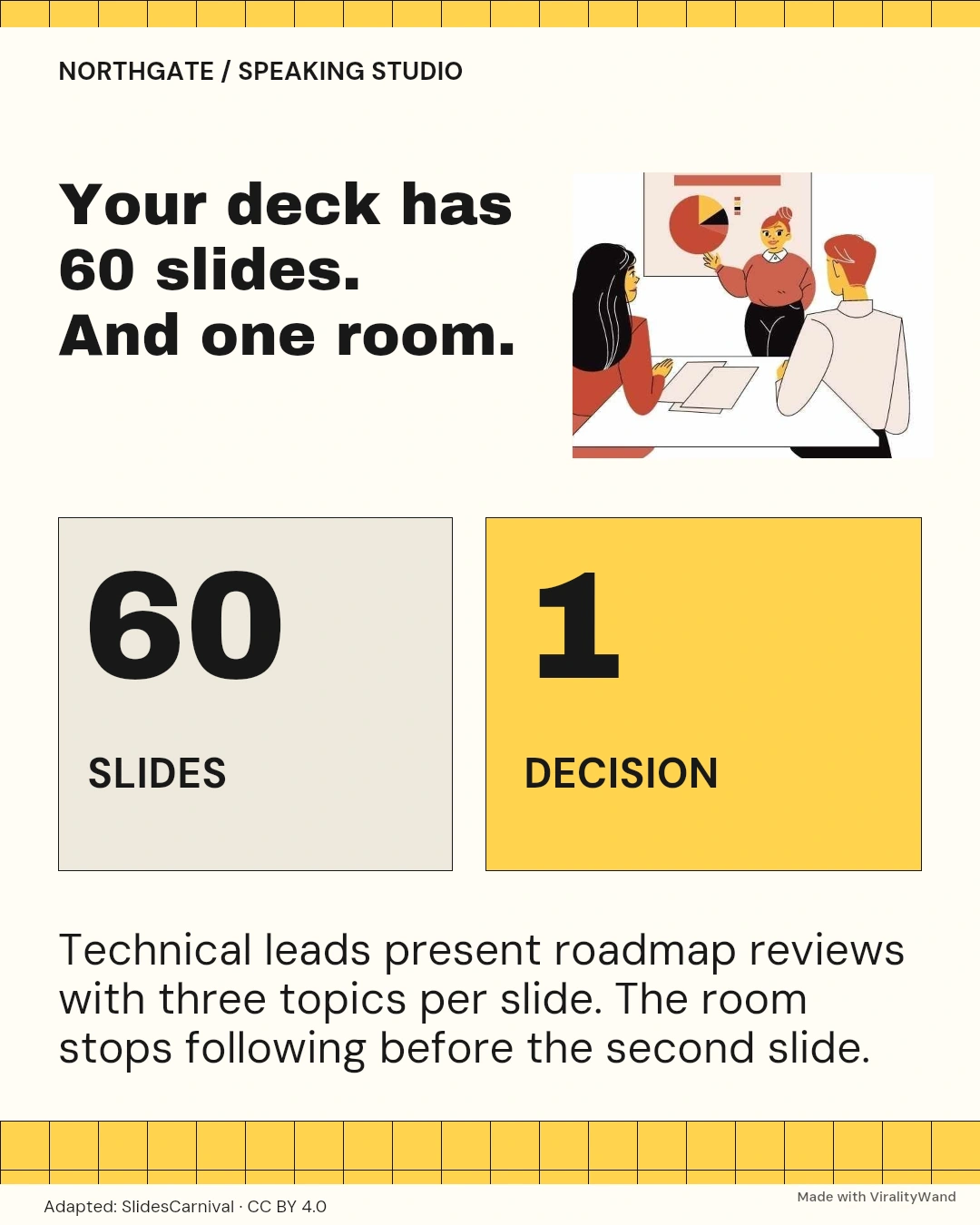
Explore TikTok →Presentation coach promos: the one-decision rule, a real cue card example and a workshop invitation.
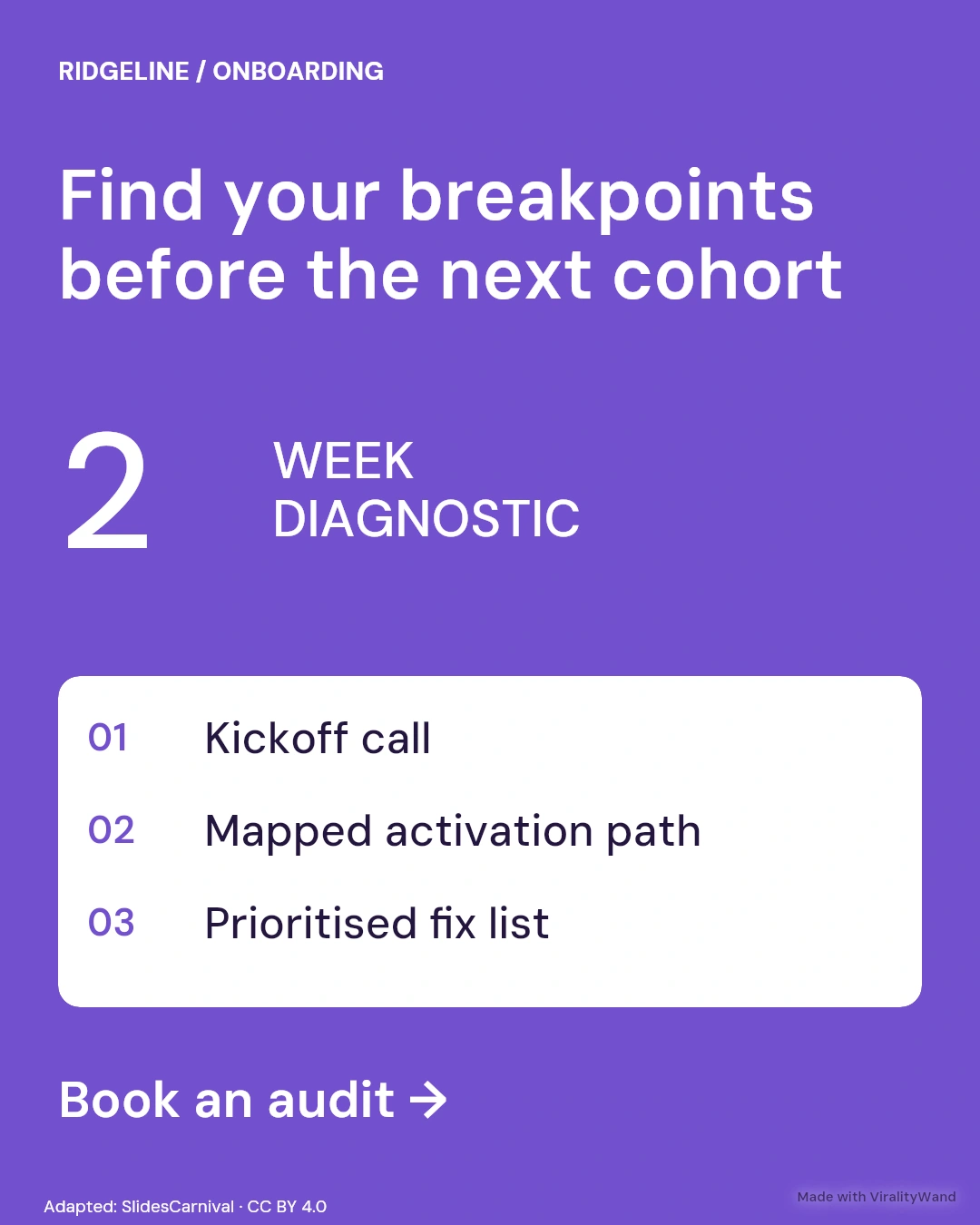
See the use caseOnboarding consultants gain audit enquiries: activation path, friction checkpoints and a clear booking ask.
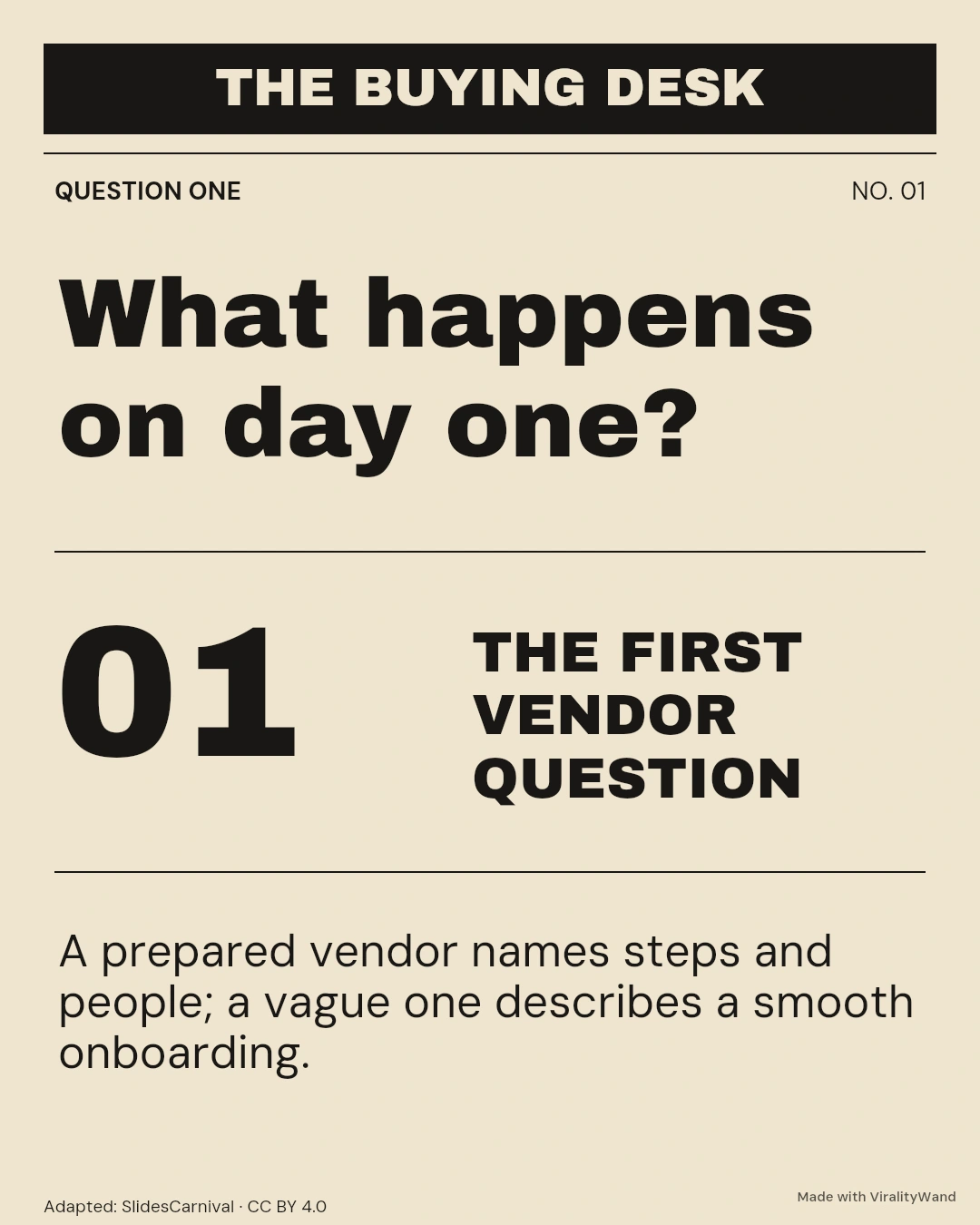
See the use caseMarketing teams make procurement leaders want the checklist, then send them to the download.
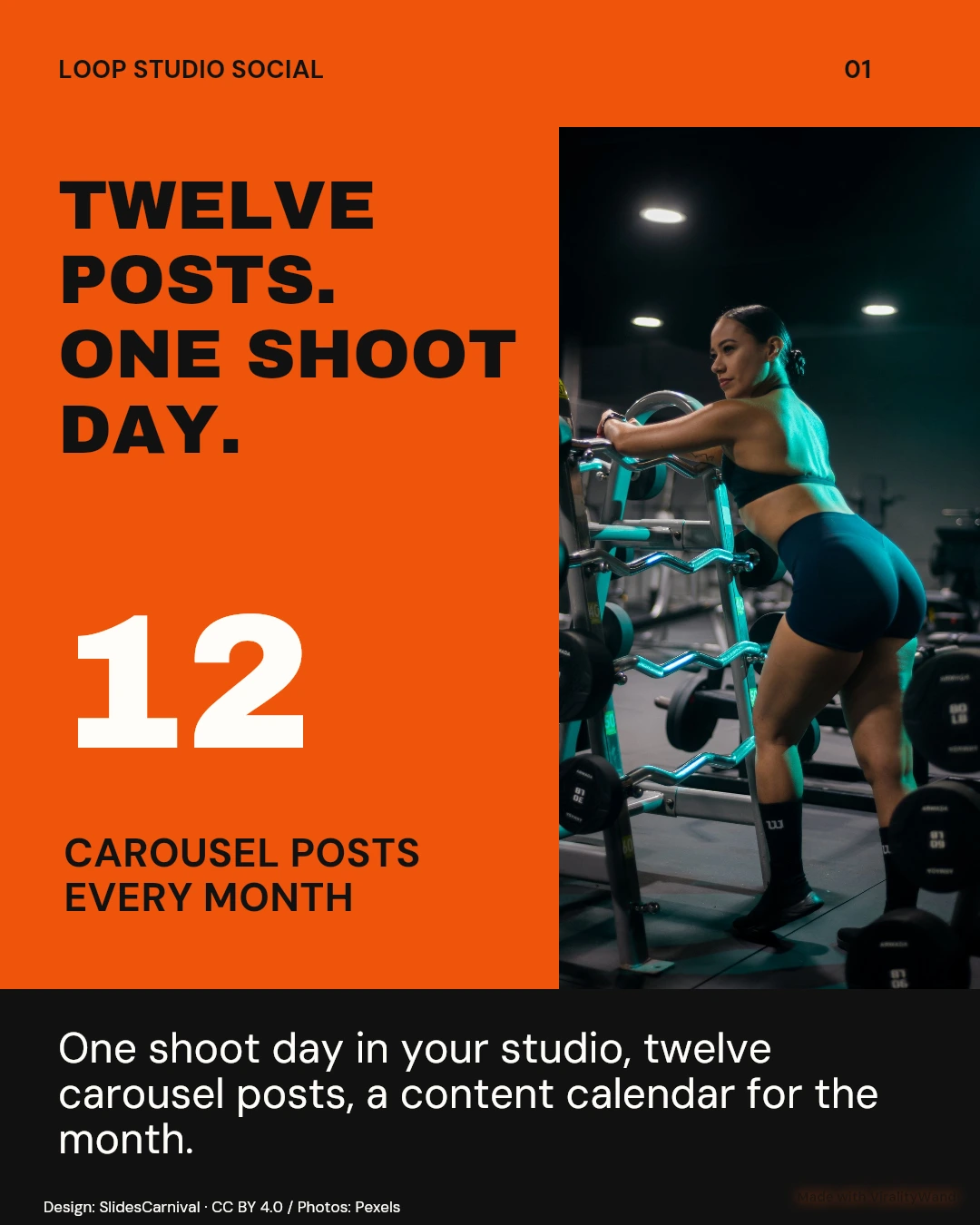
See the use caseSocial studios win package enquiries with scope, post deliverables and review rounds made visible.
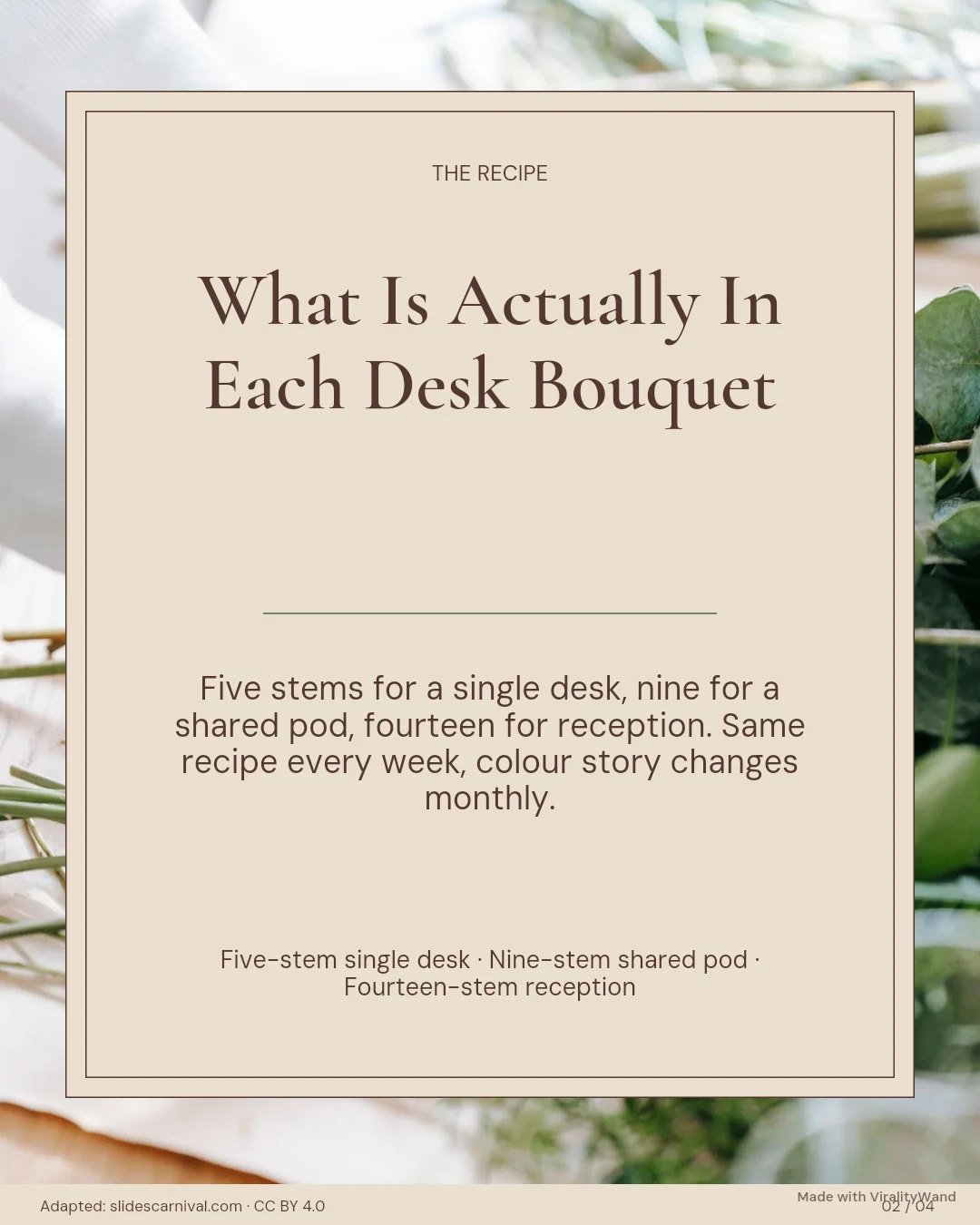
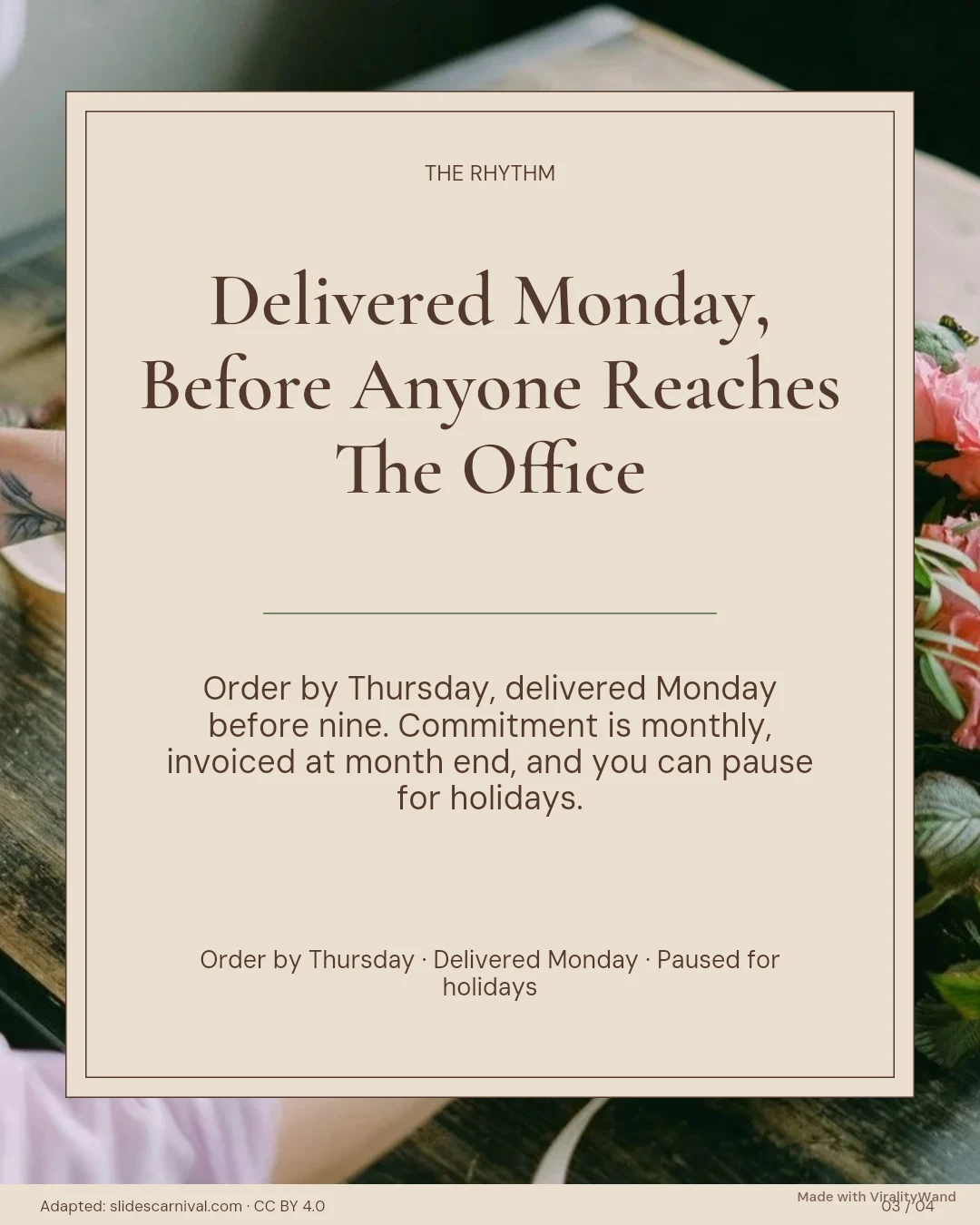
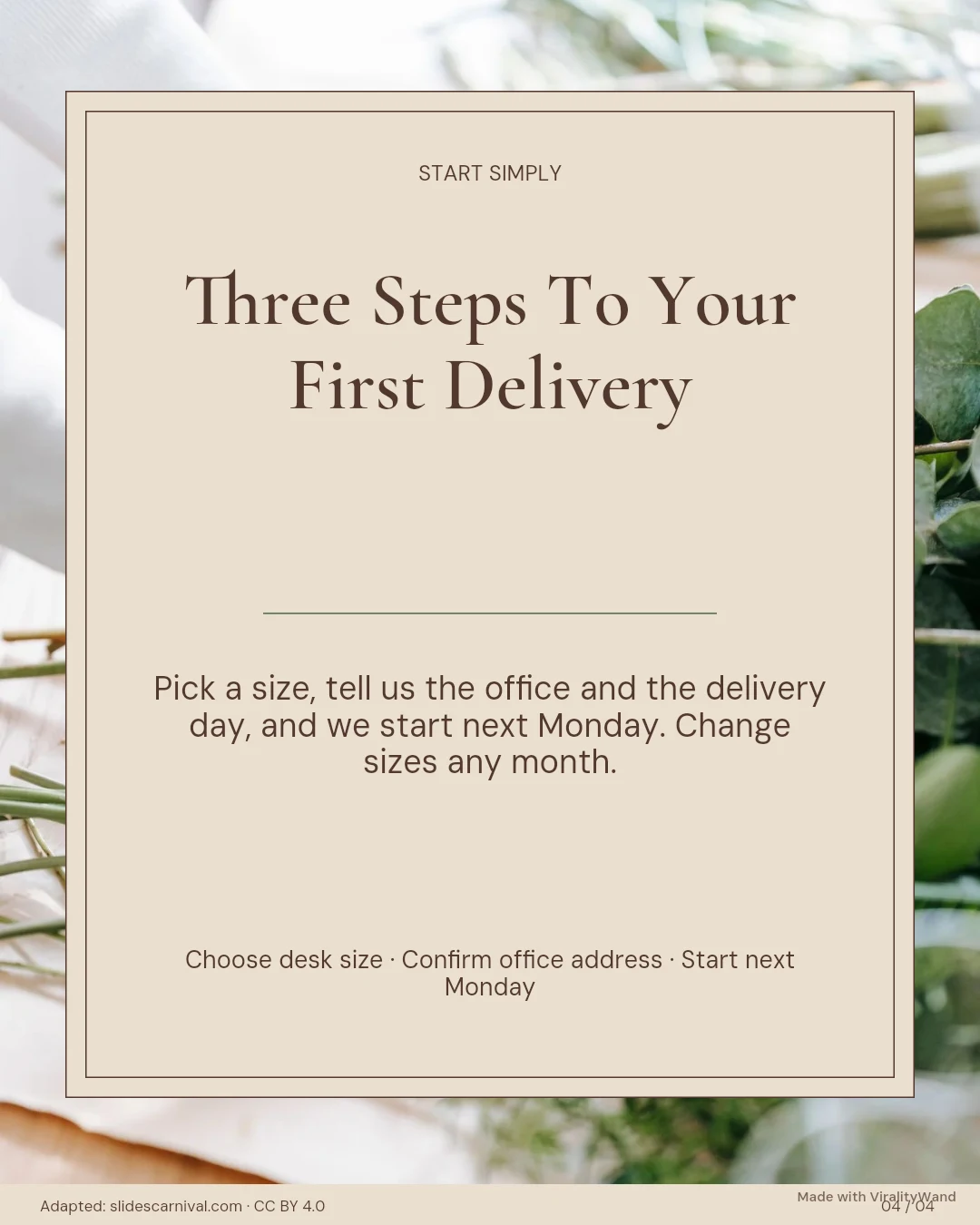
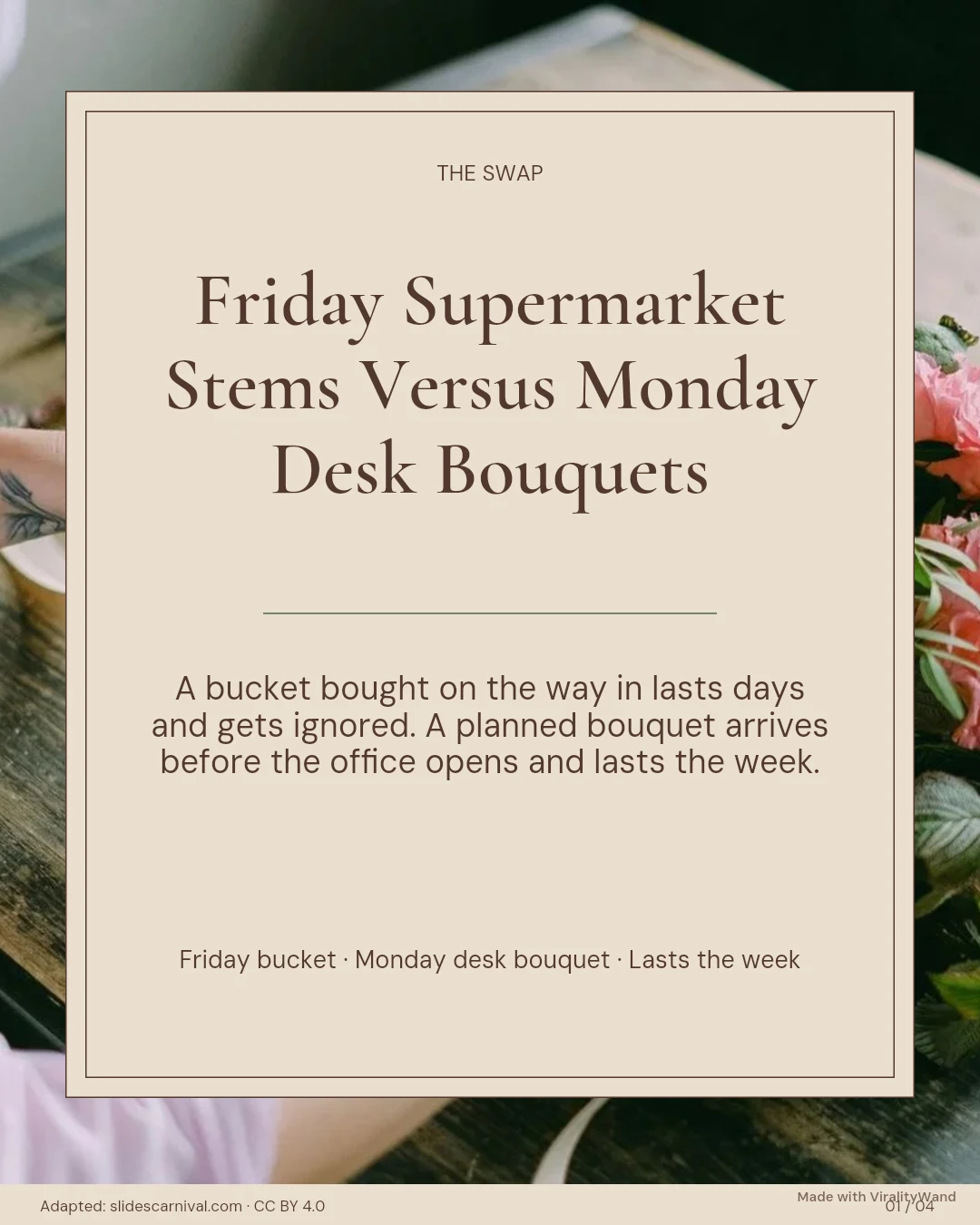
See the use caseFlorists turn desk-bouquet quotes into recurring orders with recipes, sizing and weekly rhythm.
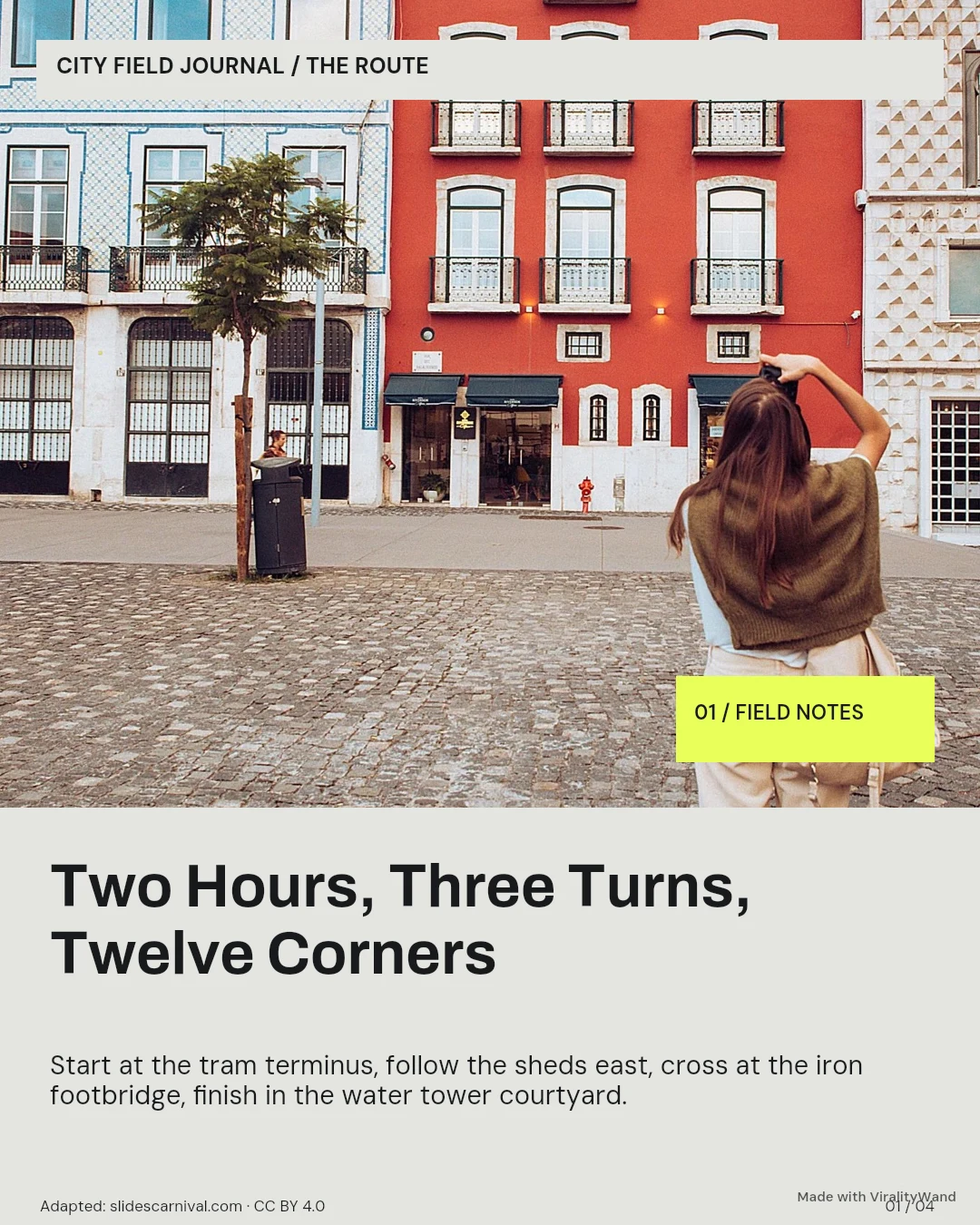
See the use casePhotographers sell self-guided walks by showing the route, the shooting method and the field notes.
See the use caseMake a bookable offer from a note
See the use caseTurn a written guide into a post
See the use caseProject notes, shaped into a showcase
See the use caseShow product photos as a shopping story
See the use caseStart with the business problem. Choose the post that helps you solve it.
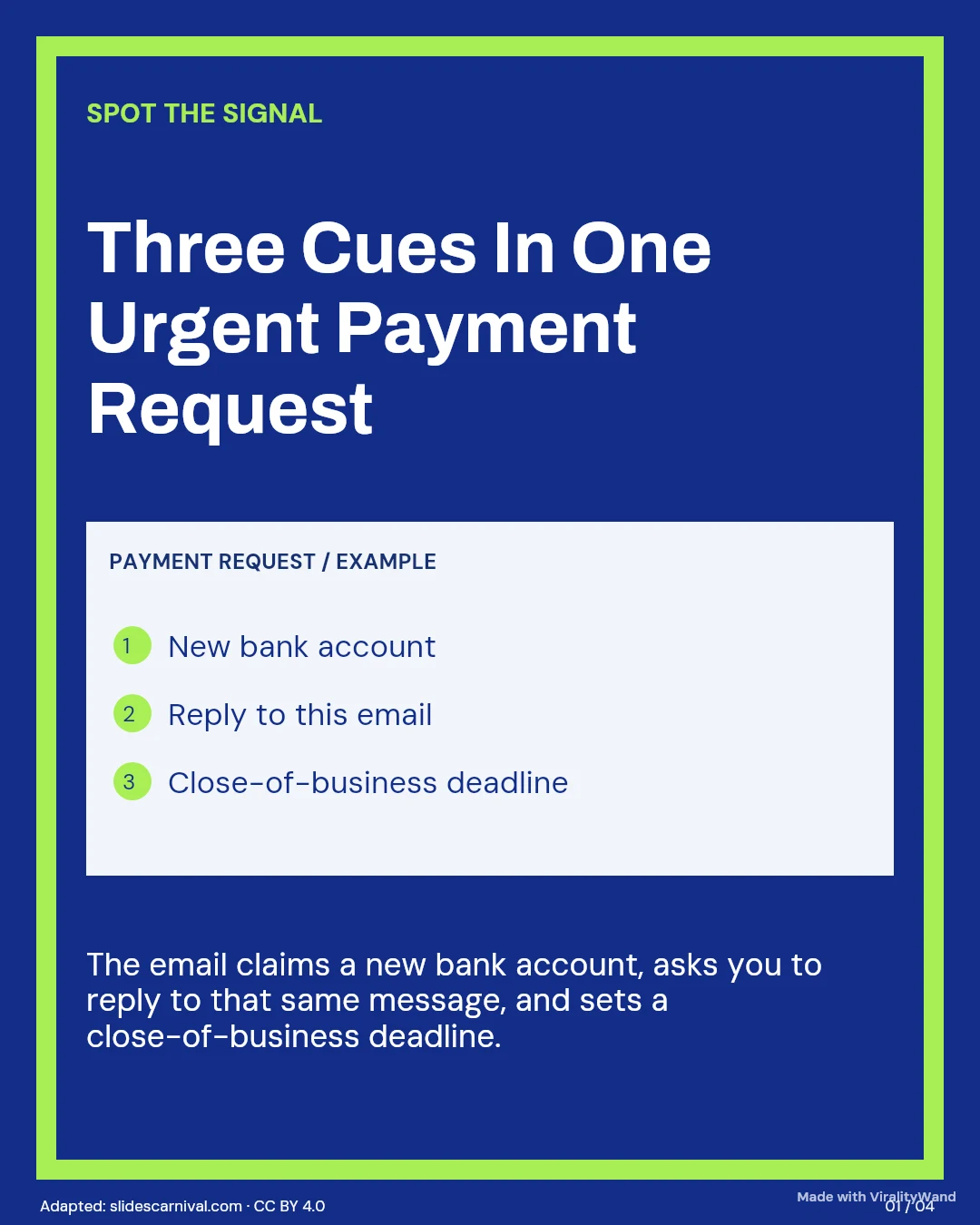
Security trainers sell workshops with an annotated email, verification checkpoints and a decision tree.
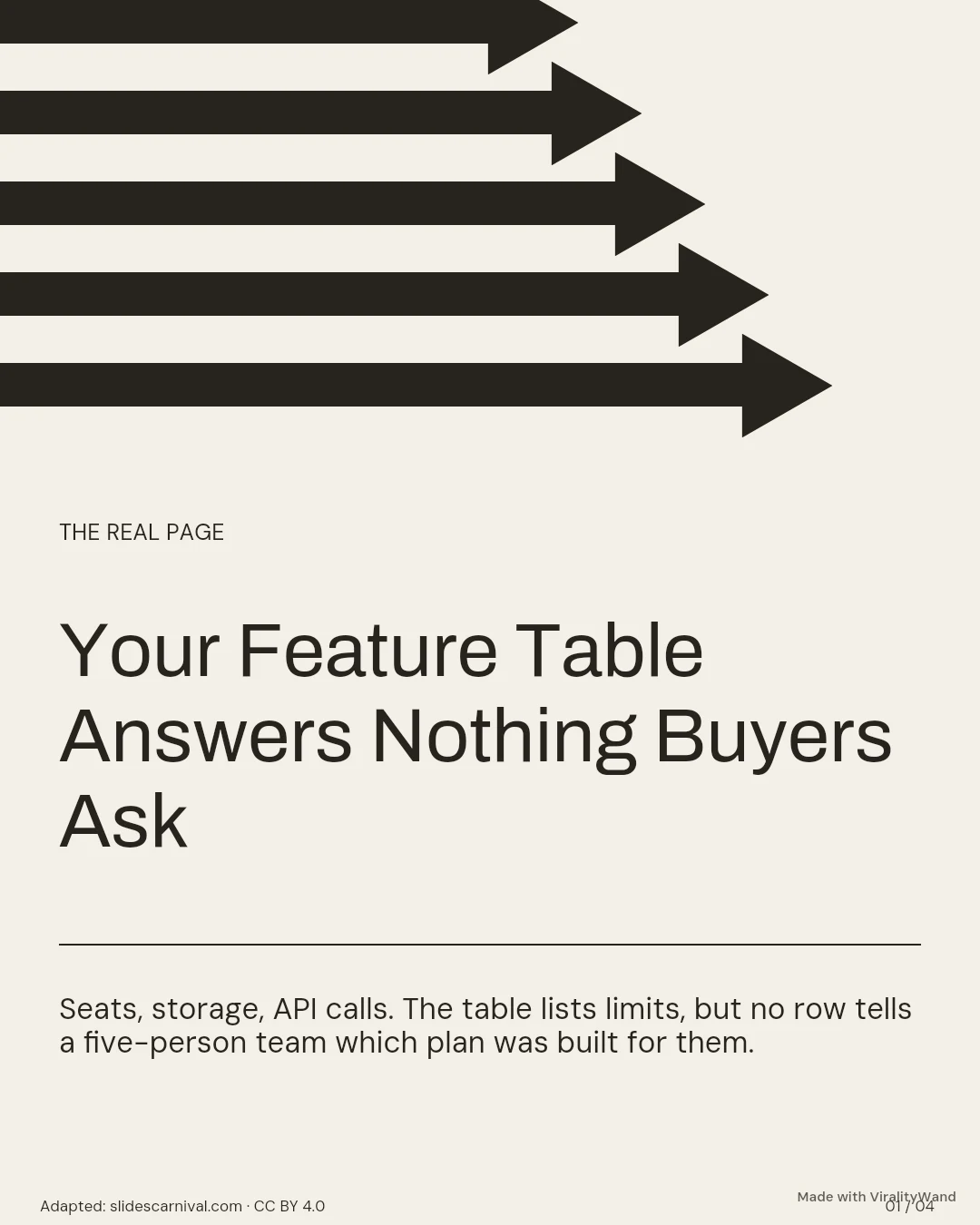
See the use casePricing advisors earn review bookings with a table critique, buyer jobs and a rewritten page mockup.
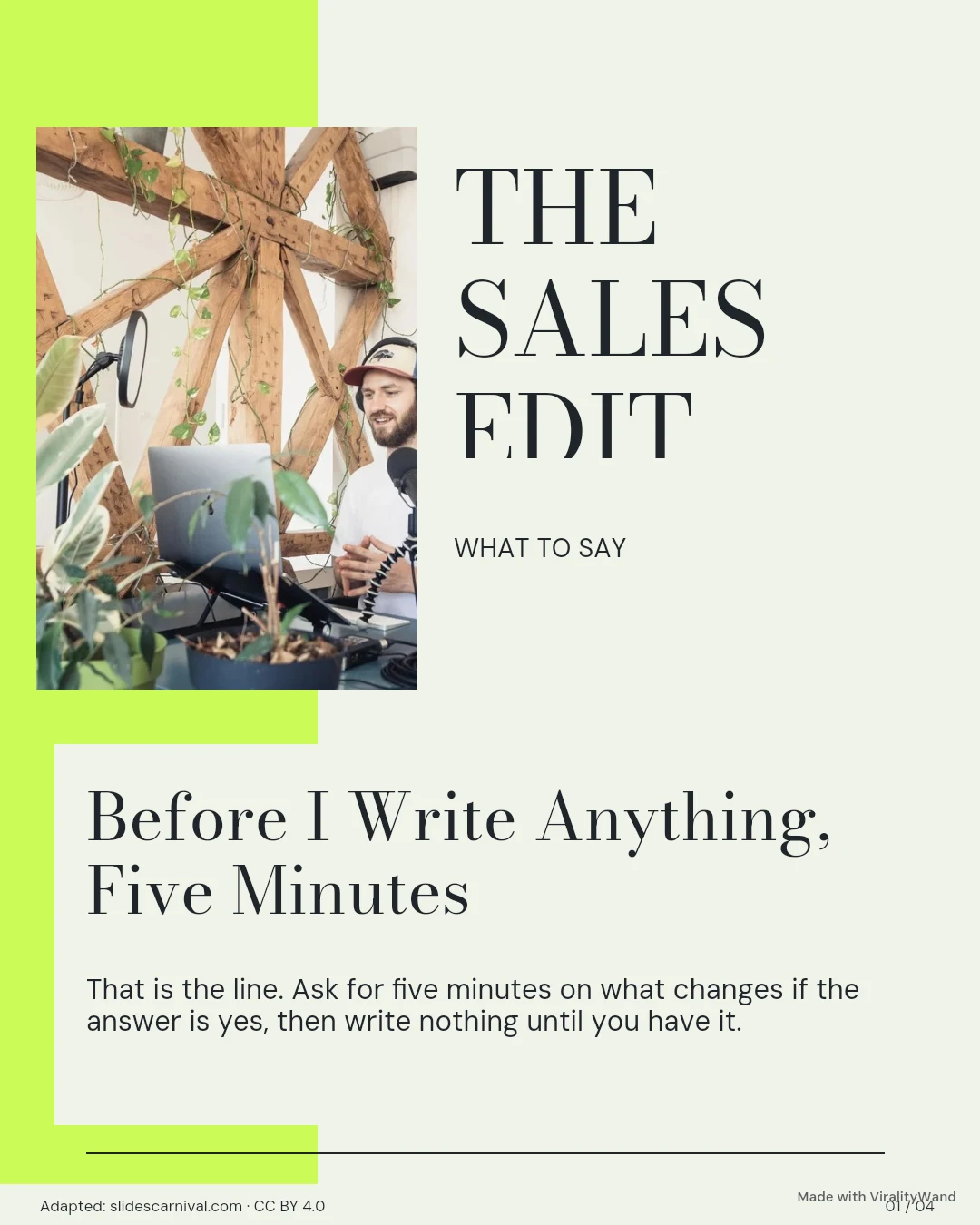
See the use caseSales trainers repurpose one transcript into the line to say, three replies and a prep card.
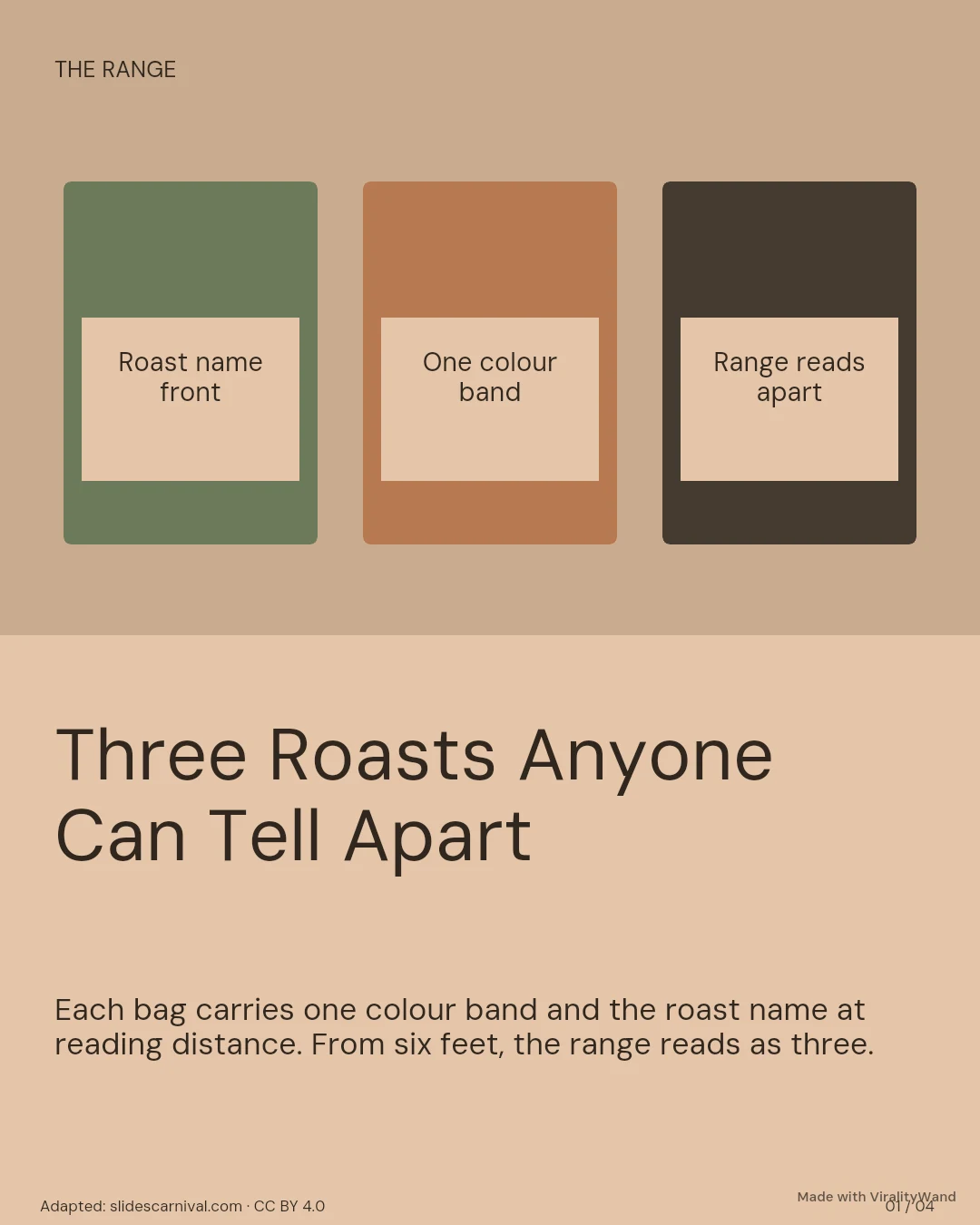
See the use caseBrand studios win packaging enquiries by showing the bag range, hierarchy and reasoning behind each choice.
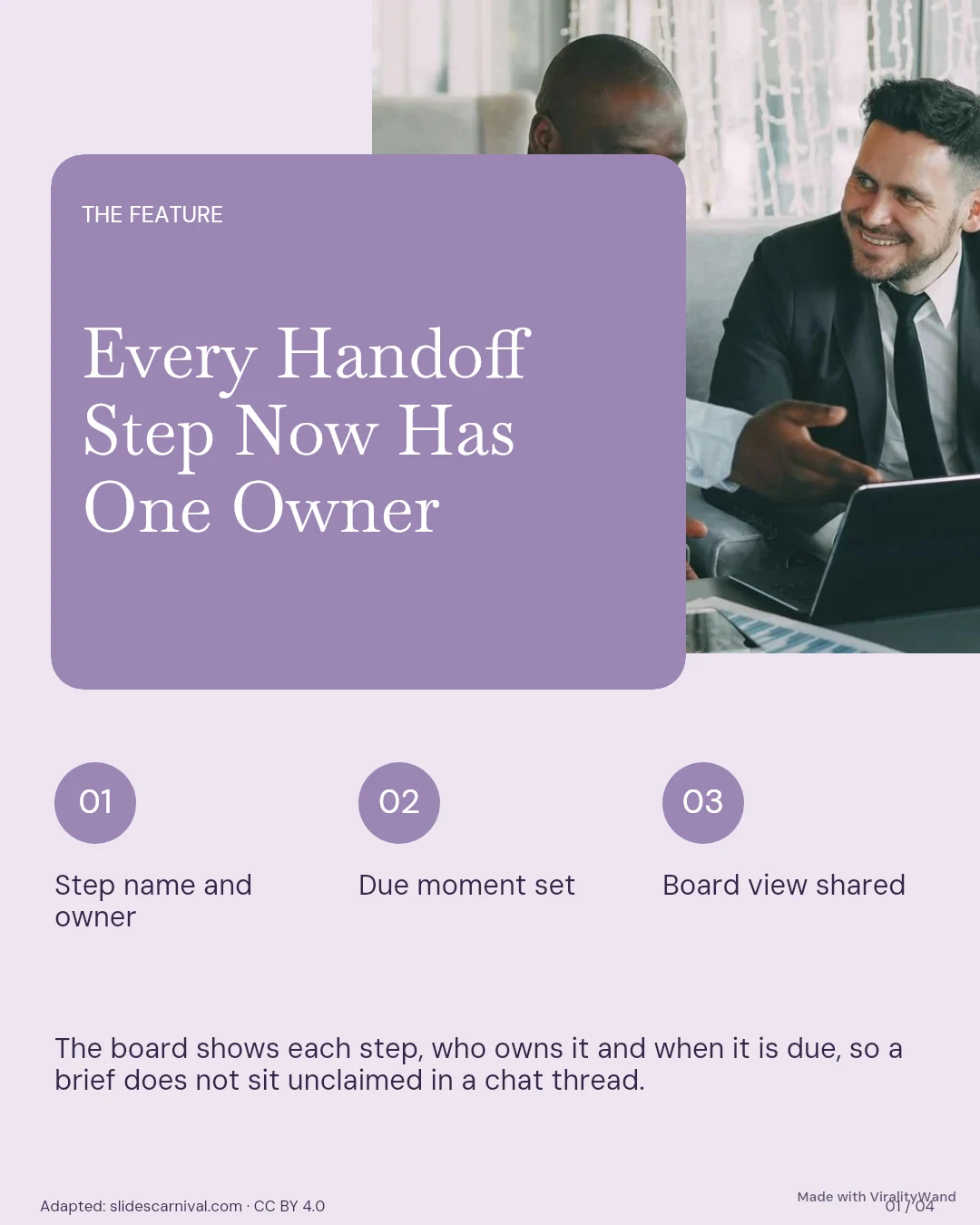
See the use caseSaaS teams launch features with the old mess, the new handoff flow and where the trial starts.
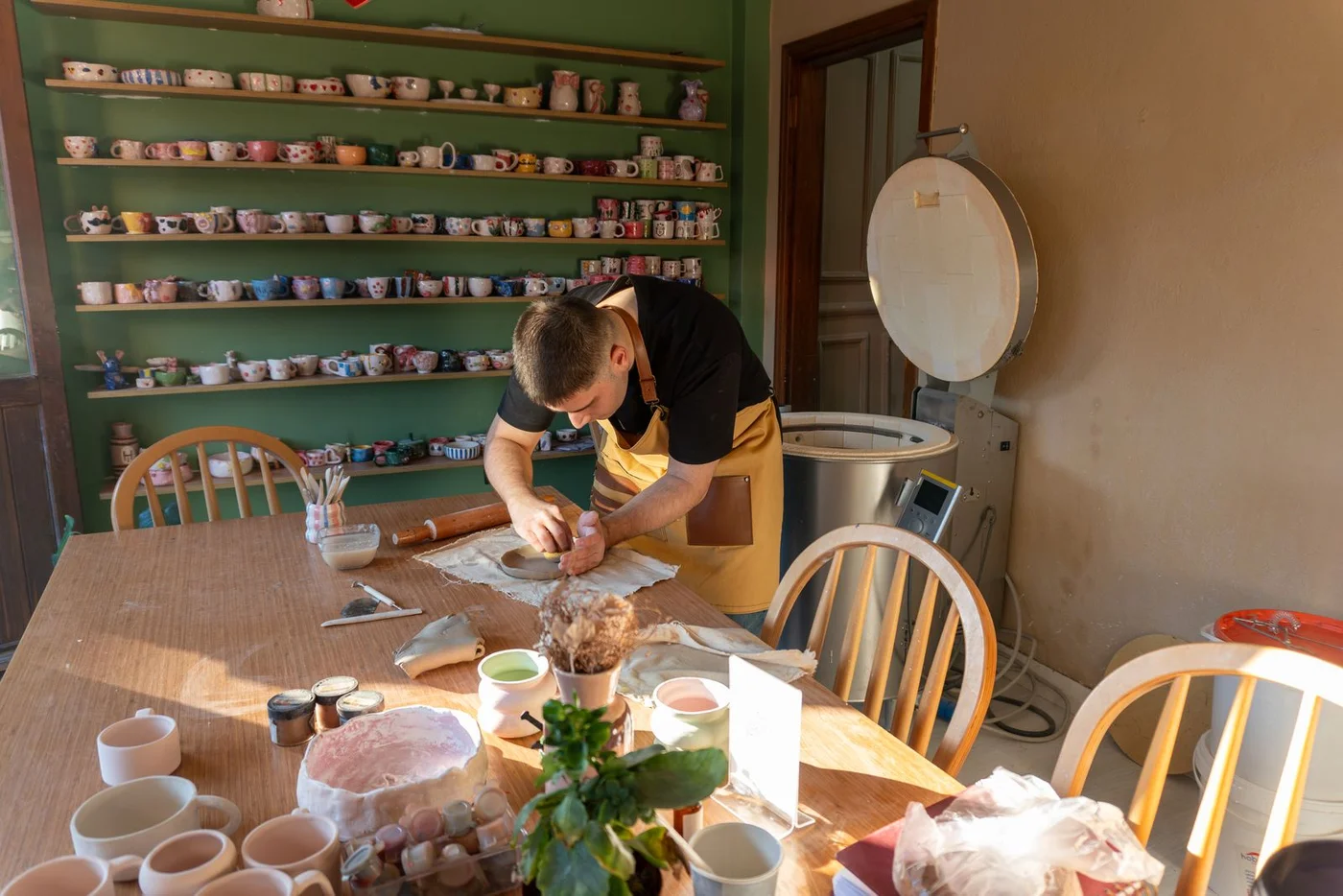
See the use caseCeramics makers invite beginners to an introductory hand-building workshop, showing the craft, materials and studio style they will learn.
See the use caseChoose the one closest to work you already do. Answer a customer question, teach a small lesson or explain a real project. Start with one useful post and compare its results with your own baseline.
Yes. Paste relevant text from your notes, article, newsletter or transcript into your brief. Review the draft for accuracy and keep the original context. The repurposing workflow here starts with pasted text.
Export your post as 4:5 images and upload them yourself. Check framing in the destination app. For a LinkedIn document post, assemble the images with our free images-to-PDF tool, then upload the PDF to LinkedIn.
Use saved Brands and Looks, organise posts in projects and start from a repeatable template. Review each post for the right voice, visuals and facts.
New accounts receive a one-time welcome allowance of AI tokens. Generation cost depends on your settings, and free exports include a watermark. See current plans and allowances.
Start with your idea. Choose a template. Make it your own.

Create a postBrowse templates