Creators & personal brands
Sell the route, not a vague walk
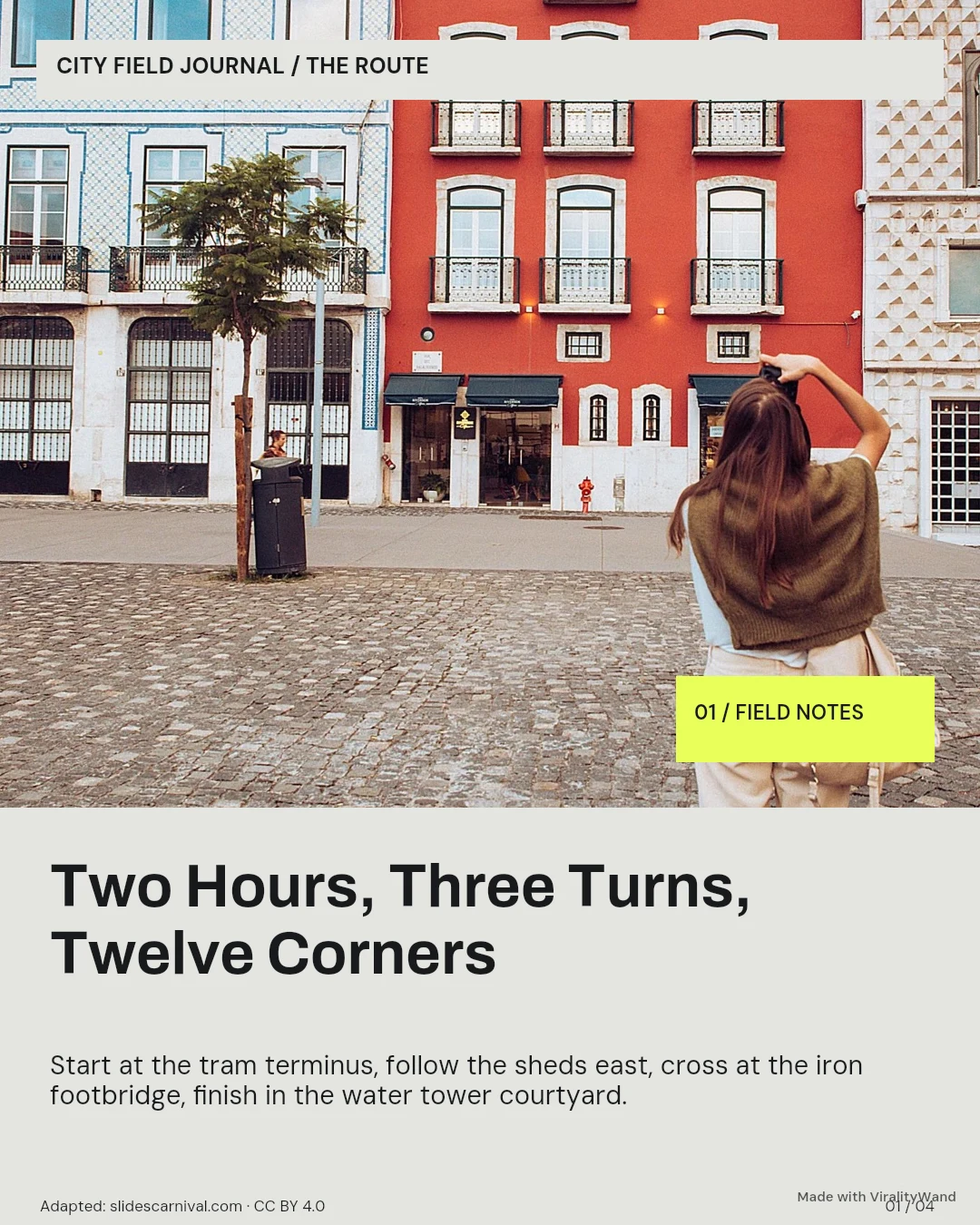
A photo walk sounds lovely and vague in three paragraphs. Show the route, the framing method and the field notes so buyers know what they get.
City photographers selling downloadable self-guided architecture photo walks
Locate the strongest line in the frame, then place a person on it for scale. Two decisions, two seconds each.
↗The campaign
Four slides showing the route, the framing method and the notes, with a link to buy.
Fictional business example. Explore every slide, its purpose and the finished caption.
Mora Quay Walks — The Meridian Row Photo Walk
The route is the product, and once a buyer can see where it starts, turns and ends, the walk sells itself.
Sample campaign for Mora Quay Walks, a fictional photographer selling a downloadable self-guided architecture photo walk through an invented district called Meridian Row.
Post caption
Most photo walks are a location list. This one is a route I actually shoot: start at the tram terminus, follow the sheds east, cross the iron footbridge, finish in the water tower courtyard, roughly two hours at a slow pace. The download includes the map, my line-first framing notes, light windows and the corners worth waiting at. Walk it on your next free morning.
Stock photography for this fictional example
Pexels licenseThe starting material
Route planning sheet — Meridian Row
Hand-building a guide promo usually means drawing a map, annotating a frame and reformatting notes in three different apps. ViralityWand lays all three into one four-slide draft you edit, so your selling month is spent shooting rather than arranging.
Route planning sheet — Meridian RowRoute notes: start at the tram terminus on Meridian Row, walk east past the old customs sheds, turn north at the iron footbridge, end at the water tower courtyard. About two hours at a slow pace. Framing rule on the walk: find the strongest line first, then place a person to give scale. Field notes cover light times, three good corners, and where to wait.
Photographers sell a walk in three paragraphs and a price. Buyers cannot picture the route or the shots waiting on it.
Downloads of the self-guided photo walk guide from the post link.
Number of guide purchases per month attributed to the post link.
Create a post
Make a post that maps out your photo walk.
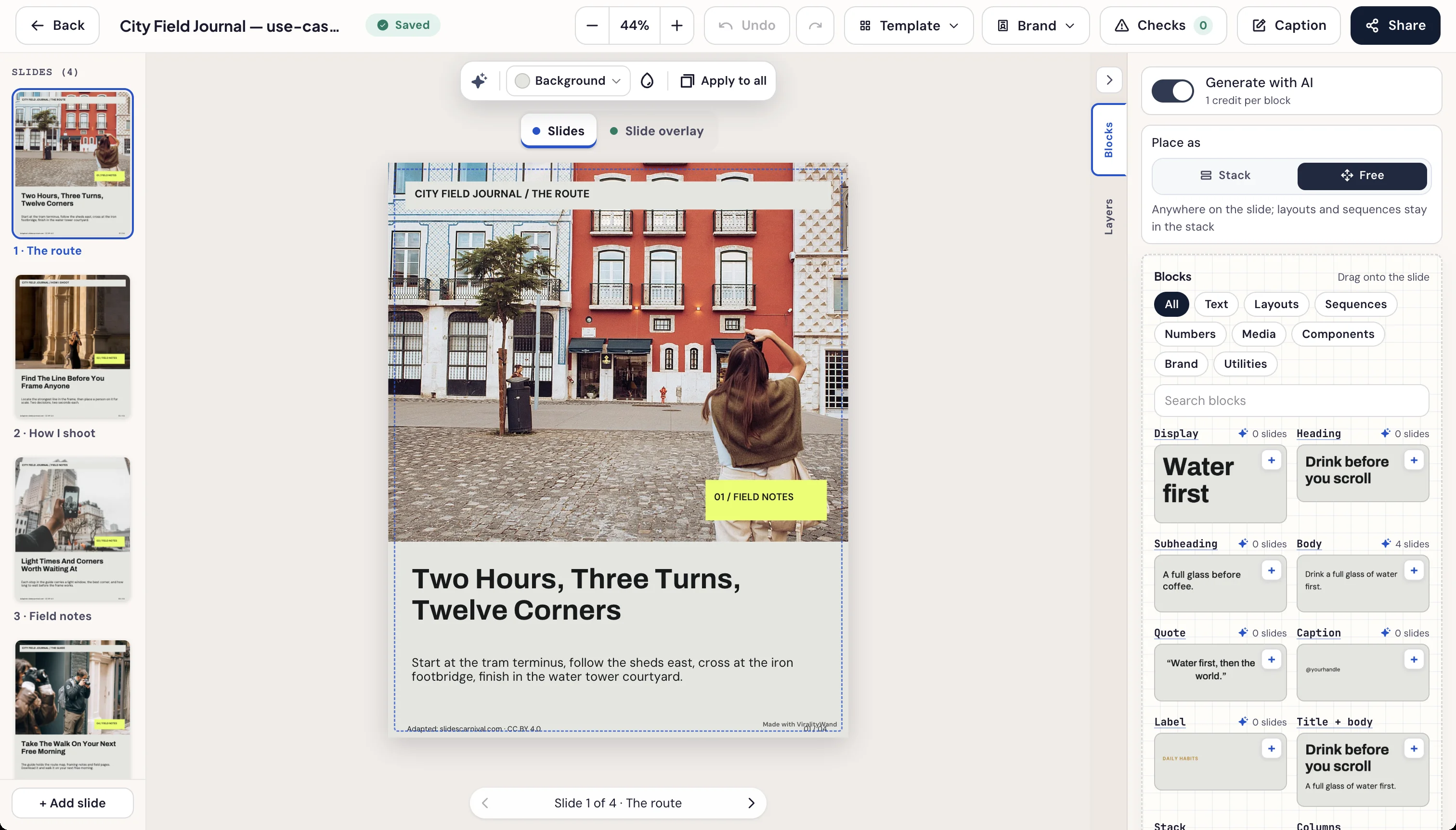
Use your route notes. The tool will structure them into a step-by-step guide you can share to promote downloads.
Notes for a self-guided architecture walk from Meridian Row to a water tower courtyard, with framing tips.
Enter your route notes
Add the starting point, key landmarks, and framing rule for the walk.
Select a template
Pick a template suited to a sequential, location-based story.
Craft the guide
Adjust the directions, insert relevant images, and refine the call to action.
How to make yours
- Enter your topic or initial notes
- Choose a template and optionally upload photos
- Click Create and edit the draft text, images, and crops
- Review and use the Share panel to export
Find your starting point
Choose a look for your post
Select a template to see it in the phone.
Start with this brief
Draw the route, show the method, and let the walk sell the guide.
A photo walk sounds lovely and vague in three paragraphs. Show the route, the framing method and the field notes so buyers know what they get.
Turn my route notes into slides ↗








Paper Story · Crumpled Typewriter





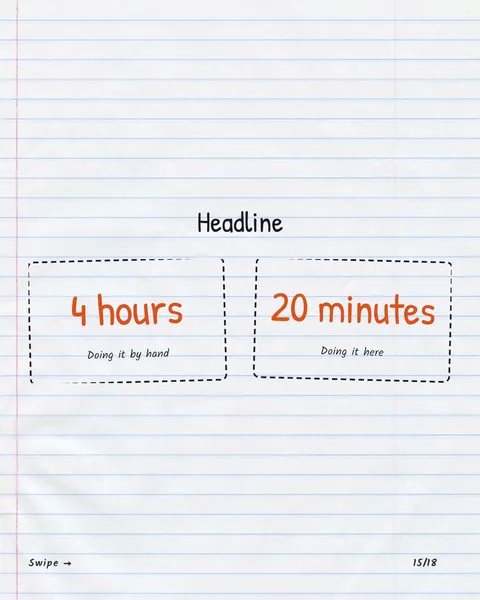



Paper Story · Lined Notebook




Viral Post Tips · Photo Journal





News · The Odds (prediction markets)




News · Live Broadcast



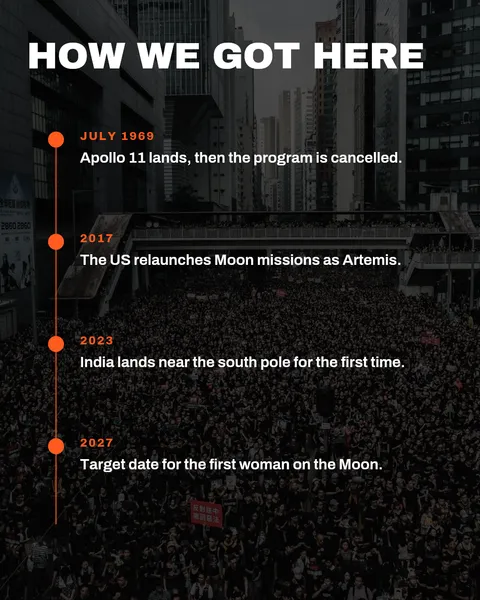

News · Photo Explainer
Before you start
Do I need photos of the district?
No. The map, framing diagram and notes page work as linework and illustration. You can upload your own frames if you want them included.
Can I sell more than one walk?
Yes. Save the Brand and Look, then duplicate the project and edit the route, stops and notes for each new district.