Coaches & educators
Promo posts that practise what you teach
Technical leads book workshops, then send overloaded decks. ViralityWand drafts slides that show your one-decision method before they reserve a seat.
Draft my workshop promo post ↗Explore the example ↓- Who it’s for
- Public-speaking coaches selling presentation workshops to technical team leads.
- The business goal
- Workshop enquiries from technical team leads who arrive already convinced of the method.
A campaign in practice
One Decision Per Slide
About this example
Sample campaign for Northgate Speaking Studio, a fictional public-speaking coach selling a paid presentation workshop to technical team leads who present architecture and roadmap reviews.
Create a post
Turn your workshop notes into a practical preview.
Use the workshop promo notes you have. The editor will create a draft post you can then adapt to your voice.
Notes for a three-hour workshop where attendees rewrite a real deck. Structure: hook, problem, decision, evidence, ask.
Enter your workshop notes
Paste or write the core concepts of your workshop into the topic field.
Select a template
Pick a template that suits a step-by-step teaching structure.
Edit the draft
Adjust the text, replace any images, and crop visuals to match your brand.
How to make yours
- Enter your topic or initial notes
- Choose a template and optionally upload photos
- Click Create and edit the draft text, images, and crops
- Review and use the Share panel to export
Find your starting point
Choose a look for your post
Select a template to see it in the phone.
Your next post
Bring your deck. We will fix the structure together in three focused hours.
Draft my workshop promo post ↗Preview the brief
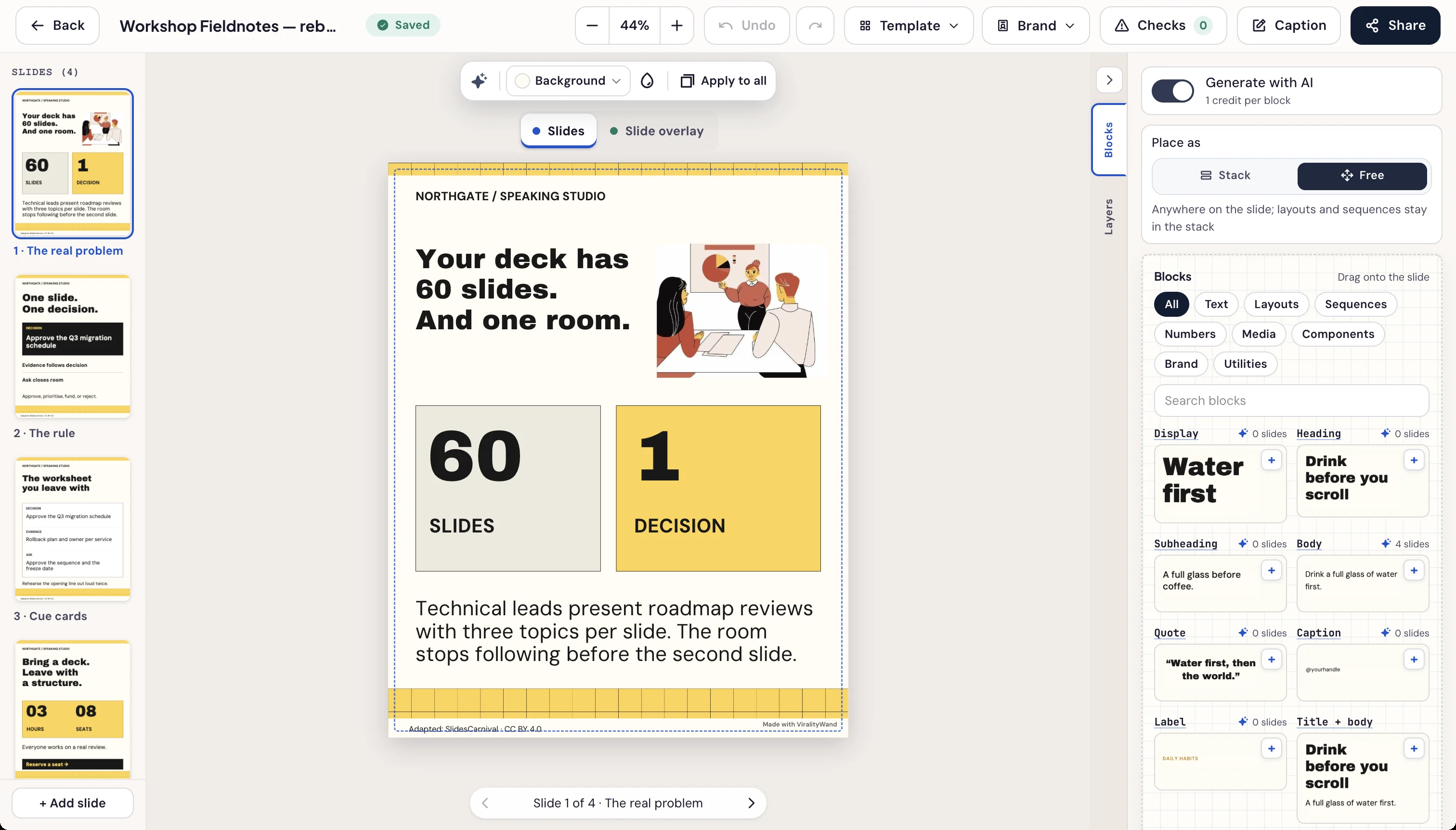
Create a four-slide post. Campaign: Northgate Speaking Studio — One Decision Per Slide Audience: Public-speaking coaches selling presentation workshops to technical team leads Goal: Workshop enquiries from technical team leads who arrive already convinced of the method. Message: Technical team leads stop losing their rooms the moment every slide carries one decision instead of one topic. Slide 1 — Your Deck Has 60 Slides And One Room Technical leads present roadmap reviews with three topics per slide. The room stops following before the second slide. Slide 2 — One Slide, One Decision, Nothing Else A decision is a choice your audience must make: approve, prioritise, fund, or reject. Topics blur it; decisions sharpen it. Slide 3 — The Worksheet You Leave With Every participant rewrites one real deck slide, drafts a cue card, and rehearses the opening line out loud twice. Slide 4 — Bring A Deck, Leave With A Structure Three hours, small group, everyone works on a real review. Reserve a seat and bring the deck you are dreading.
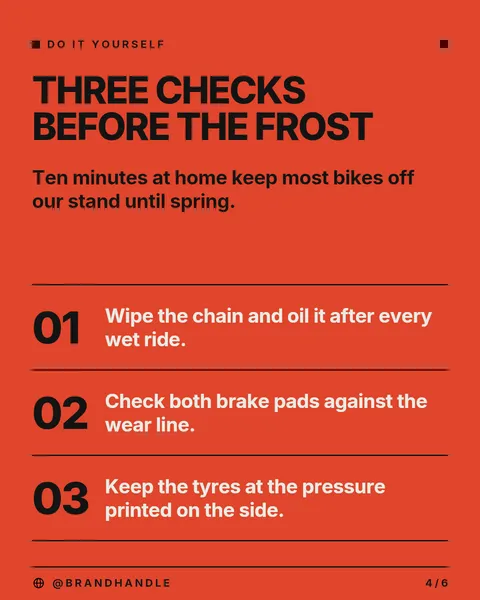
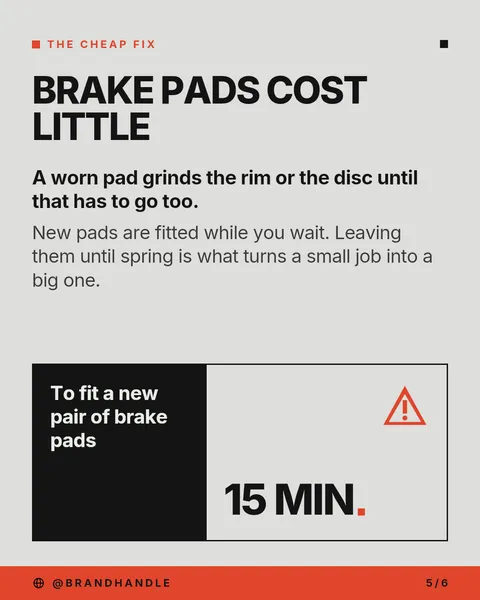
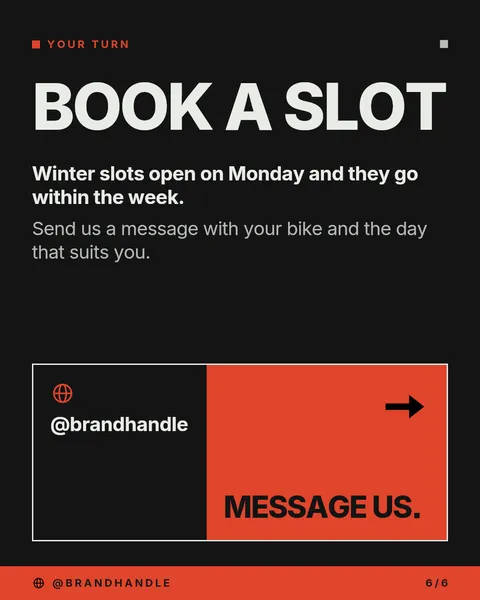
Swiss Alarm

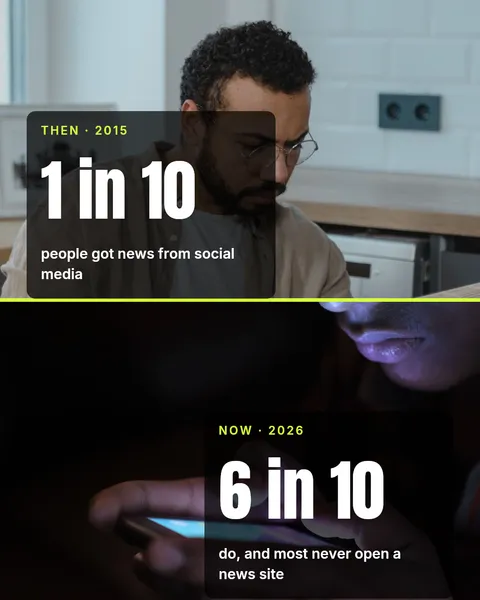


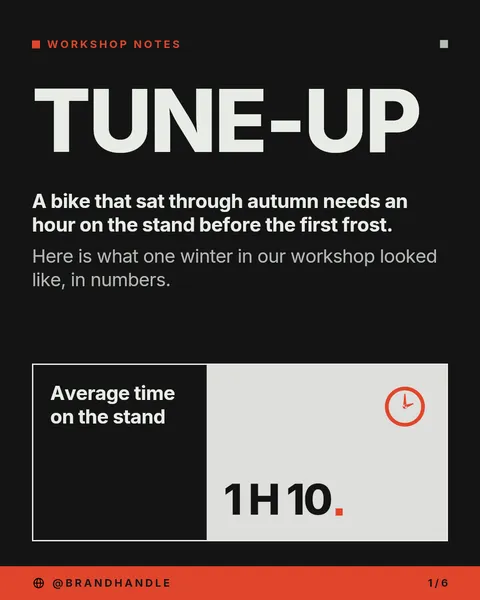
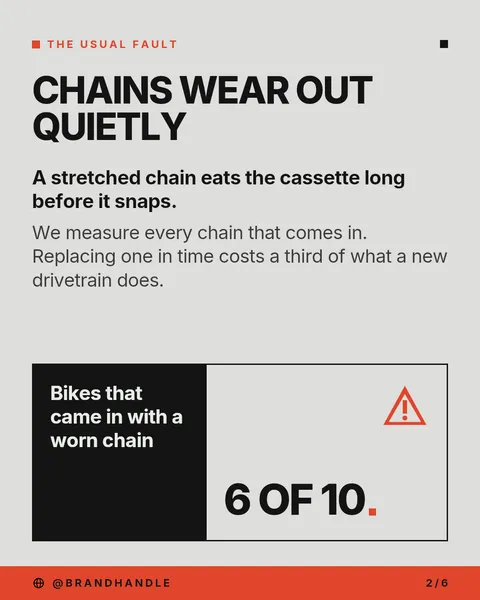
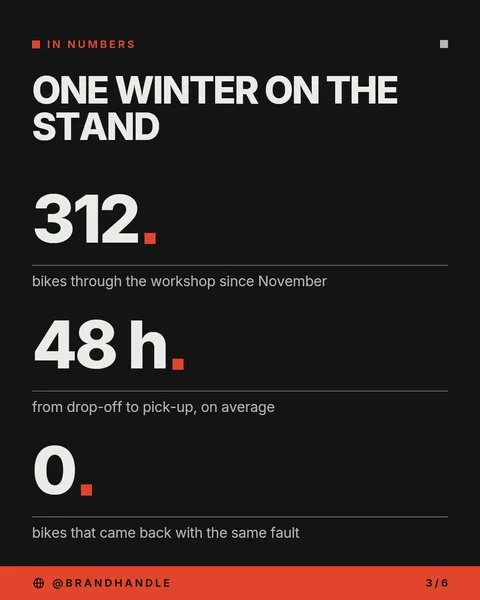
News · Numbers Poster


News · Photo Explainer

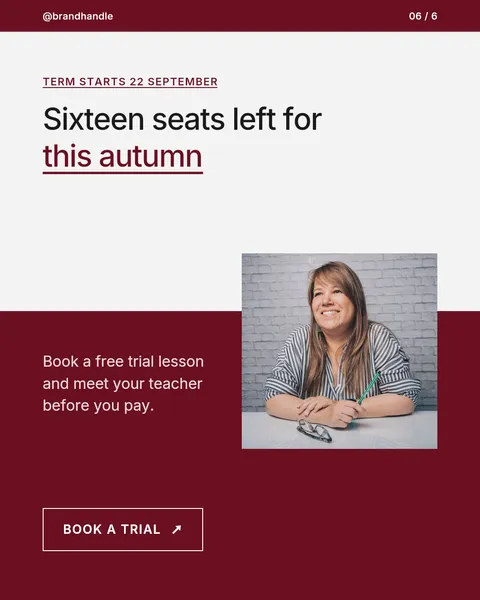
Maroon Academic
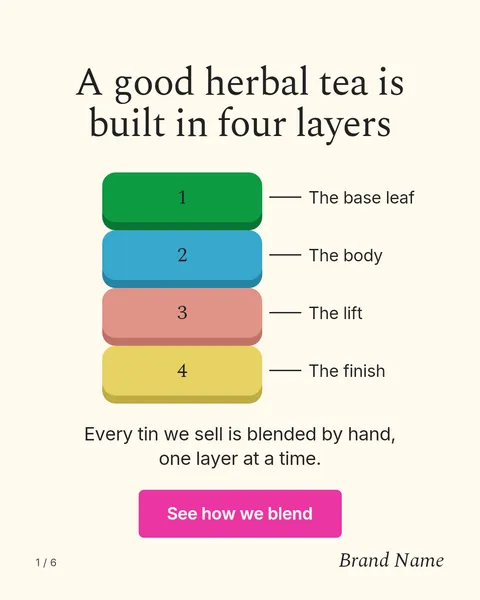
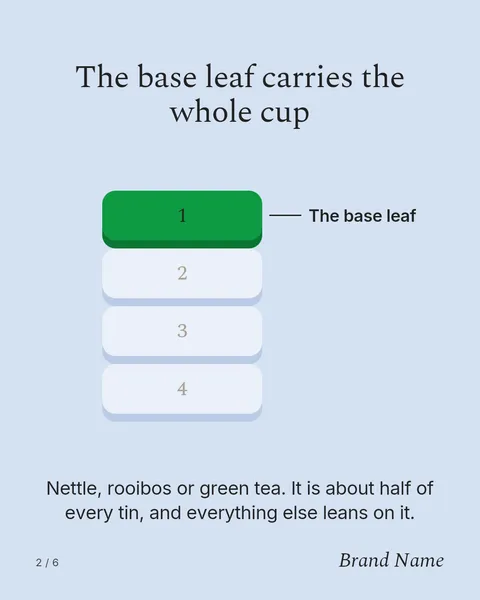
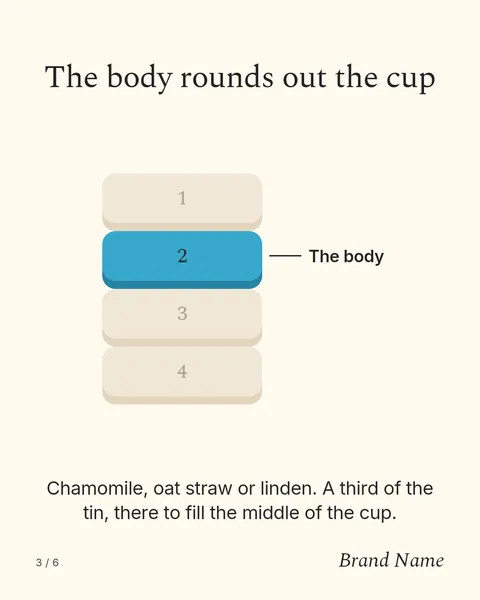
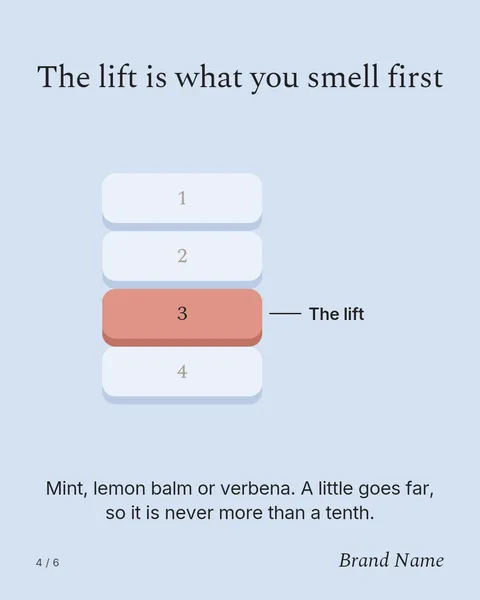
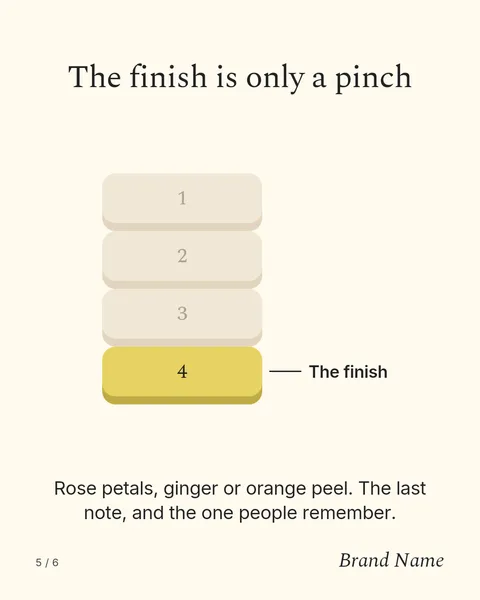
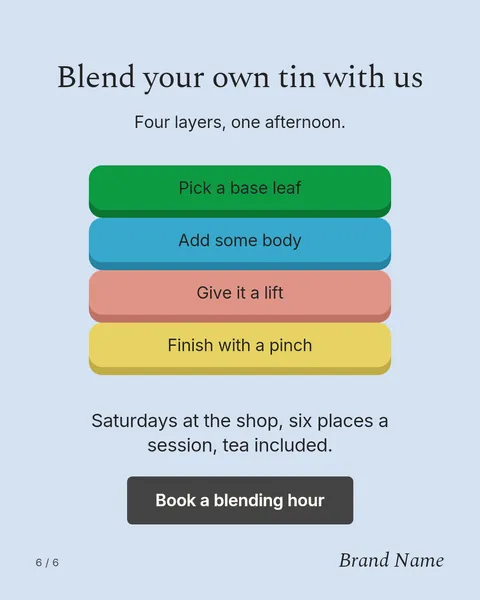
Apothecary
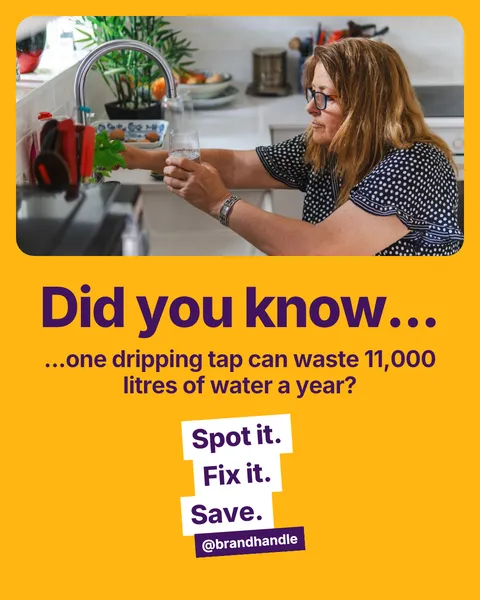


Sunny Fact
Before you start
Can I use my own workshop photos?
Yes. Upload your own images, or keep the illustrated slide layouts and add no photography at all.
Do I still write the captions?
Yes. ViralityWand drafts slides; you edit copy, export images, and write or approve the caption before posting yourself.