ViralityWand for LinkedIn
Let your thinking do the selling.
Make your expertise easy to understand before the first sales conversation. Build a designed post, turn it into a PDF and share your point of view on LinkedIn.
Create for LinkedIn ↗See how it works ↓Lead with a problem your clients recognise
Name a specific challenge on the cover: “Why your onboarding loses customers” gives the right reader a reason to open it.
Show how you solved it
Walk through the decisions, examples and results. A concrete case study gives potential clients evidence of your expertise.
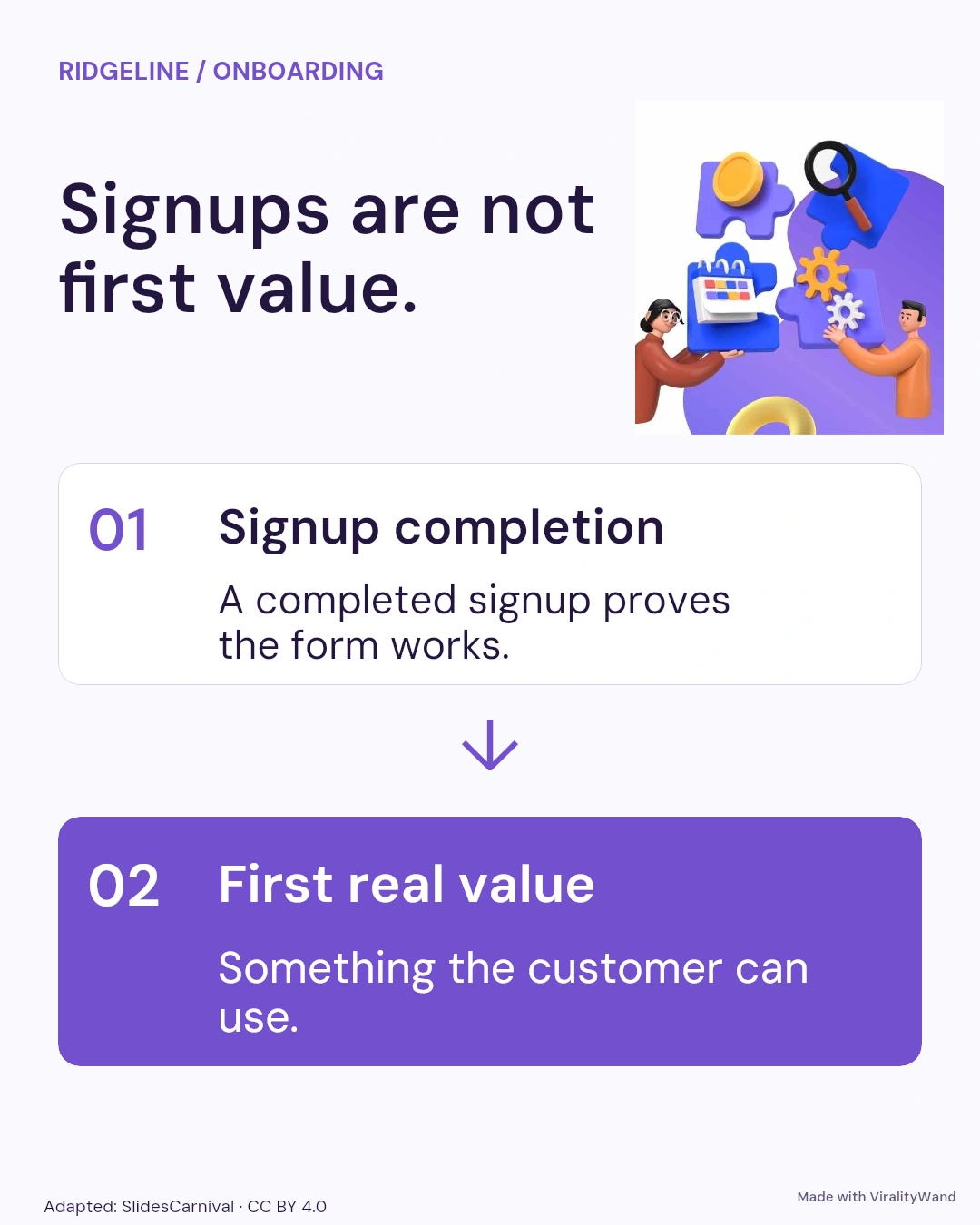
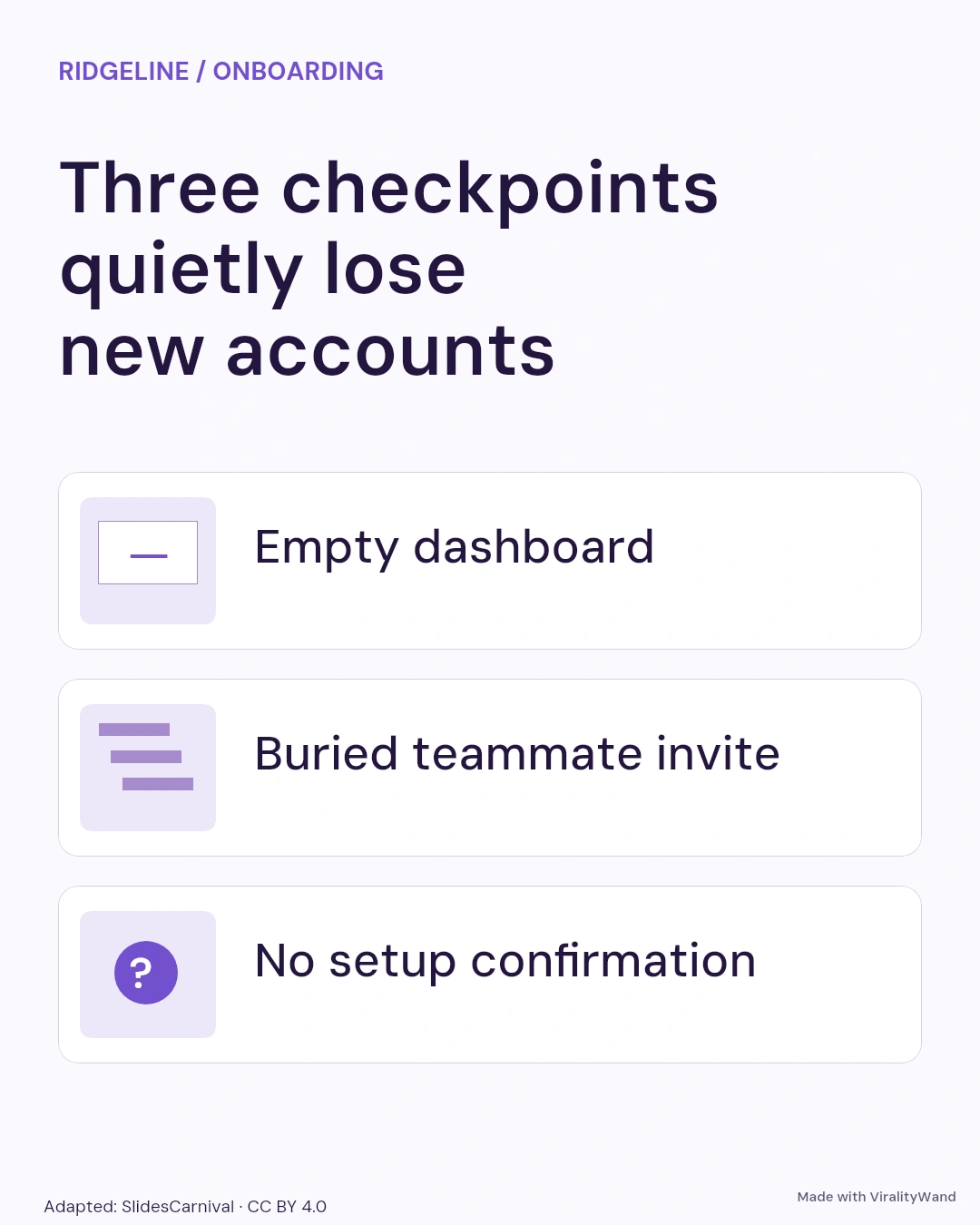
Signup completion is a handshake, not a first value moment, and the gap between them is where trials quietly die.
Draft my audit promo post
Illustrative feed preview · Made with ViralityWand
Give interested readers a way to work with you
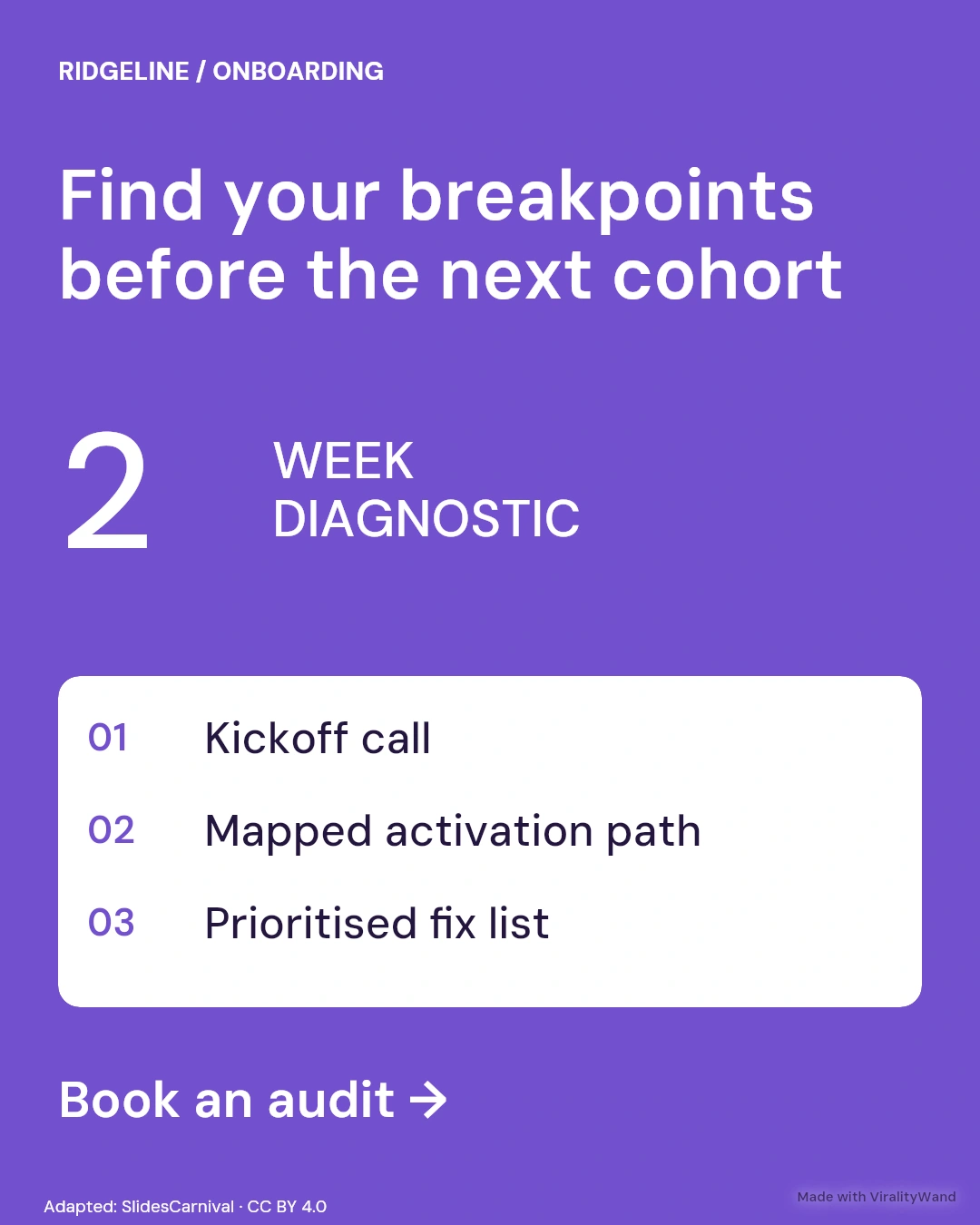
Use the last slide to offer a relevant next step, such as a consultation or a full case study. Add the link in your post text.
Export images from ViralityWand, combine them with our images-to-PDF tool and upload the PDF as a LinkedIn document.
Images to PDF →Who it’s for
Founders, consultants & B2B teams
Your target
Professional trust & qualified conversations
What you create
A complete visual story with a hook, useful slides and a clear next step.
Create a post
Build a post from your audit findings.
Start with your diagnostic notes. The tool will structure them into a sharable post that highlights onboarding breakpoints.
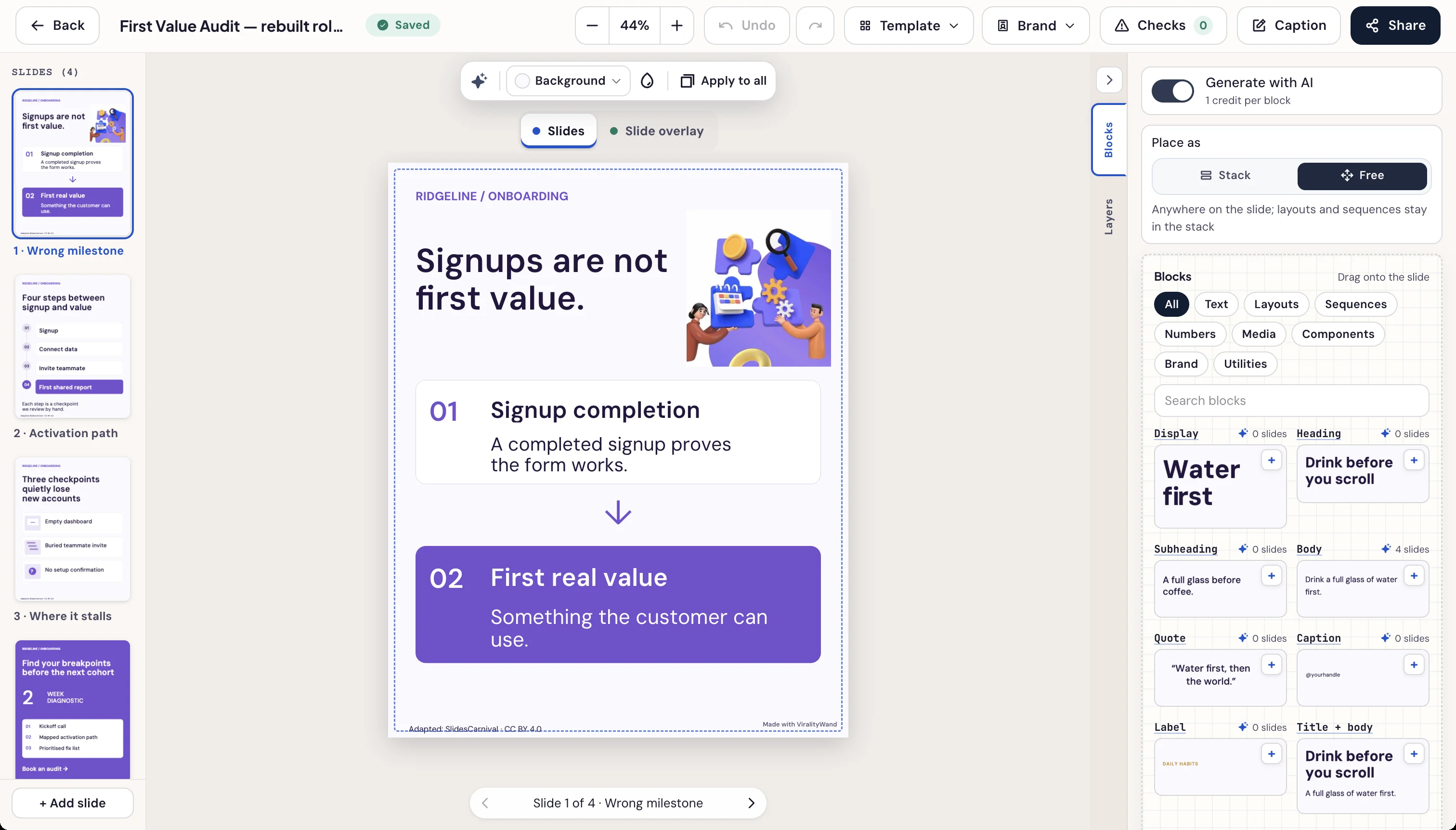
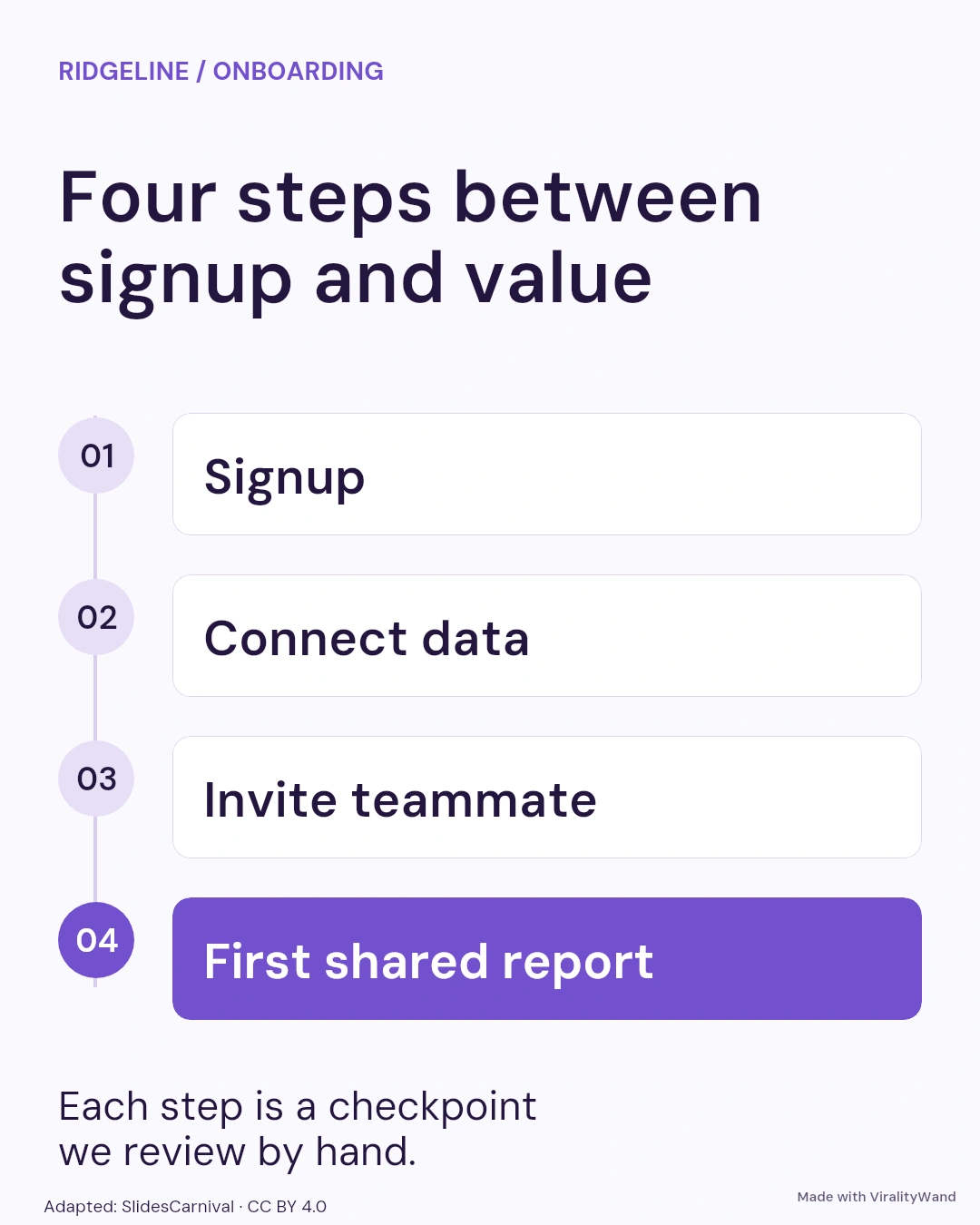
Diagnostic audit notes: friction sits at connecting data and inviting a teammate in the signup flow.
Add your audit notes
Input your findings about signup friction and activation path steps.
Choose a layout
Select a template that clearly presents a numbered or sequenced process.
Craft the slides
Refine the slide copy, swap in your own images, and align the flow.
How to make yours
- Enter your topic or initial notes
- Choose a template and optionally upload photos
- Click Create and edit the draft text, images, and crops
- Review and use the Share panel to export
Before you publish
Does ViralityWand export directly to a LinkedIn post?
This guide uses image exports, a free PDF conversion tool and a manual document upload to LinkedIn. Review the document and post text before publishing.
Can I use the same idea on Instagram?
Yes, but revisit the context and reading effort. A professional document may need shorter wording or a more visual example for a different audience.
What if I have no impressive statistics?
Show a useful process, explain a tradeoff or use an approved example. Evidence can be a clear before-and-after or a practical demonstration; it does not have to be a dramatic percentage.
Should my caption repeat the post?
Use it to introduce the situation and the reason to read. Repeating every slide adds length without giving the reader more value.
The finishing touches.
Find your starting point
Choose a look for your post
Select a template to see it in the phone.
Your next LinkedIn post starts here.
Bring your idea, choose a design and make every slide yours.
Continue to ViralityWand ↗News · Market Terminal
Draft my audit promo post

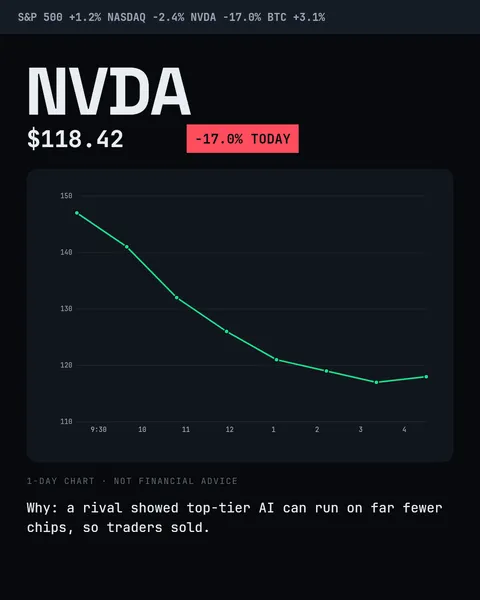


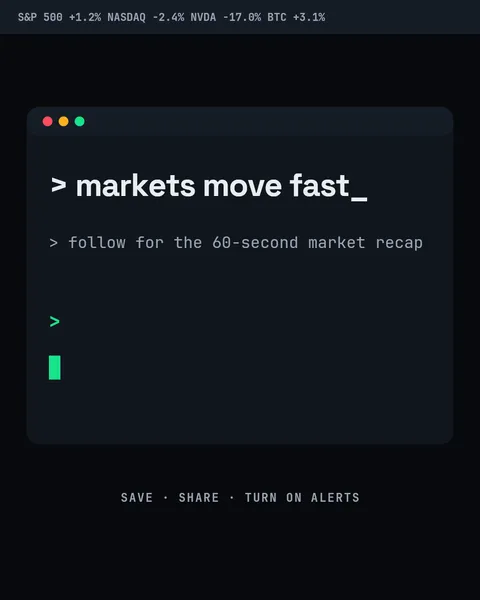
News · Market Terminal
News · Numbers Poster
Draft my audit promo post

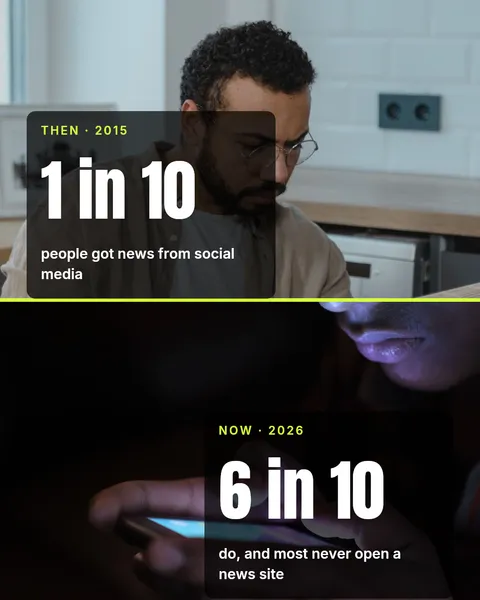

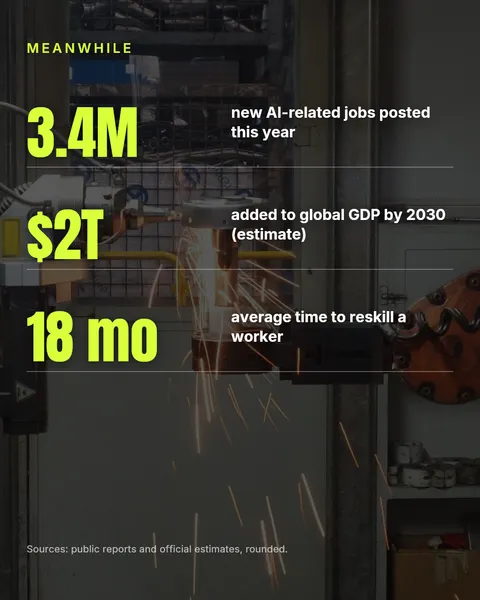
News · Numbers Poster
Your numbers as an analytics screen: a white window on grey, bordered tiles, monospaced capitals and figures, indigo bars.
Draft my audit promo post
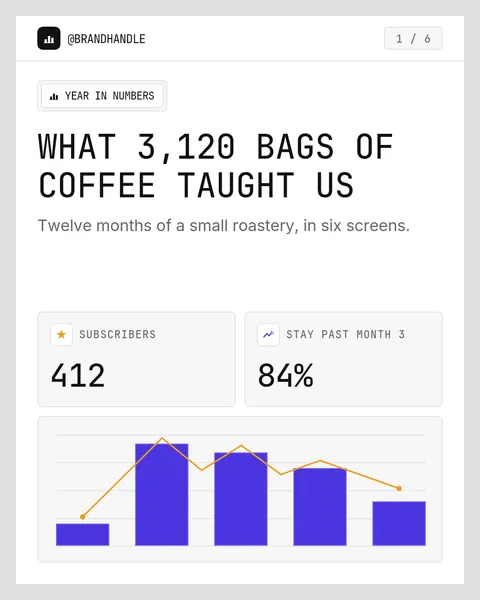
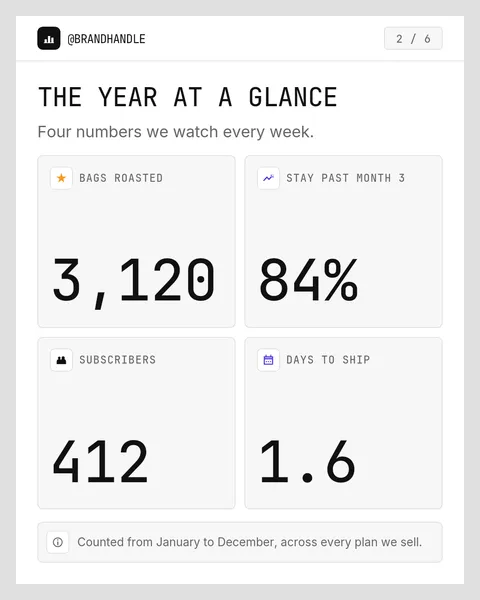
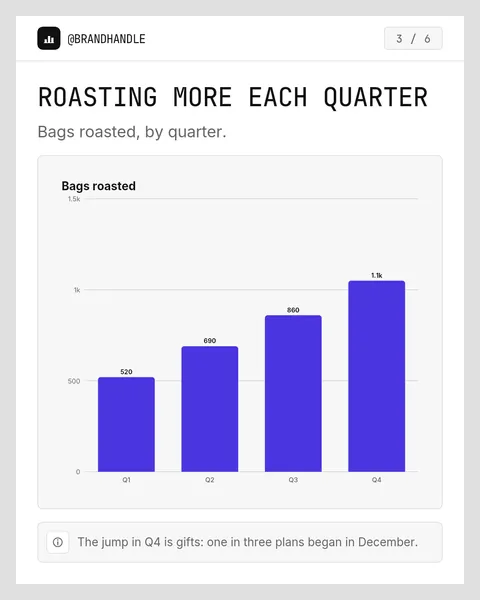
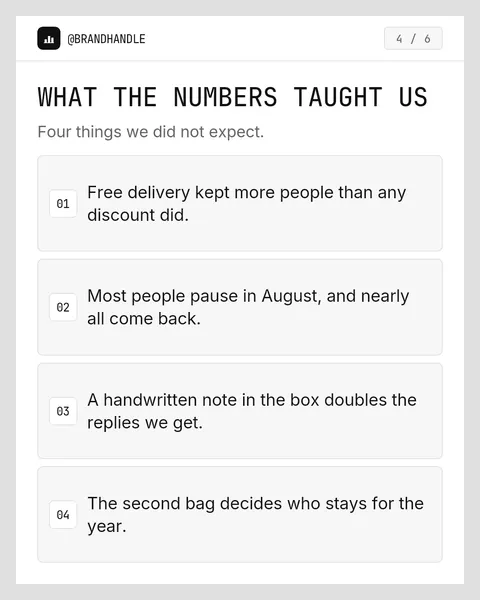
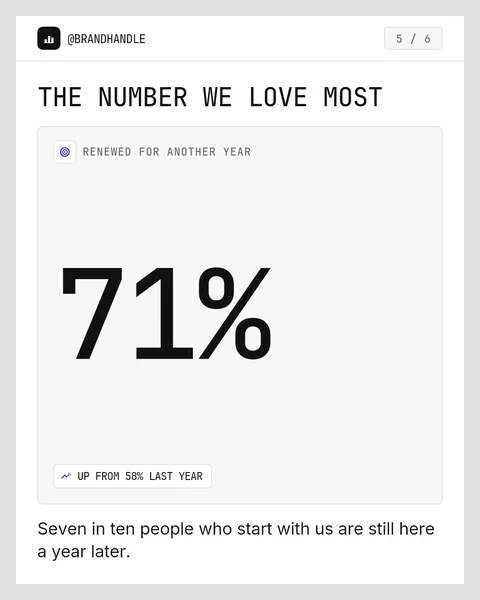
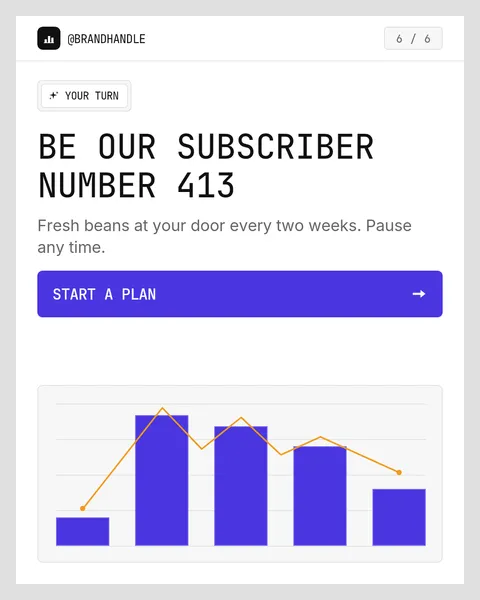
Indigo Mono
Open books on emerald: one huge serif word over two mint rules, ivory cards of rows and amounts.
Draft my audit promo post
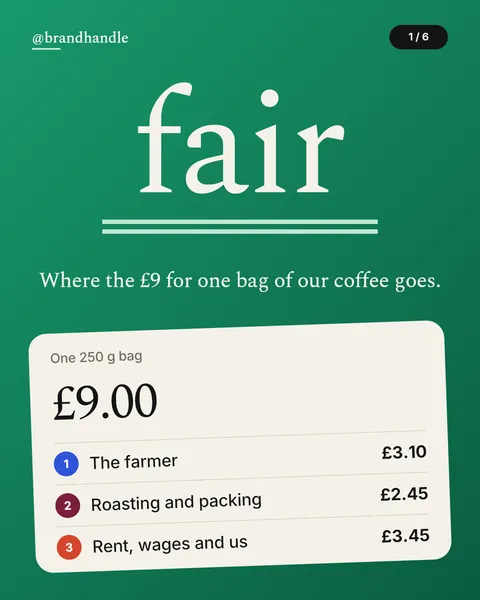
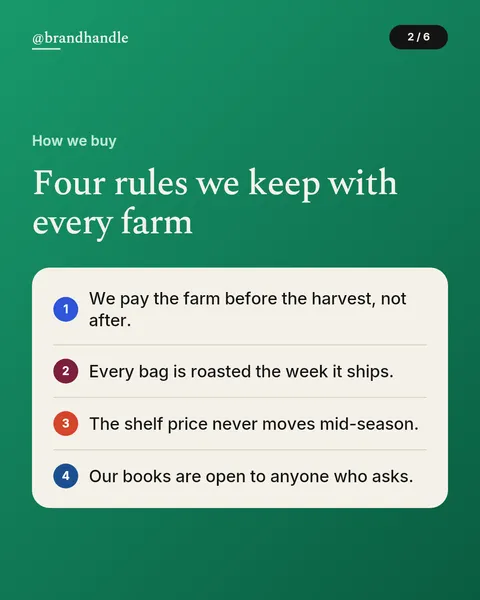
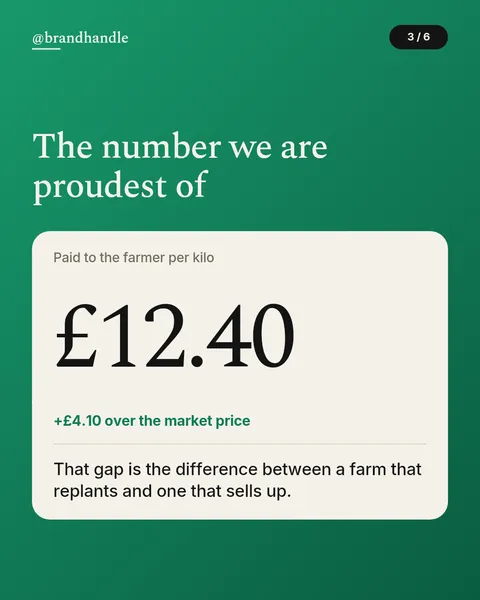
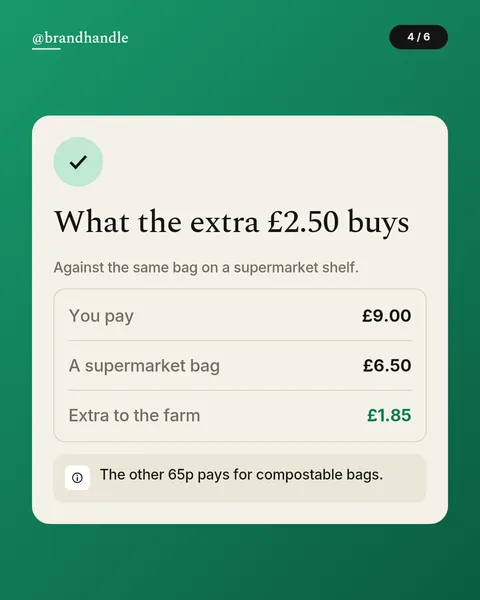
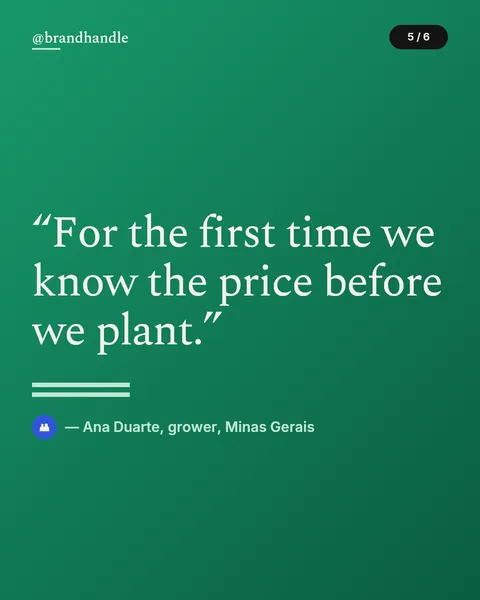
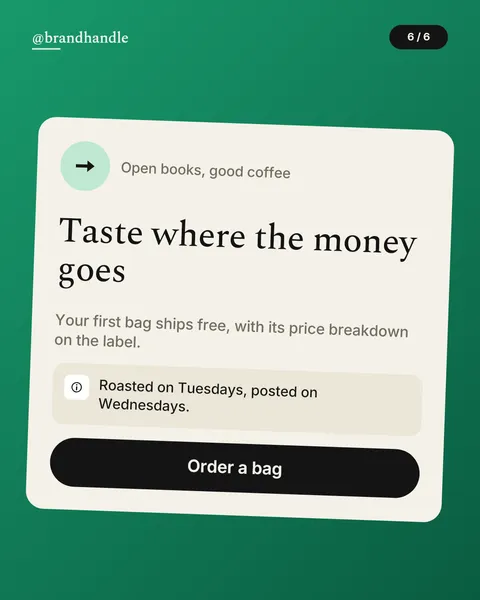
Emerald Serif
A money check as a bento grid: small rounded cards on an ice-blue panel, one bold fact in each.
Draft my audit promo post

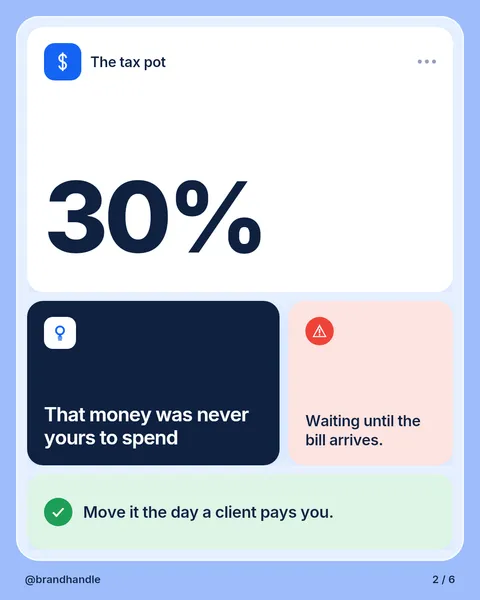
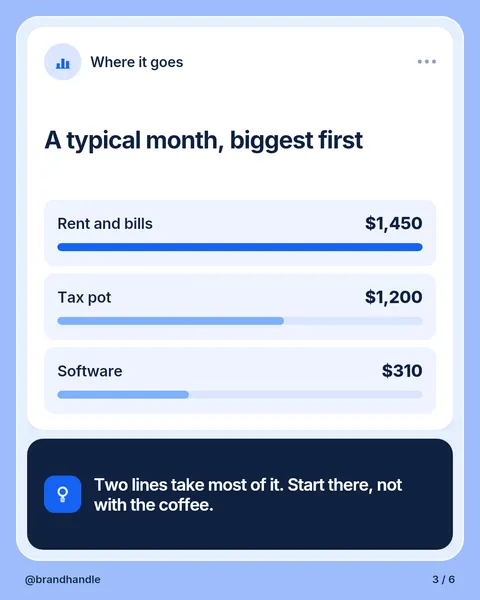
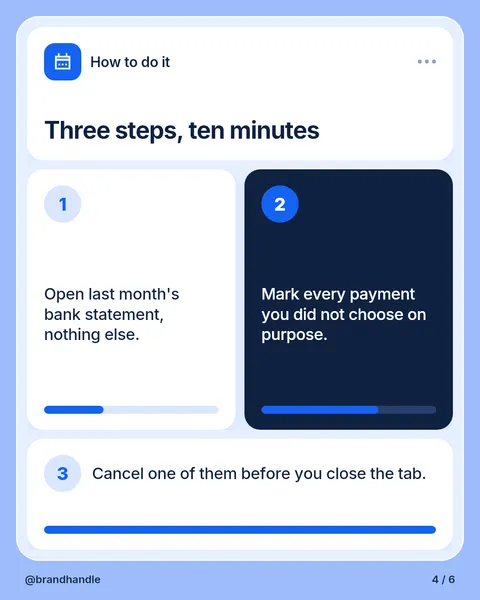
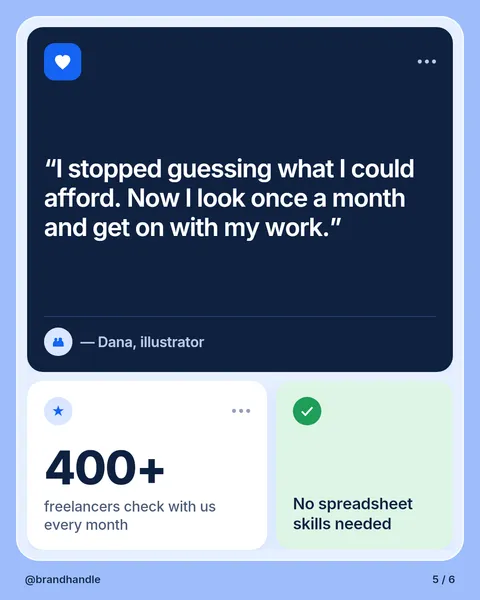
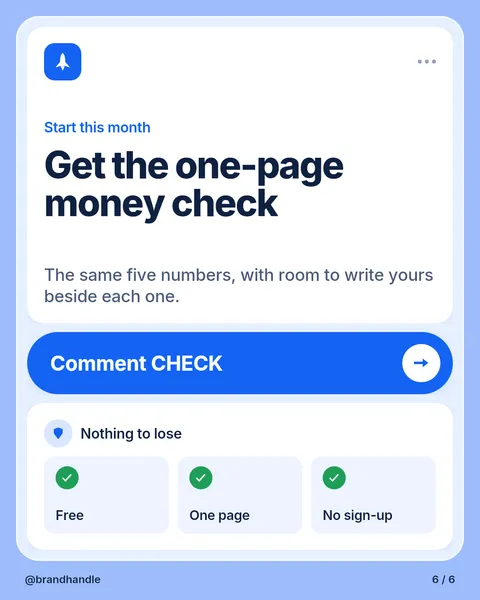
Blue Bento
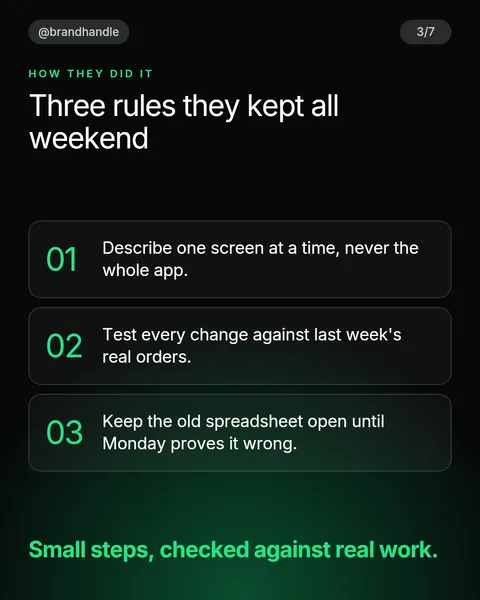
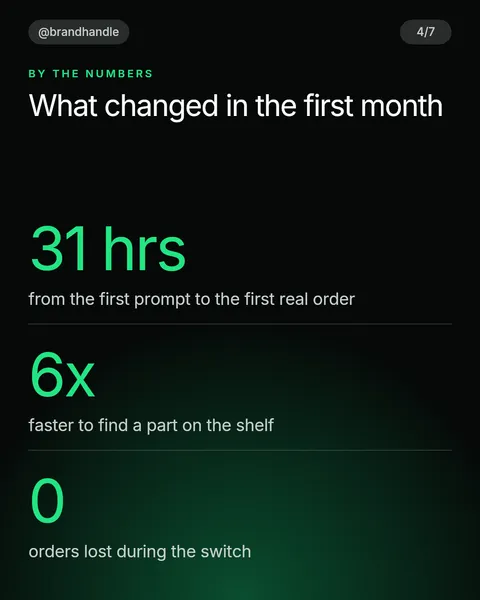
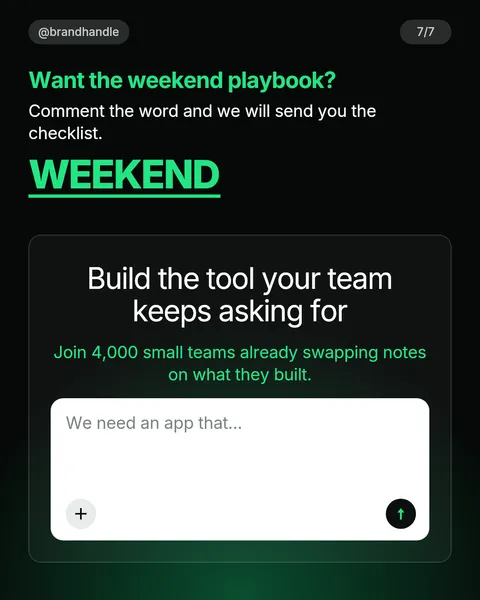
Tech news after dark: near-black slides, a green glow, a number or a phrase in green on each.
Draft my audit promo post

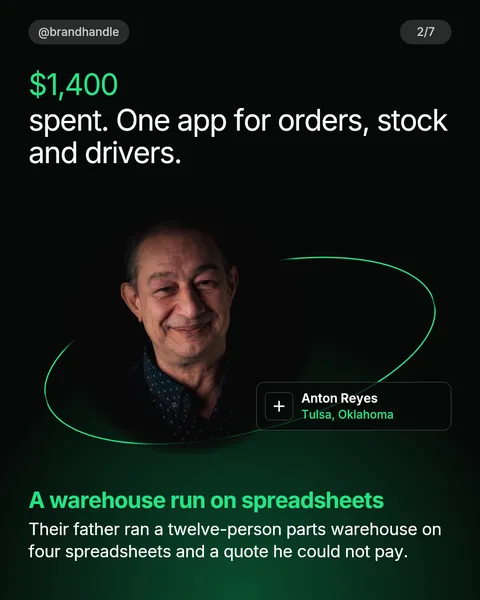


Night News