LinkedIn expertise
Pricing critiques founders want to read
Founders rewrite pricing pages by moving numbers around. Draft a critique that shows the buyer job behind each plan boundary.
SaaS pricing advisors selling reviews to B2B founders
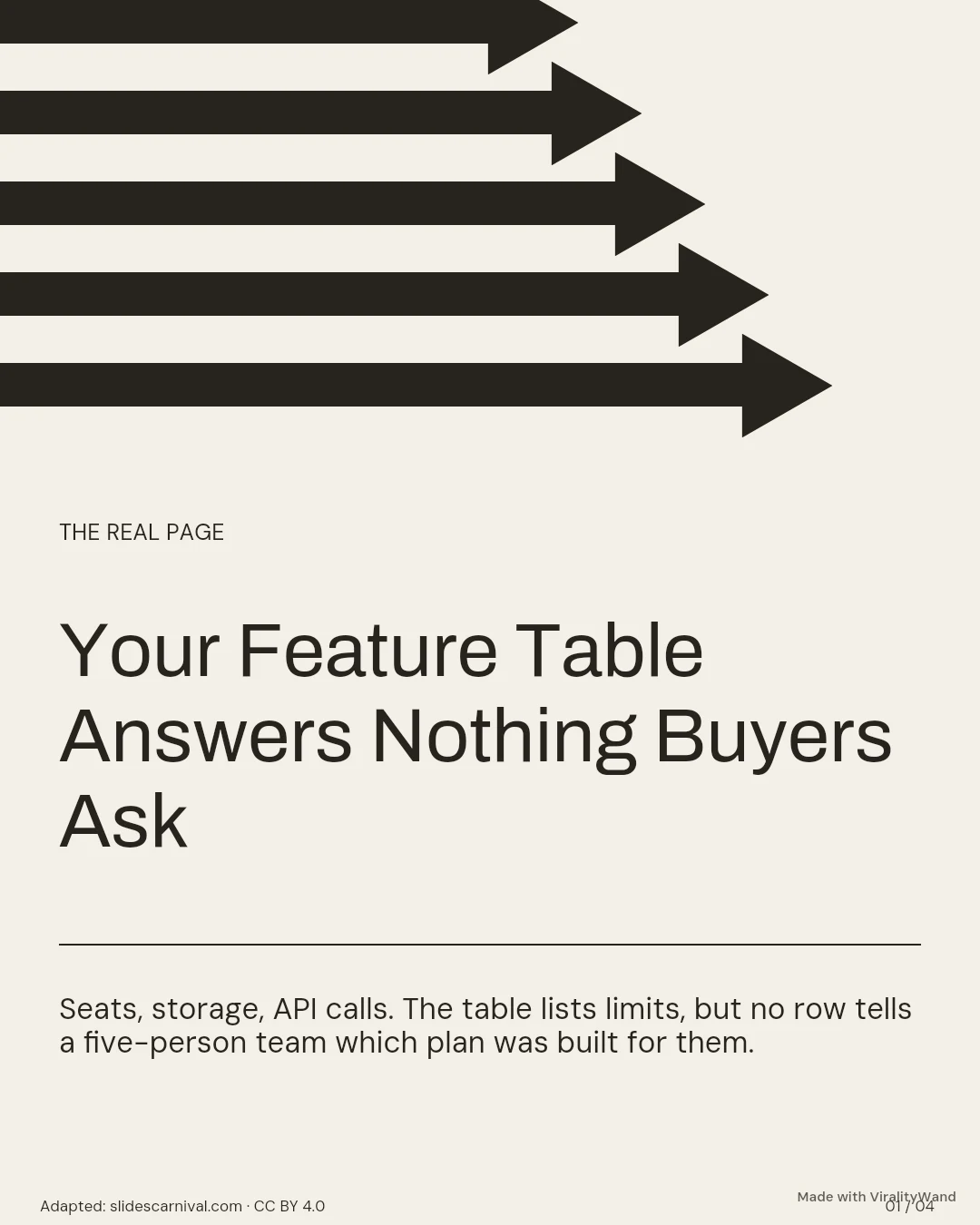
Founders rewrite pricing pages by moving numbers around, then wonder why buyers still ask what each plan is for.
Pricing review bookings from founders who see their own pricing page in the critique.
Number of pricing review calls booked through the link in the post post.
The campaign
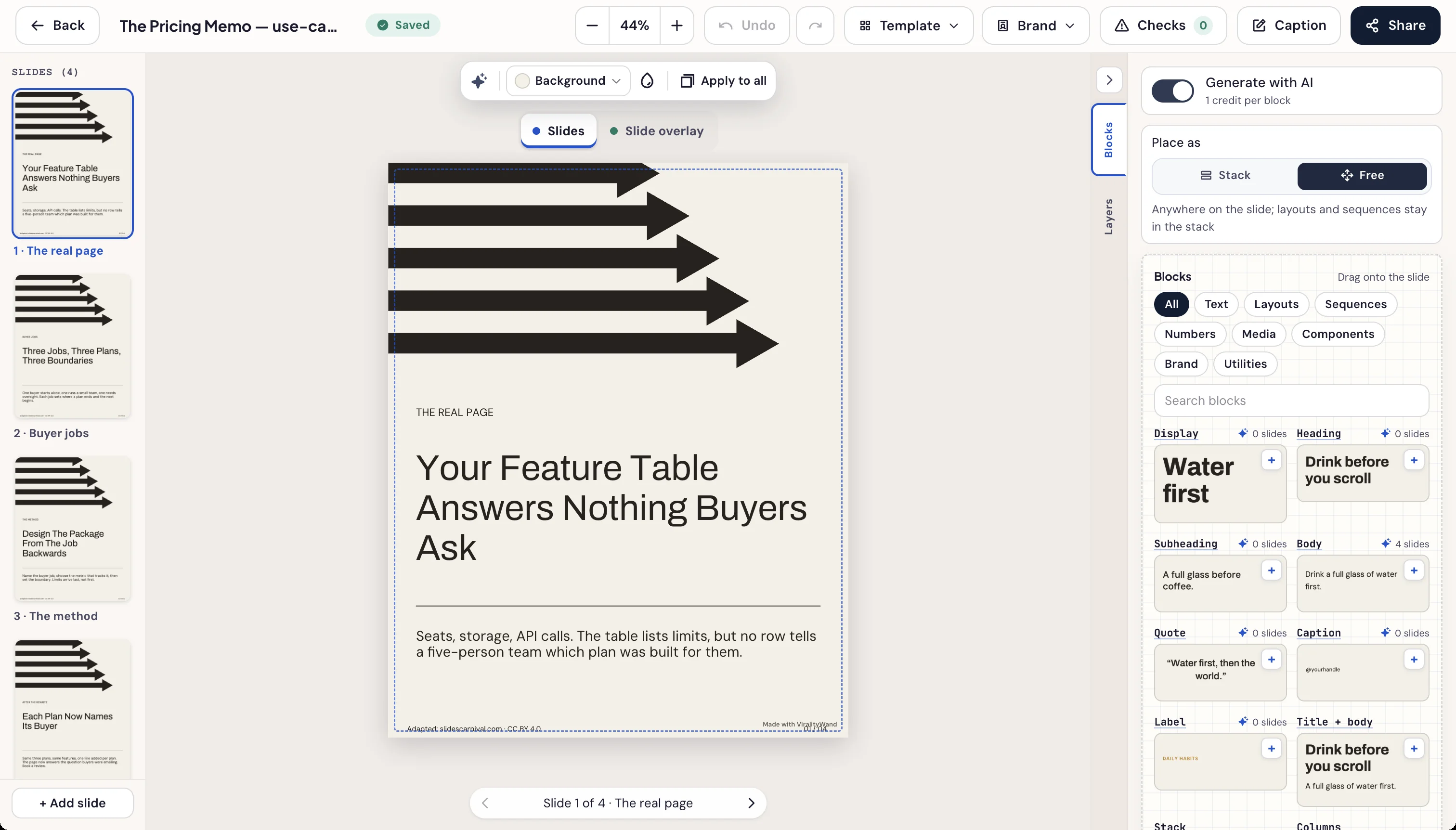
Four slides that turn a pricing critique into a decision buyers can make.
Fictional business example. Explore every slide, its purpose and the finished caption.
Ledger & Line Pricing — Clarity Before Comparison
A pricing page should make the buying decision obvious before a buyer starts comparing limits.
Sample campaign for Ledger & Line Pricing, a fictional advisor selling fixed-fee pricing reviews to B2B SaaS founders whose pricing page lists limits but hides the buying decision.
Post caption
Most SaaS pricing tables list seats, storage and API calls, then leave buyers to guess which plan was built for them. Try a different order: name the buyer job, pick the metric that tracks it, set the plan boundary, and add the limits last. Same features, clearer decision. I run fixed-fee pricing reviews for founders who own this page. Bookings open.
The starting material
Pricing review notes — three plans, one muddy page
Writing a pricing critique by hand means rebuilding a table, sketching plan boundaries and mocking the rewrite for every post. ViralityWand drafts all four slides from your notes, so your thinking appears monthly without the layout work.
Pricing review notes — three plans, one muddy pageReview notes for a fictional SaaS pricing page. Three plans, all listing seats, storage and API calls. No plan says who it is for. The middle plan is flagged most popular but includes nothing the top plan lacks except volume. Buyers email asking which plan suits a five-person team. Method: start from the buyer job, then set the plan boundary, then the metric.
Find your starting point
Choose a look for your post
Select a template to see it in the phone.
Start with this brief
Name the buyer, set the boundary, and let the page decide for you.
Founders rewrite pricing pages by moving numbers around. Draft a critique that shows the buyer job behind each plan boundary.
Draft my pricing review post ↗



News · Numbers Poster



News · The Odds (prediction markets)





News · Photo Explainer




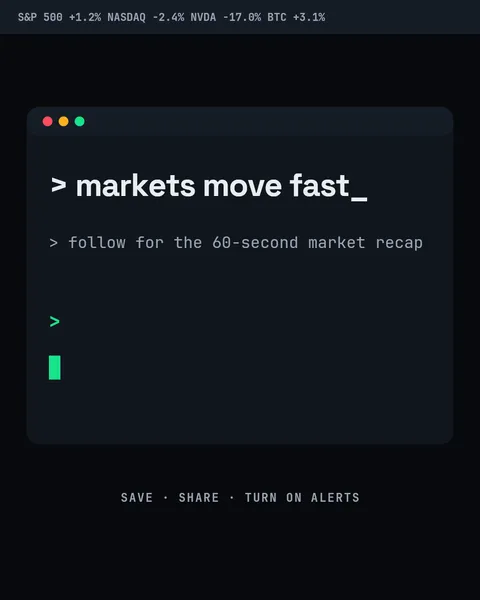
News · Market Terminal

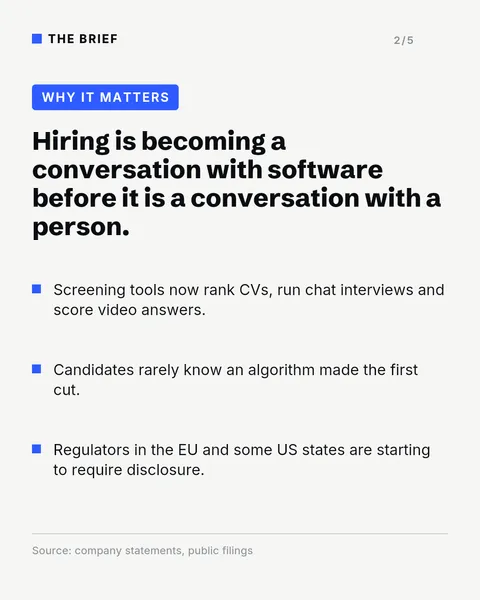



News · The Brief (60-second read)
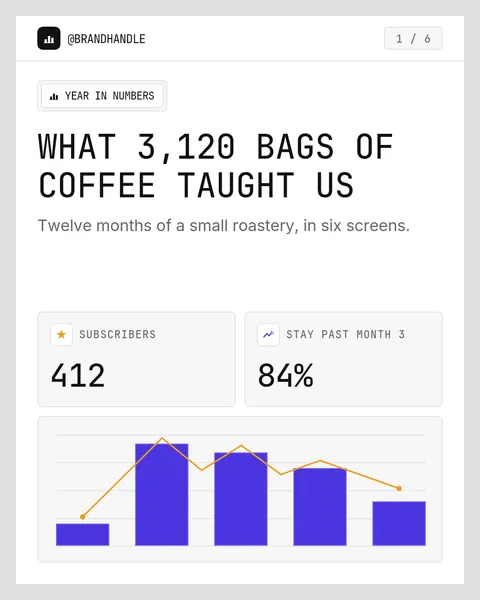
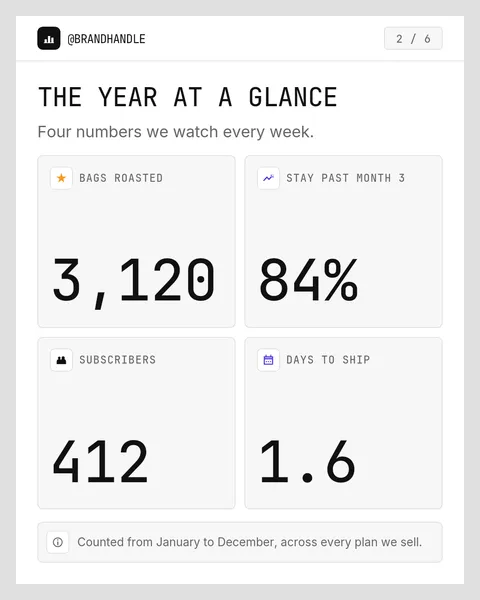

Indigo Mono
Create a post
Construct a pricing critique from your review notes.
Begin with the review notes. The editor will produce a draft that demonstrates a common SaaS pricing page problem.
Review notes for a SaaS pricing page where three plans lack clear definitions of who each is for.
Enter your review notes
Add the notes about missing plan definitions and confusing popularity flags.
Choose a layout
Pick a template that works well for analysis or side-by-side comparison.
Build the critique
Refine the argument, insert your own charts or diagrams, and complete the post.
How to make yours
- Enter your topic or initial notes
- Choose a template and optionally upload photos
- Click Create and edit the draft text, images, and crops
- Review and use the Share panel to export
Before you start
Will the slides include conversion data?
No. They show the critique, the mapping method and a page mockup. Any numbers come from your own analytics, added by you if you want them.
Can I post this as a LinkedIn document?
Yes. Export the four slide images, convert them to a PDF with the free images-to-PDF tool, then upload the document yourself.