Marketers & writers
Report launch posts your team can re-cut
Your report deserves more than one launch post. Draft slides from the checklist, then re-cut them for each distribution angle.
Draft my report launch post ↗Explore the example ↓- Who it’s for
- Small in-house content teams publishing owned research for procurement leaders.
- The business goal
- Report downloads from procurement leaders who meet the checklist on social.
A campaign in practice
The Buying Checklist Report
About this example
Sample campaign for Halden Content, a fictional content team selling The Buying Checklist, a five-question framework for procurement leaders shortlisting software vendors.
Create a post
Transform a report outline into a social checklist.
Provide the key questions from your report. The editor will produce a draft post that frames each point for a professional audience.
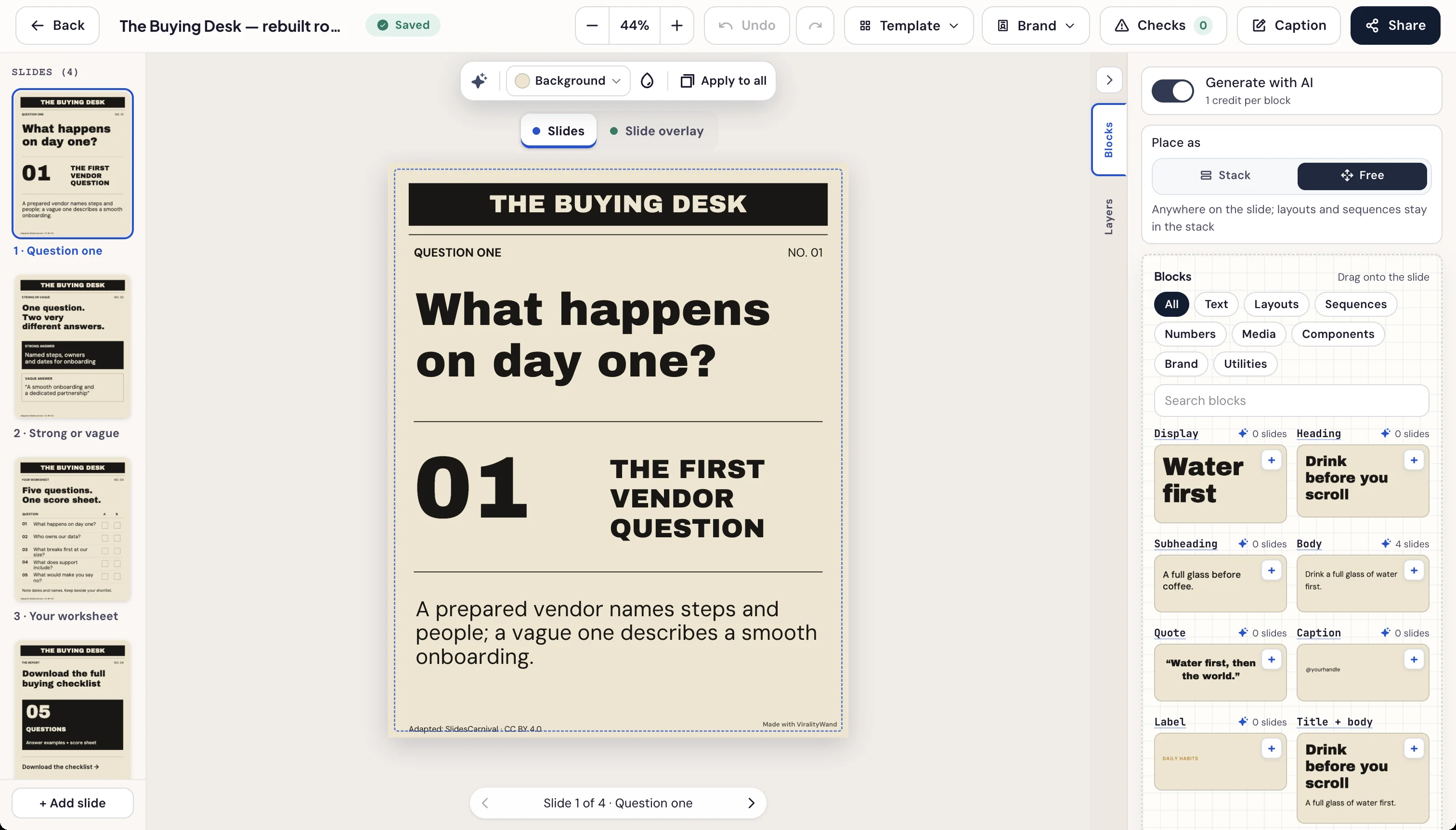
Report notes: five questions procurement leaders should ask vendors, with examples of strong and vague answers.
Input your report questions
Enter the list of five vendor questions you’ve prepared for the report.
Pick a template
Choose a template designed for a straightforward, impactful list.
Edit the result
Replace placeholder text, adjust the order, and add your own graphics.
How to make yours
- Enter your topic or initial notes
- Choose a template and optionally upload photos
- Click Create and edit the draft text, images, and crops
- Review and use the Share panel to export
Find your starting point
Choose a look for your post
Select a template to see it in the phone.
Your next post
Publish the checklist three ways, and let procurement leaders download the full report.
Draft my report launch post ↗Preview the brief
Create a four-slide post. Campaign: Halden Content — The Buying Checklist Report Audience: Small in-house content teams publishing owned research for procurement leaders Goal: Report downloads from procurement leaders who meet the checklist on social. Message: Procurement leaders shortlist with more confidence when they ask every vendor the same five questions and compare the answers. Slide 1 — What Happens On Day One? Ask what the first week looks like after signing. A prepared vendor names steps and people; a vague one describes a smooth onboarding. Slide 2 — One Question, Two Very Different Answers One vendor names three steps, the people and the dates. The other promises a smooth onboarding and a dedicated partnership. Slide 3 — Five Questions, One Score Sheet Score each answer, note who gave dates and names, and keep the sheet beside your shortlist while you compare. Slide 4 — Download The Full Buying Checklist All five questions, each with a strong and vague answer example, plus the score sheet. Download it from the link below.
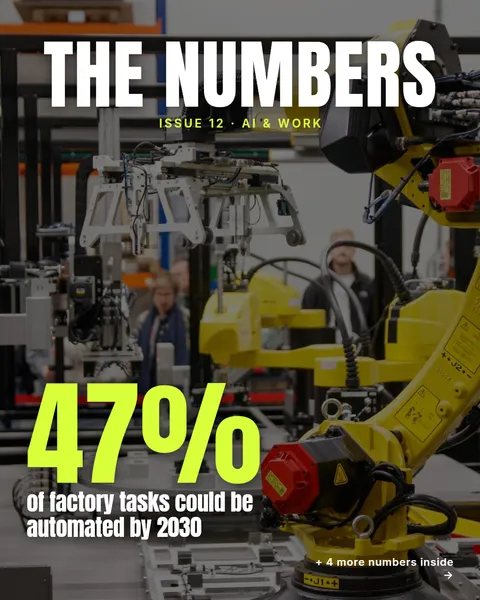
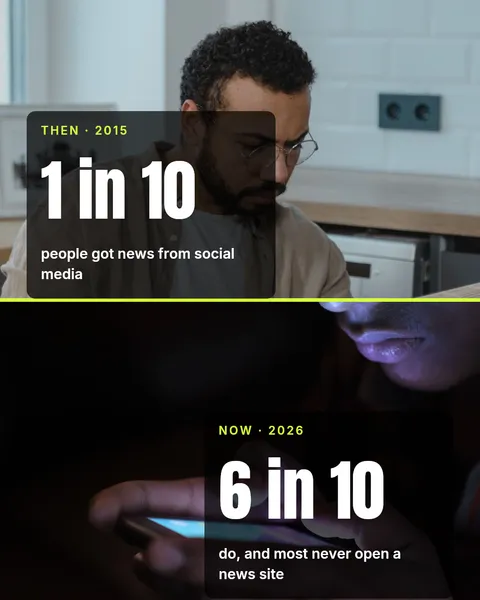
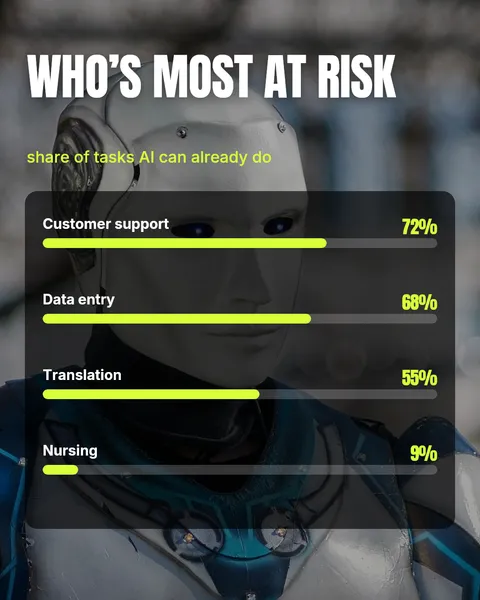
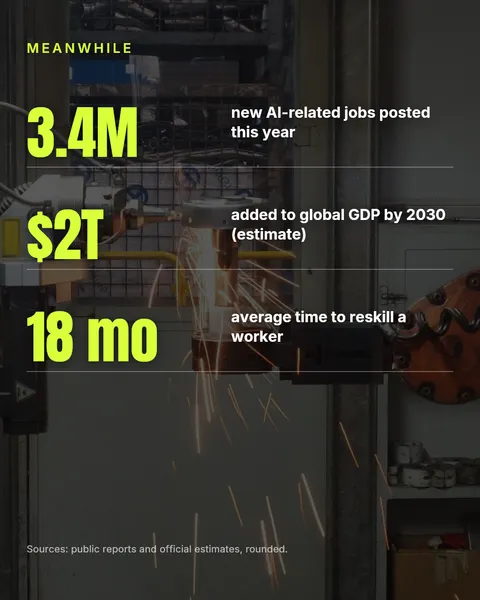

News · Numbers Poster

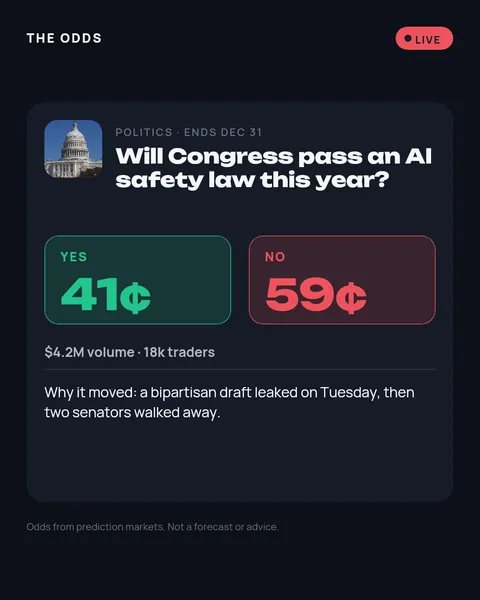

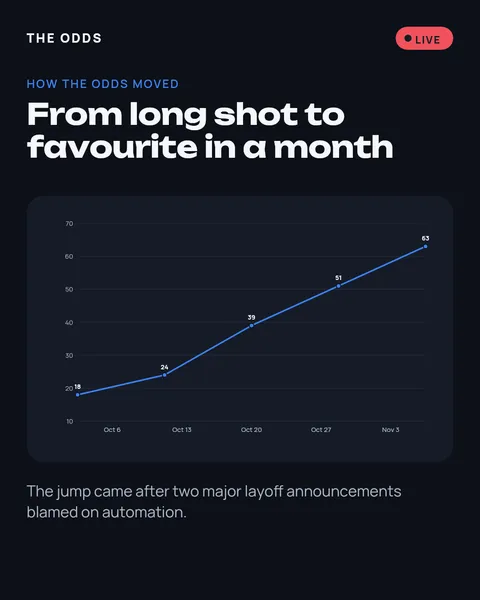
News · The Odds (prediction markets)

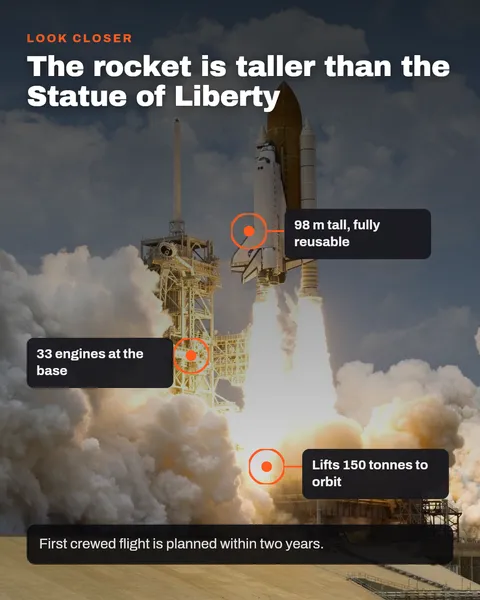
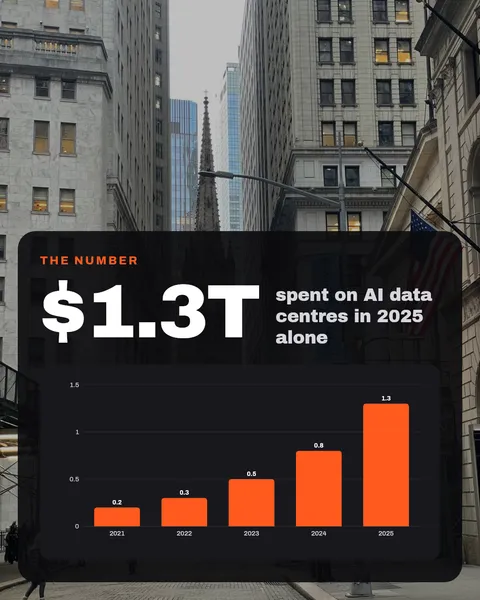
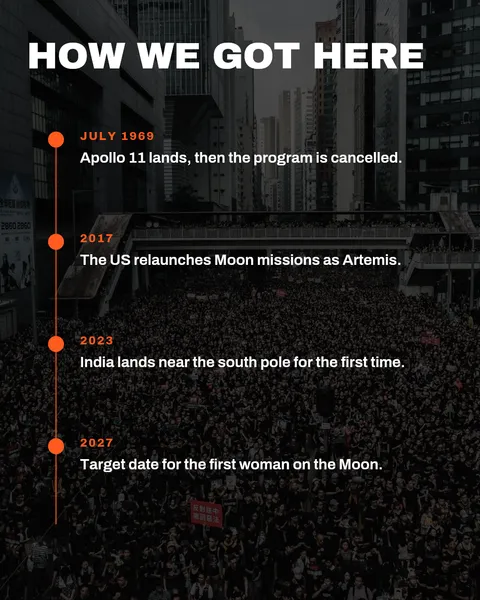

News · Photo Explainer
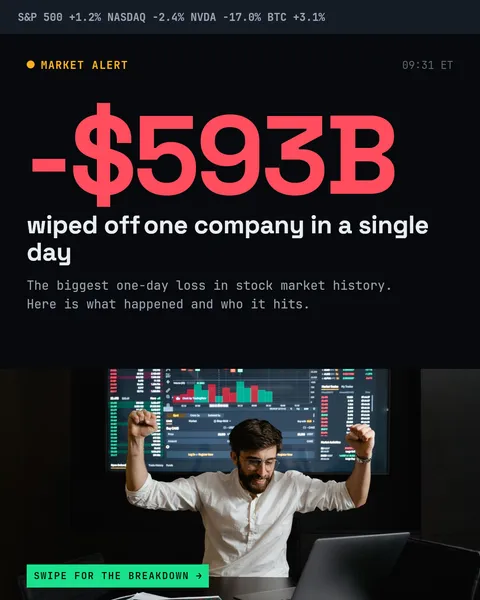
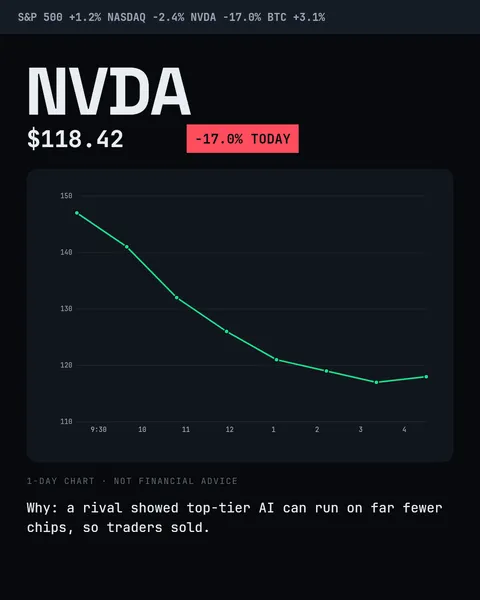
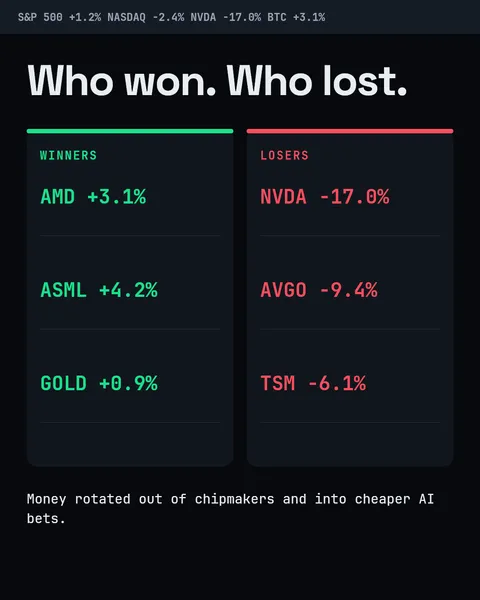
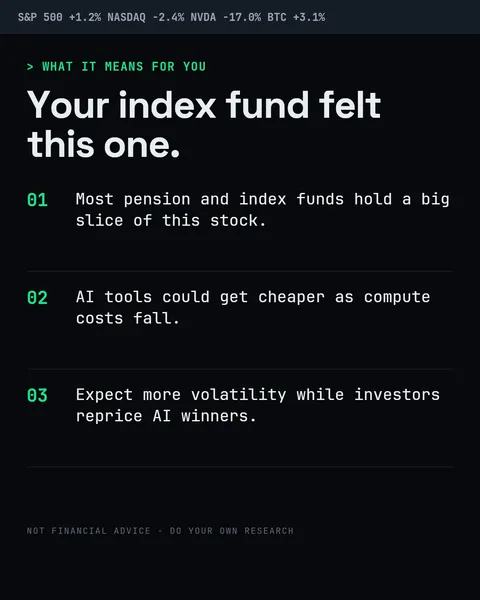
News · Market Terminal

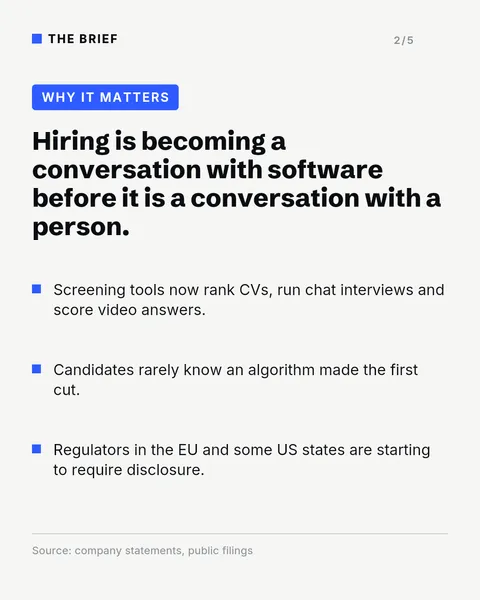

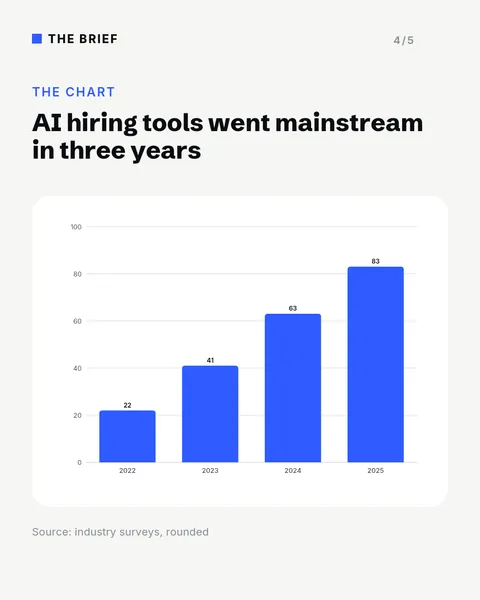
News · The Brief (60-second read)
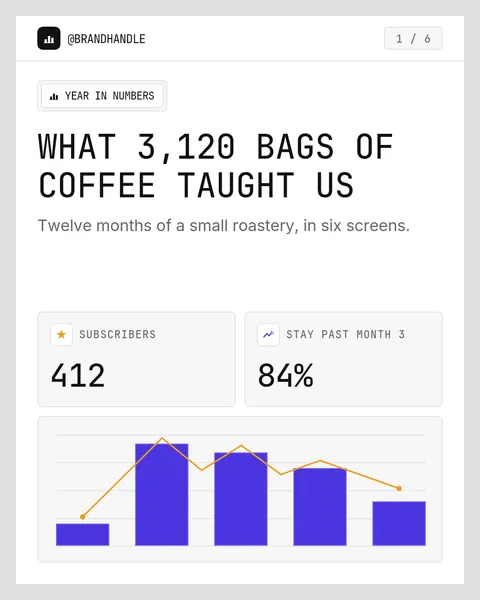
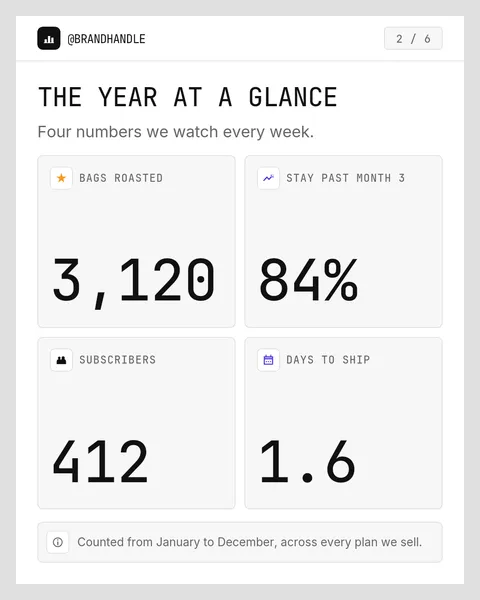
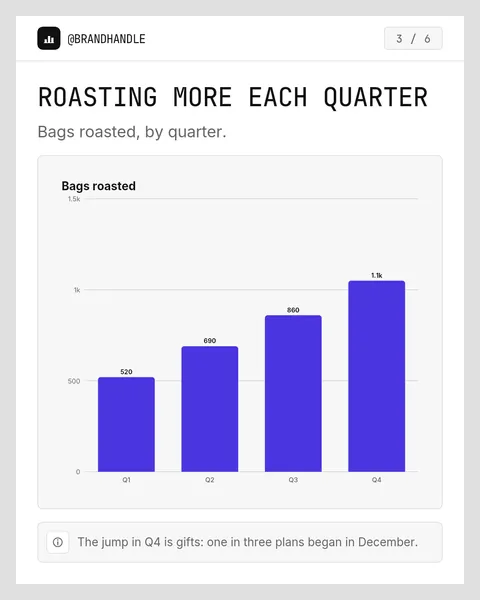
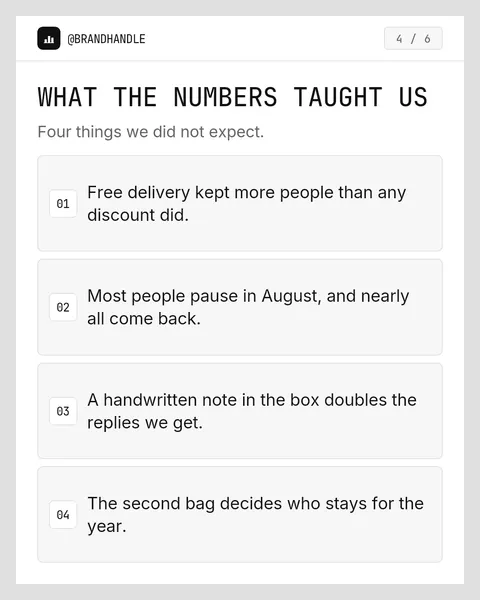
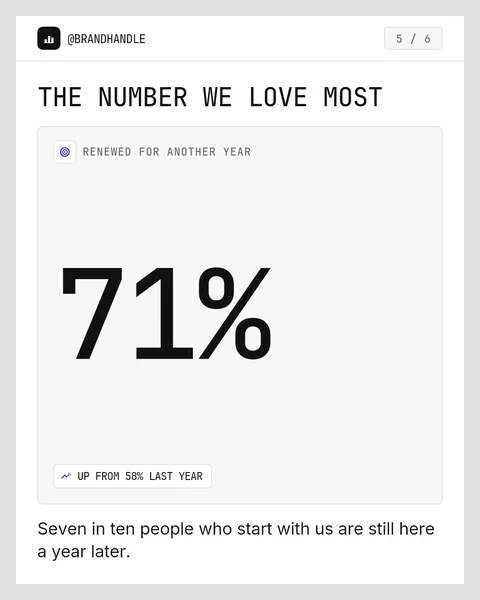
Indigo Mono
Before you start
Does the report need to be published first?
No. You can draft the launch post from the intro and checklist structure, then publish both once the final report is live.
Can we keep the report as our own asset?
Yes. ViralityWand produces the social slides; the report stays on your site, in whatever format your team already publishes.