ViralityWand for Instagram
Make your next swipe worth saving.
Turn your expertise, products and everyday ideas into a recognisable Instagram presence. Create the slides in ViralityWand, then share them with your audience.
Create for Instagram ↗See how it works ↓A cover with a clear promise
Give someone a reason to stop and open the next slide.
A consistent visual story
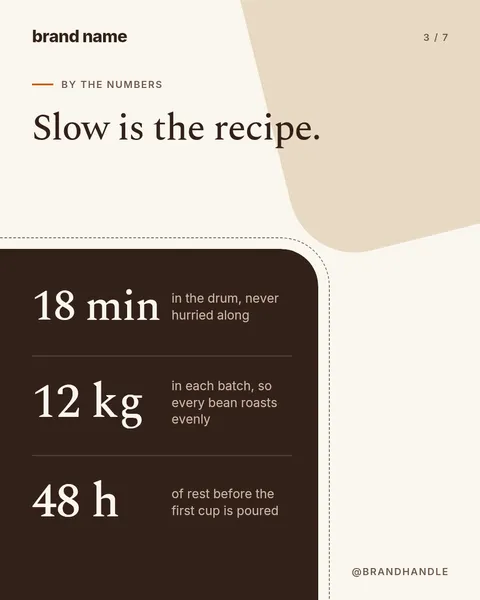
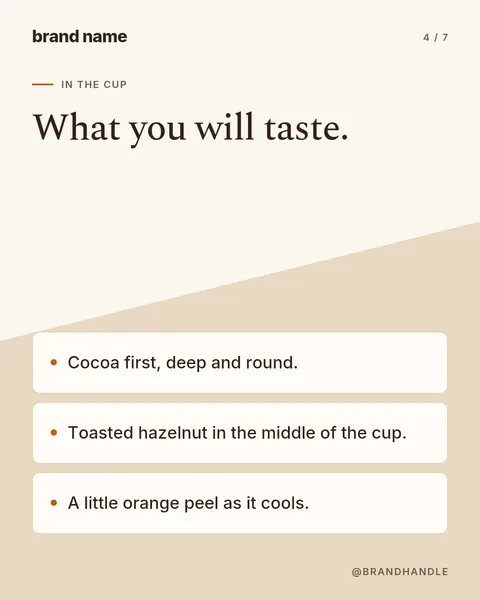
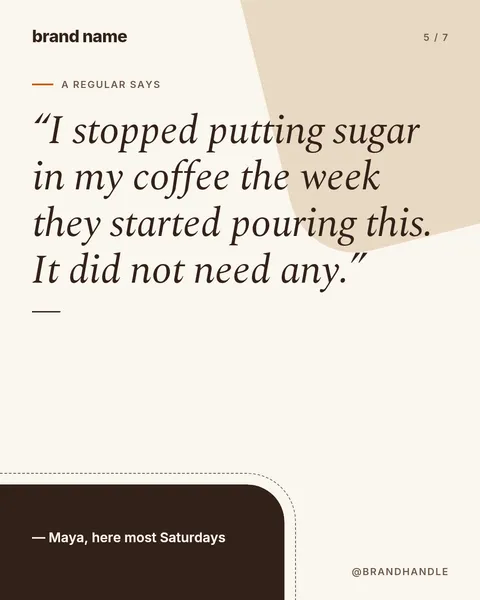
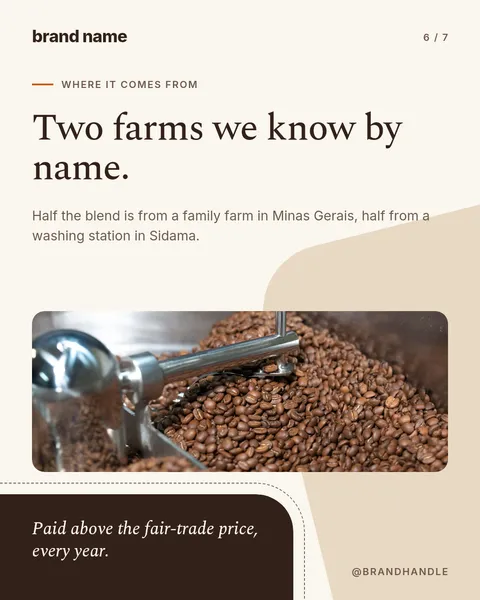
Real ViralityWand layouts keep the sequence feeling like one post.
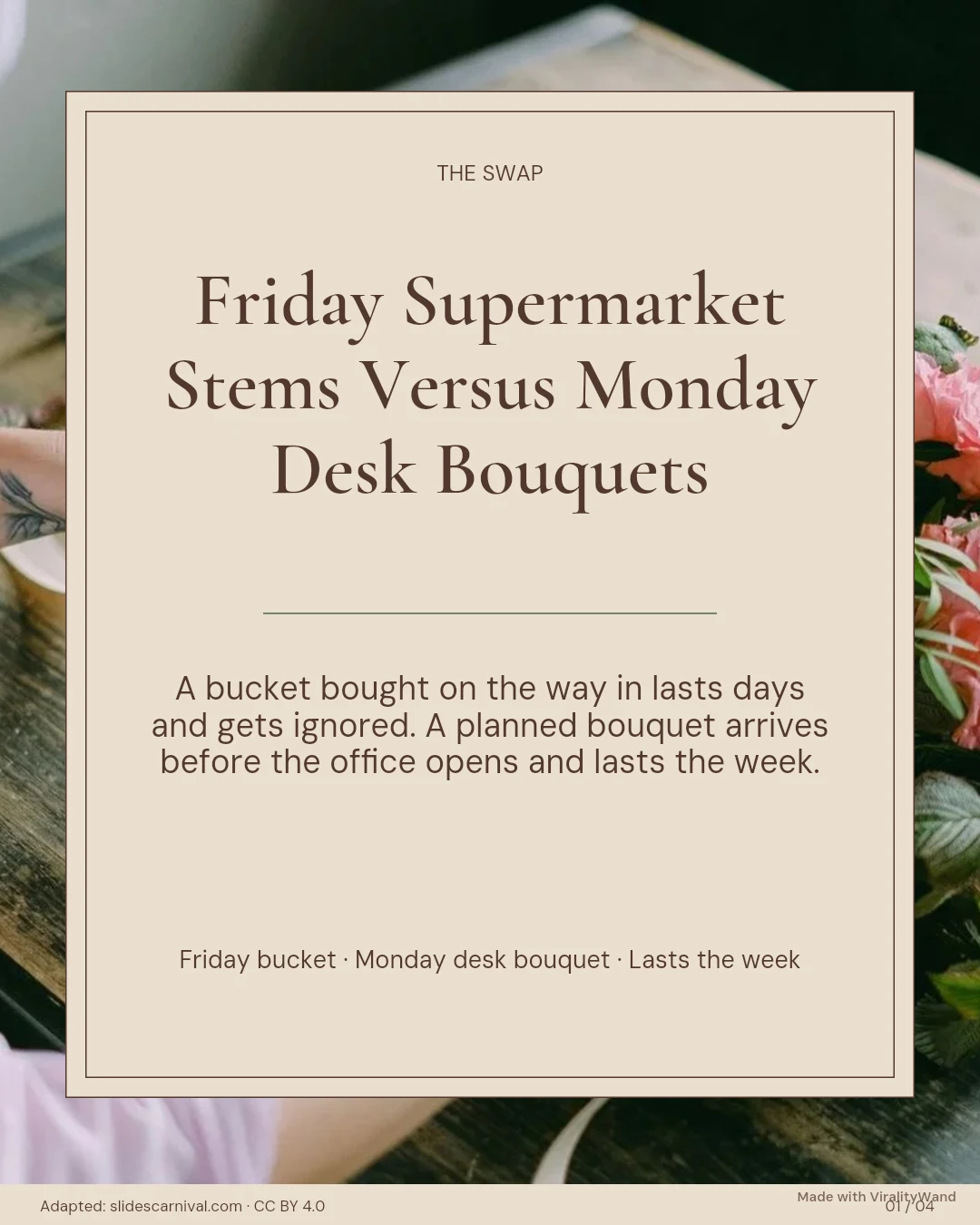
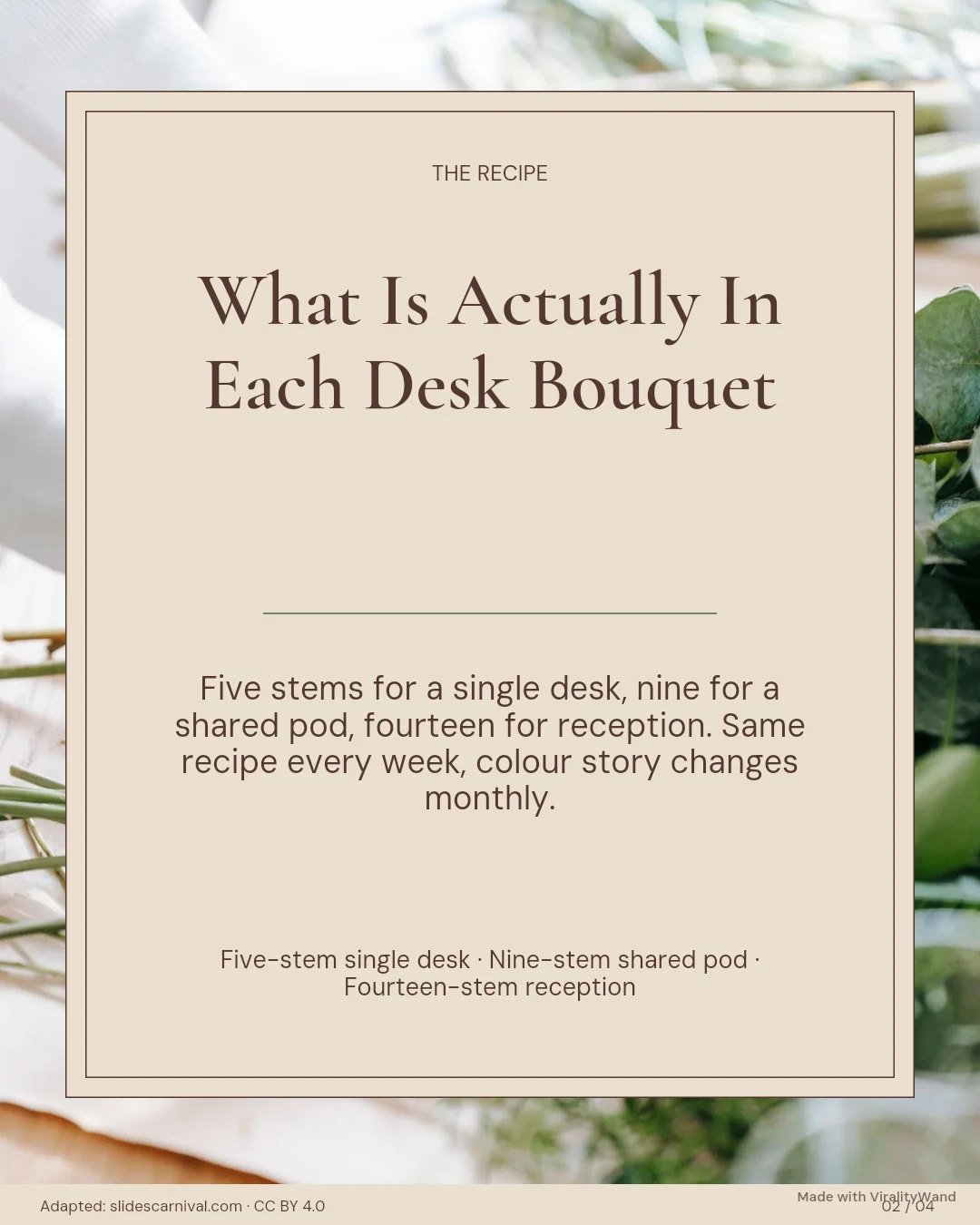
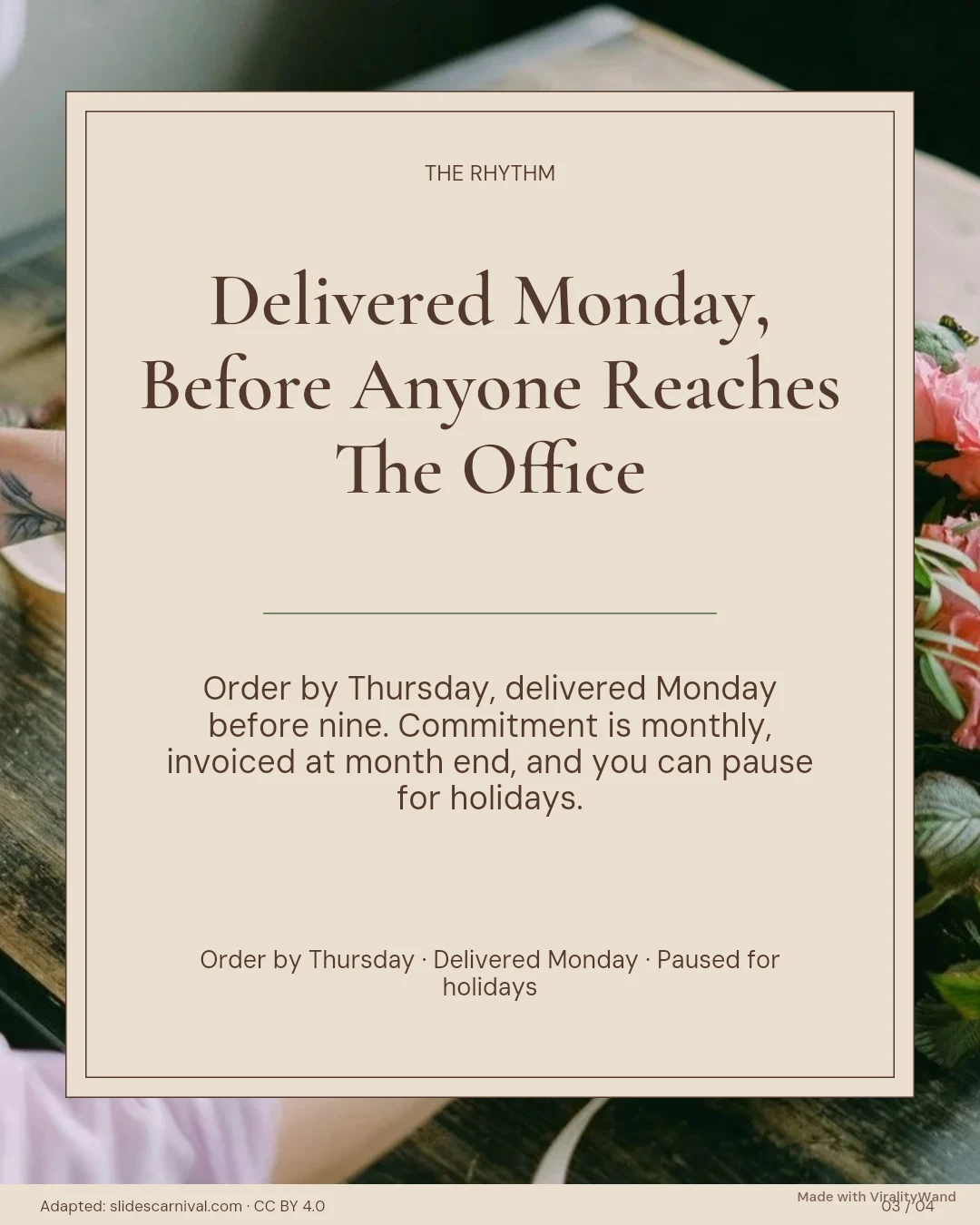
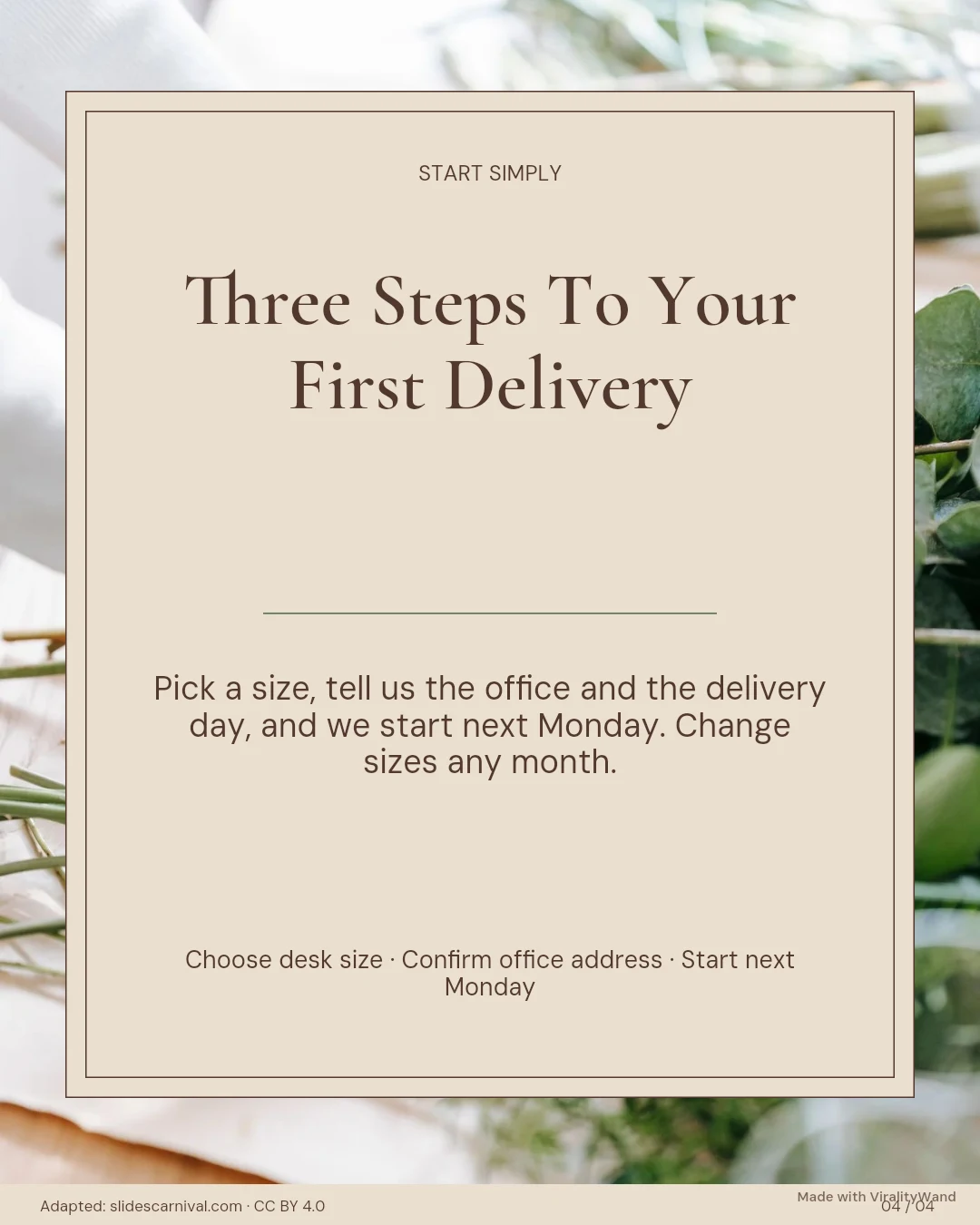
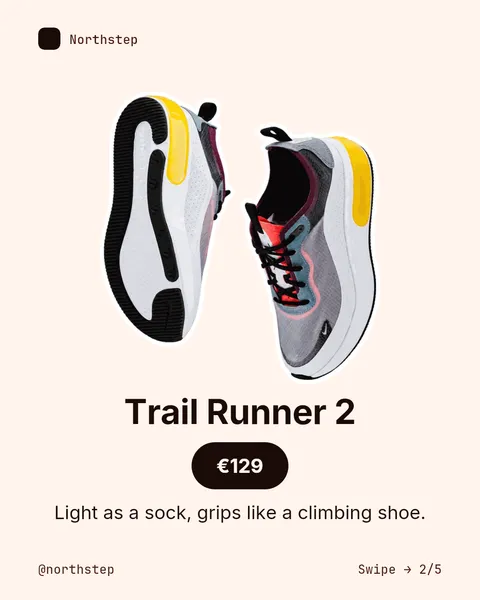
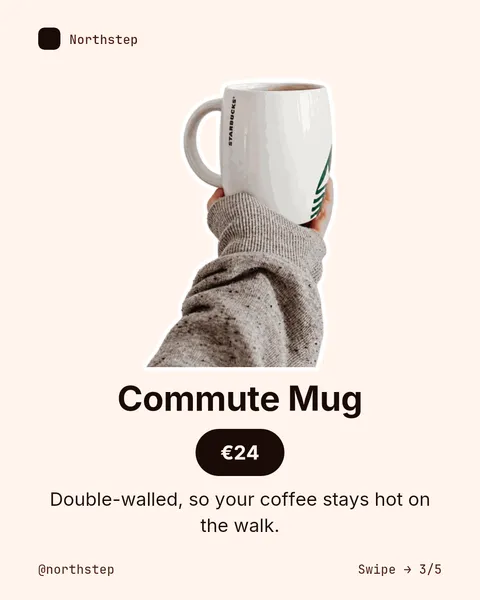
Illustrative feed preview · Made with ViralityWand
A caption with a next step
Add context, then invite a save, a visit or a conversation.
Export your images, select them in order in Instagram and review the crop and caption before posting.
Who it’s for
Creators, educators & consumer brands
Your target
Saves, shares & product discovery
What you create
A complete visual story with a hook, useful slides and a clear next step.
Create a post
Create a post for your recurring weekly service.
Begin with the details of your bouquet service. The editor helps you draft a post that explains the commitment clearly.
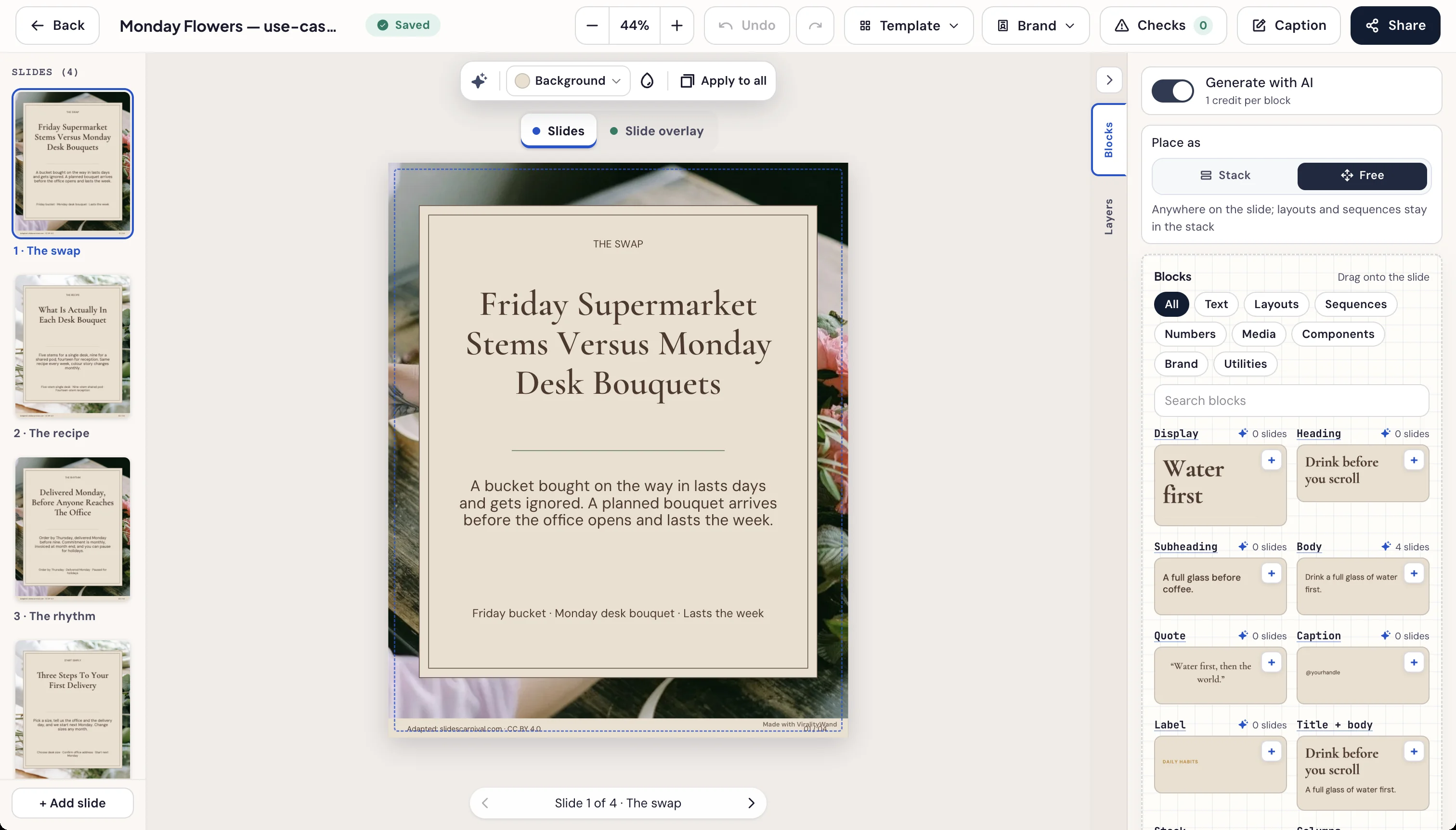
Weekly desk bouquet service details: small, medium, large sizes, Monday delivery, and a monthly changing colour story.
Add your service notes
Input the bouquet sizes, delivery schedule, and monthly colour story.
Choose a layout
Select a template that presents a simple, attractive offer.
Edit the draft
Customize the text, add product photos, and set the tone for your shop.
How to make yours
- Enter your topic or initial notes
- Choose a template and optionally upload photos
- Click Create and edit the draft text, images, and crops
- Review and use the Share panel to export
Before you publish
Where should I start if I have never made a post?
Choose one customer question and answer it in a few clear steps. Use an educational template, add an example, then preview the exported images before posting.
Does ViralityWand post directly to Instagram?
The workflow described here ends with exported images. You upload them and complete the post in Instagram.
Can I keep my own words and photos?
You can edit the writing and use your own photos in the editor. Review any AI draft against your original material before exporting.
Should every post ask people to buy?
Let the action follow the content. A lesson can end with a useful reference; a product comparison can lead to a size guide or collection. Choose one next step that makes sense.
The finishing touches.
Find your starting point
Choose a look for your post
Select a template to see it in the phone.
Your next Instagram post starts here.
Bring your idea, choose a design and make every slide yours.
Continue to ViralityWand ↗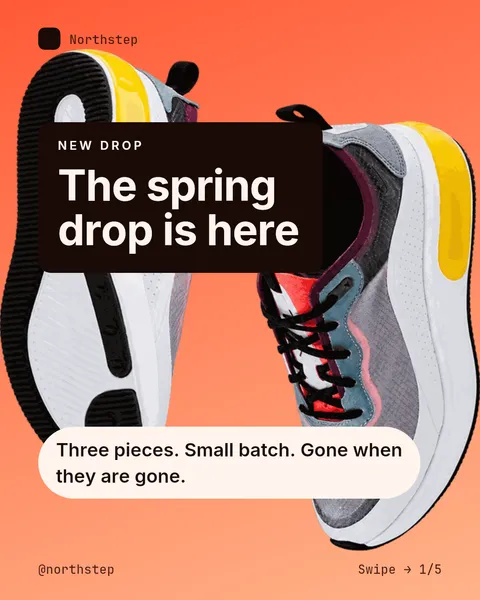
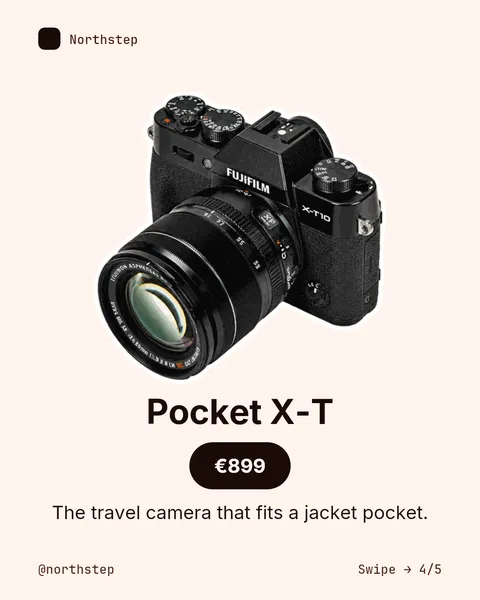
Cutout Drop
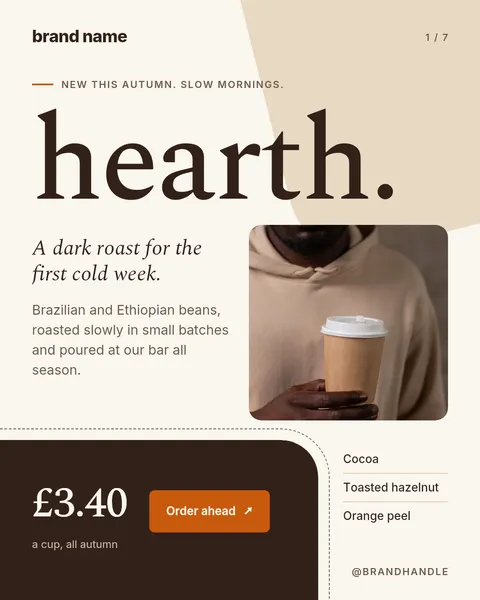
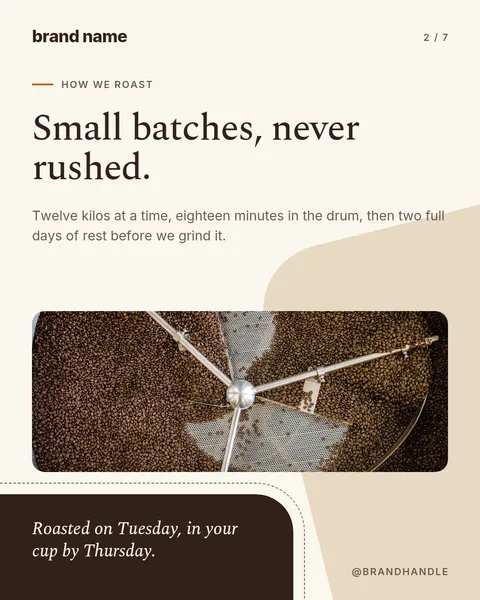
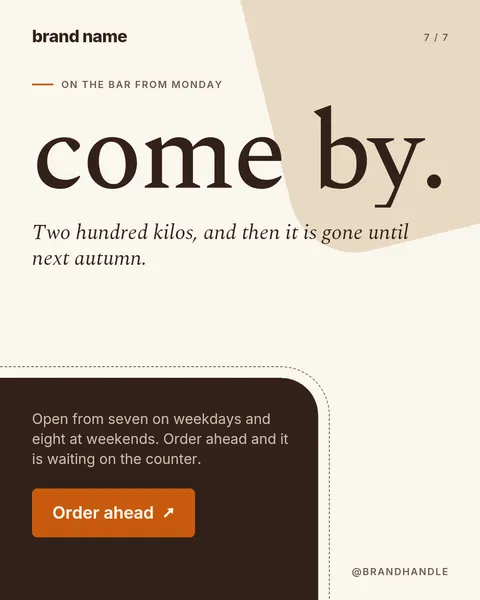
Espresso
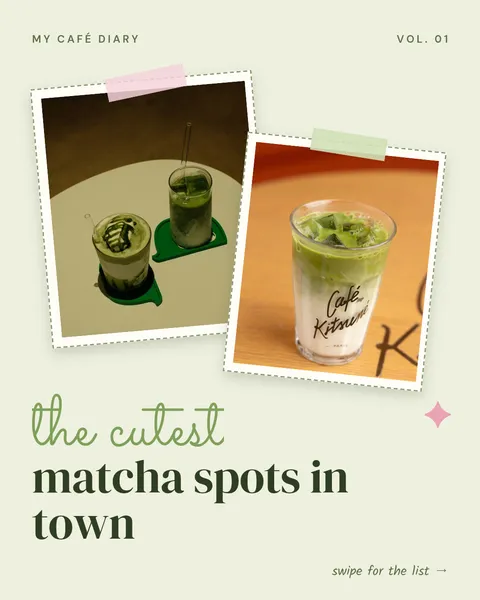
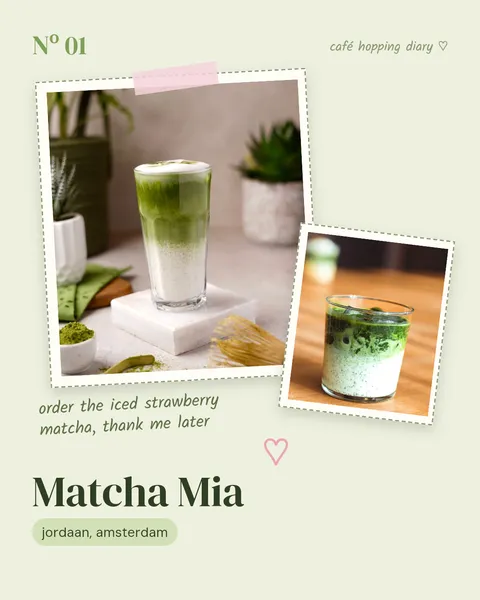
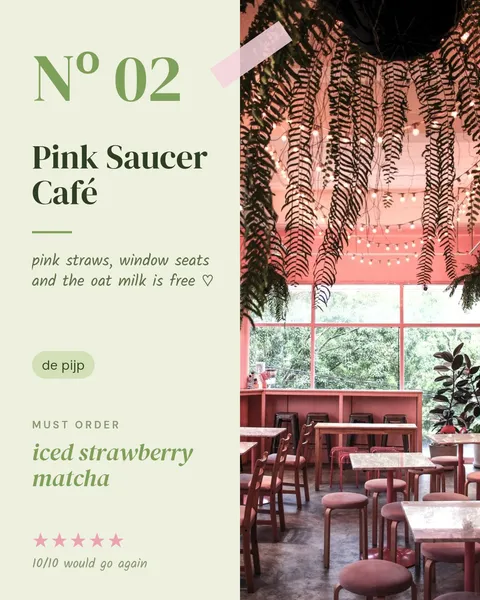
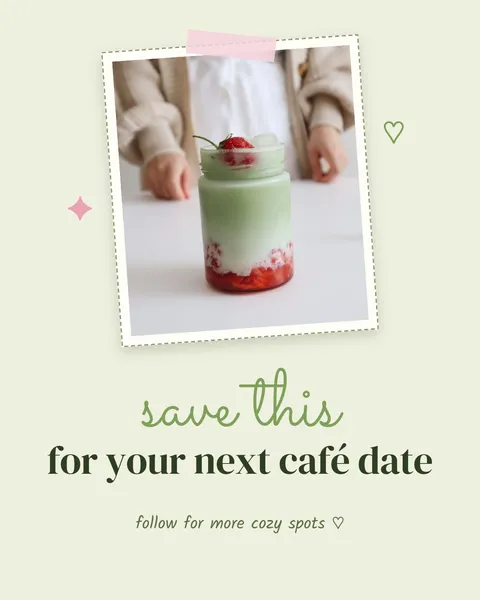
Café Diary · Matcha Spots
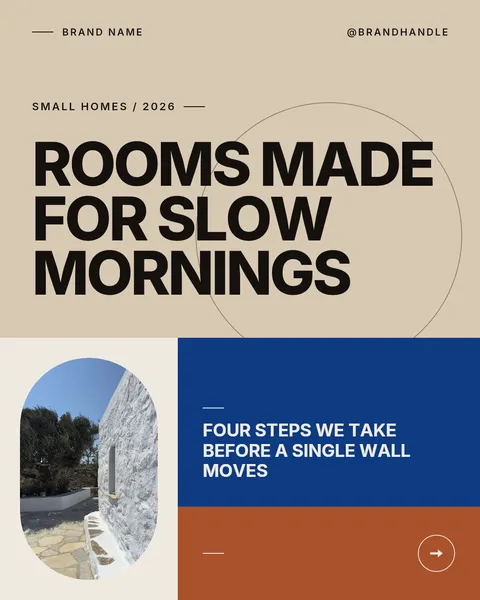

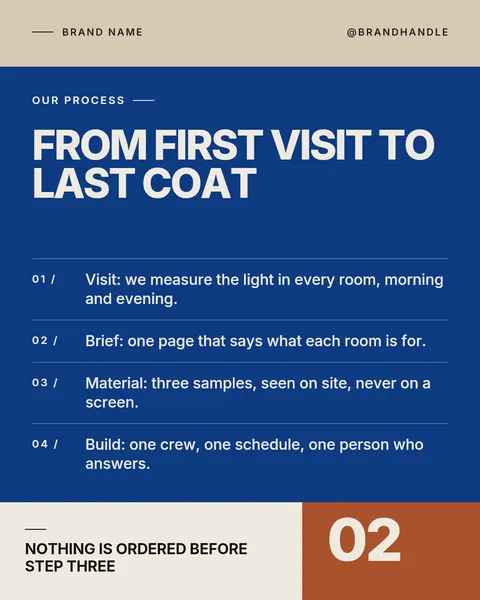
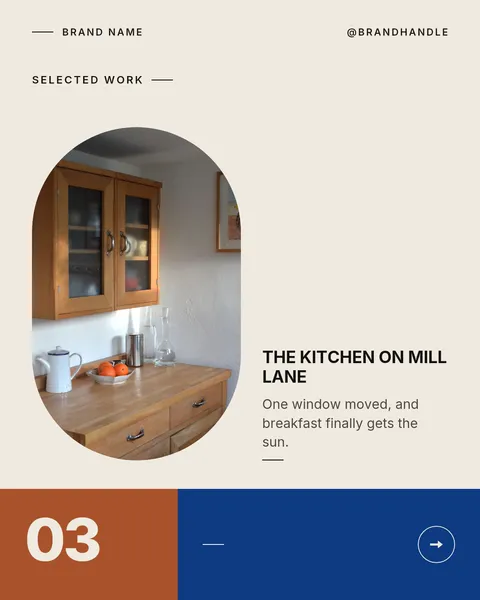
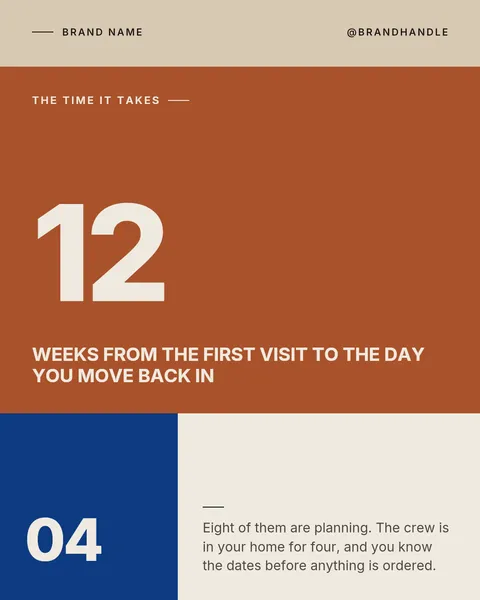
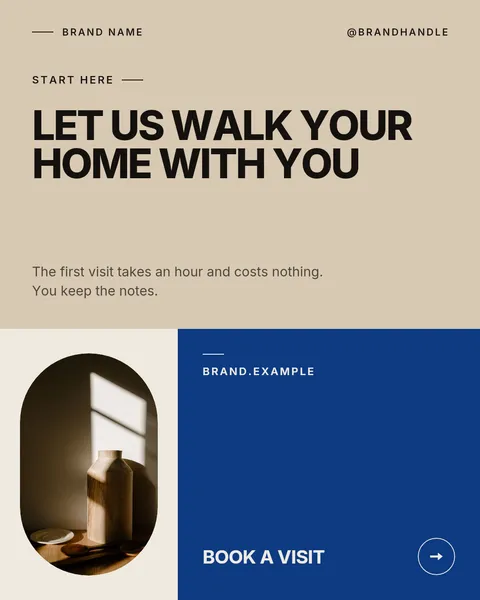
Cobalt Grid
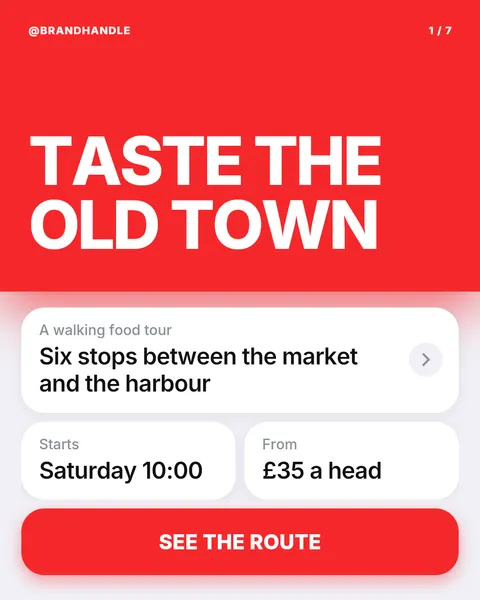
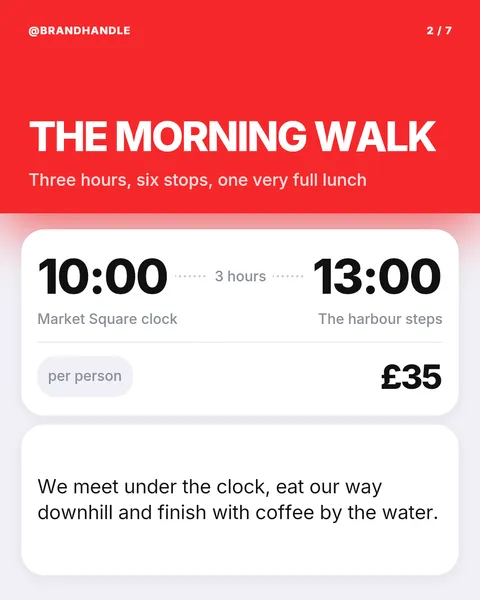
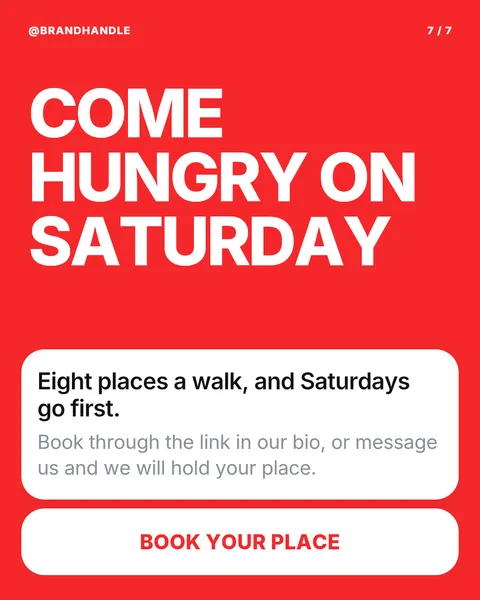
Signal Red
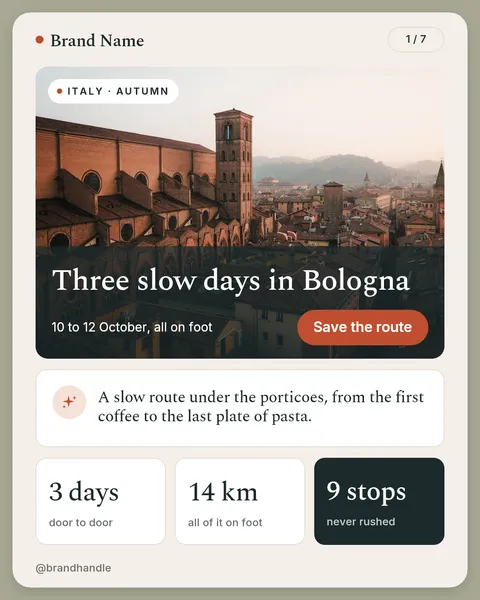
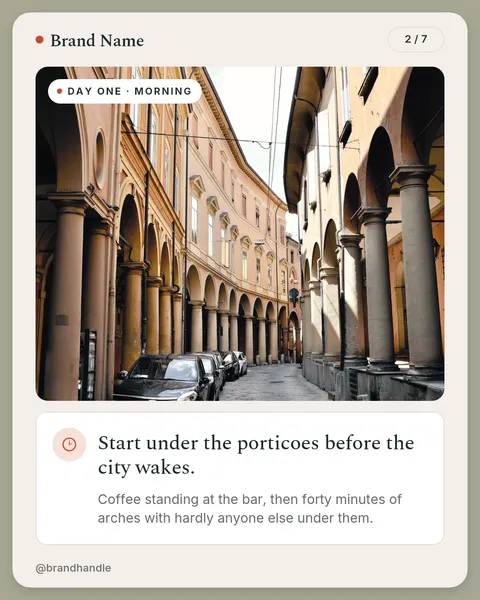
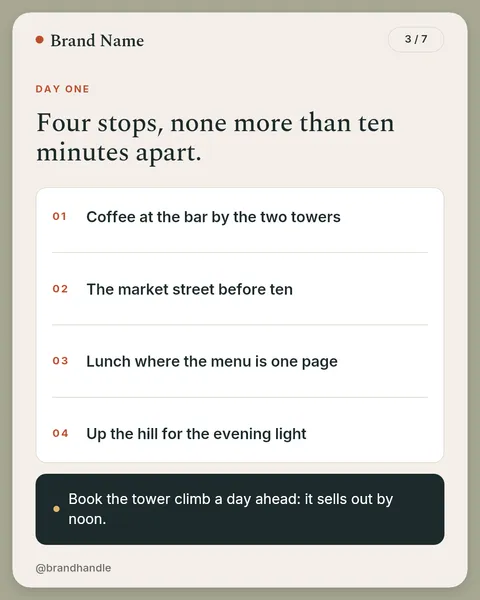
Terracotta Journal