Project to post
Turn project materials into a case study sequence
Bring project photos, a brief and your decisions. ViralityWand builds a case study sequence that follows your process.
Create my project postYour brief opens after sign-in, where you add your own text and photos.
AI uses credits. Free exports include a watermark. Pricing
Fictional example for Alder Interior Studio, a studio pitching a cafe consultation. The cafe interior is licensed stock photography.
What you bring
Start with what you already have.
Your project notes
Project brief
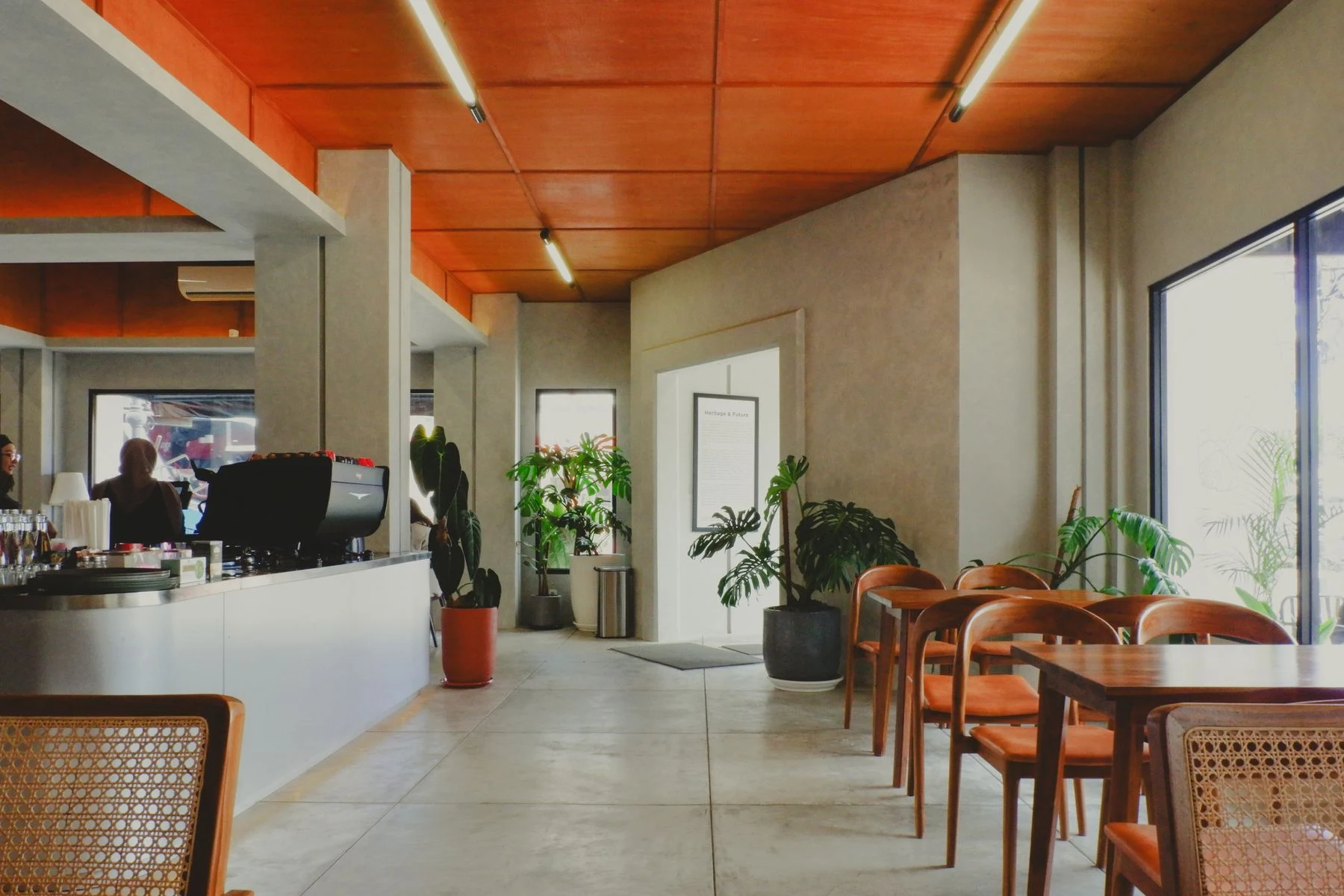
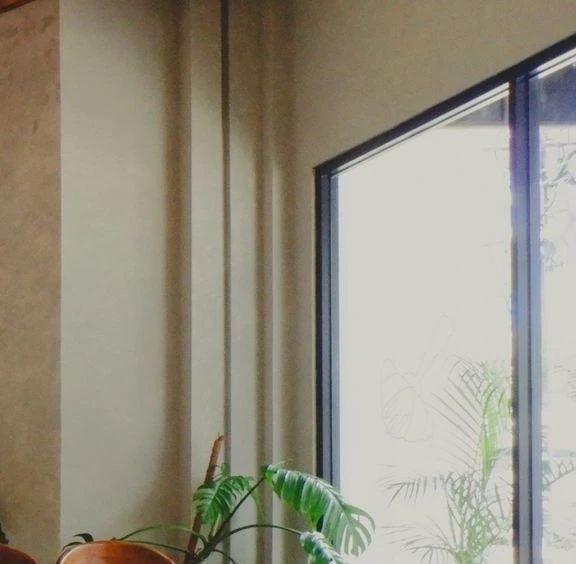
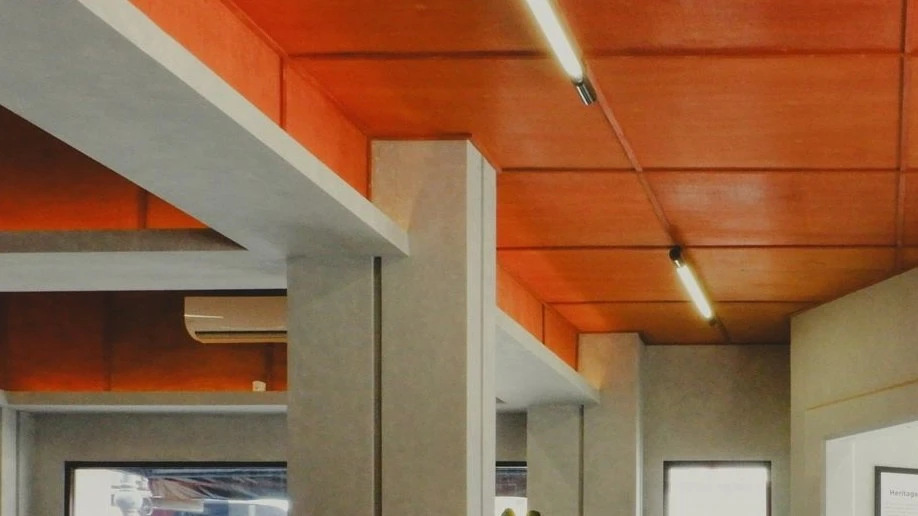
Cafe design study. Brief: a cafe interior with wood seating, tall windows and pendant lights. The study reads the room in three decisions. Seating set in daylight. Warm wood across the room. Pendant lights above the tables. The studio works through four steps: brief, materials, lighting, layout.
View example instructions
Cafe design study. Brief: a cafe interior with wood seating, tall windows and pendant lights. The study reads the room in three decisions. Seating set in daylight. Warm wood across the room. Pendant lights above the tables. The studio works through four steps: brief, materials, lighting, layout. The three decisions are visible in the photograph, so a reader can follow them without a floor plan. Next step: send a floor plan and an opening date, and the studio offers a direction for the room in return. This is a sample study built from licensed stock photography. It is not a before-and-after and it does not claim a client project.
Audience: interior design studios showing a space. Goal: consultations with a floor plan and an opening date. Slides: 1 the room with tall windows. 2 the three decisions, daylight, wood and pendants. 3 a four-step diagram, brief, materials, lighting, layout. 4 the three decisions as they appear in the photograph. 5 ask for a floor plan and an opening date. No before-and-after claims.
Use this example text →Text only. Choose a template and add any photos in the app.Your editable post
A five-slide study: room, decisions, process, photo, enquiry.
Make it yours
From project to draft
- 01
Add your photos and notes
Add the brief, the decisions and the steps behind the project. Upload your own images.
- 02
Choose a template and create.
Choose Develop my idea and a template, then press Create.
- 03
Edit and export
Pair each photo with its note, then export PNG slides or a ZIP.
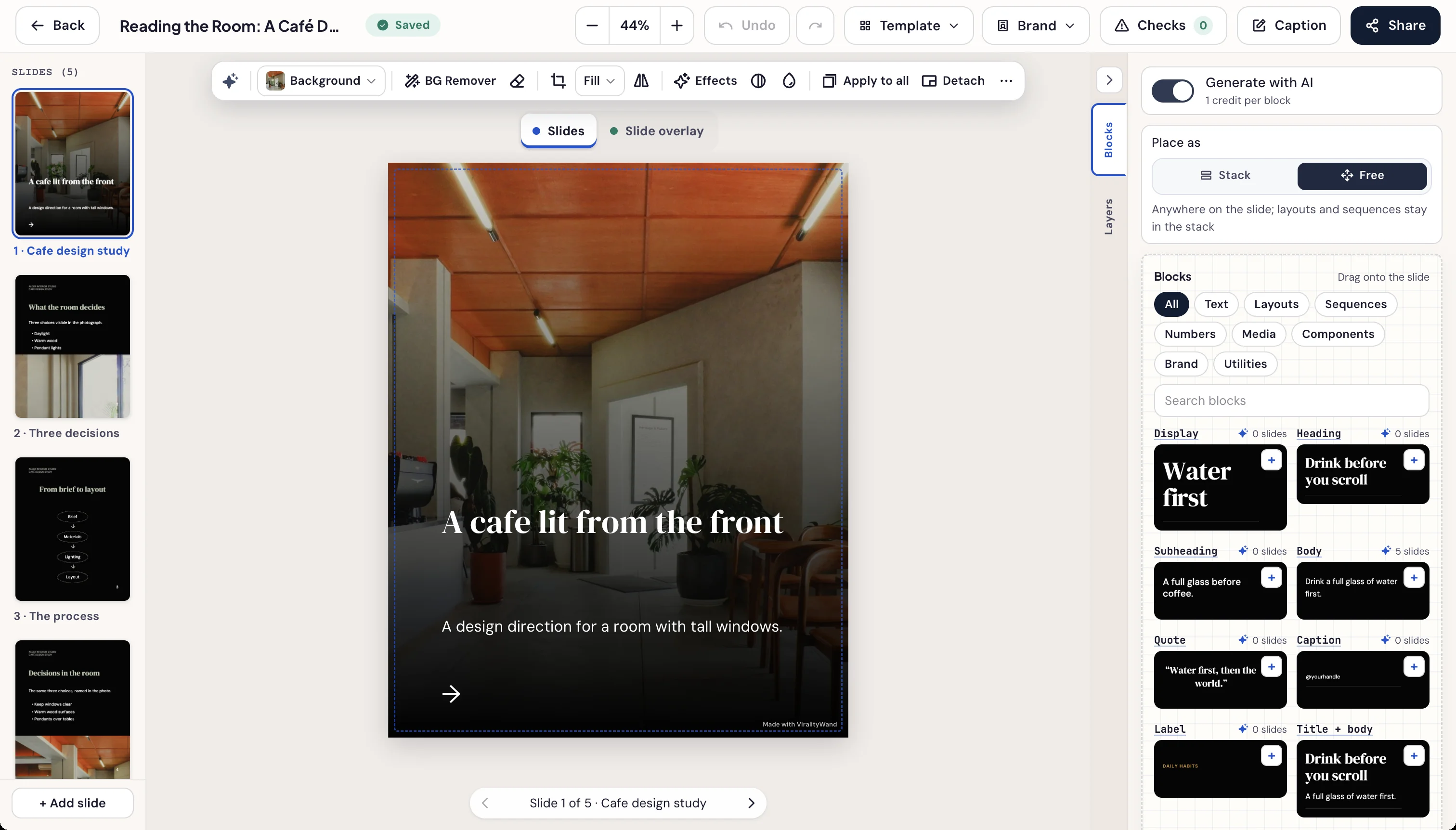
Your draft stays editable.
Watch this example in the real editor.
Show the detailed steps for this example
- Paste the notes. Paste the notes about the space into the field for your idea or source text on Home. Name the three decisions you can see: daylight, warm wood and pendant lights.
- Choose the mode and add photos. Open Settings, then Writing, and pick Develop my idea so the draft grows from raw notes. Then open Photos and upload the interior photos the slides should use. Select your saved template and choose How it applies → Follow.
- Create and review the slides. Press Create and read the five slides. Check the three decisions land on the right slides, and that the diagram lists brief, materials, lighting and layout in that order.
- Edit, then export. Edit the text and crop the photos where the layout needs it. Open Share and choose Download ZIP, then read the study once more and fact-check it against your notes. Unzip the file to get the individual PNG slides.
The demonstration uses a dedicated local template. It is not automatically loaded by the creation button.
A few things you might be wondering
Is this a real client project?
The example is a sample study built from licensed stock photography, not a before-and-after. Your own notes and photos use the same layout.
What if I have no photo yet?
Build the post from the written notes alone and add a photo in the editor later.
Can I upload my own photos?
Yes. Upload your own photos, then edit and crop them in the slides. There is no URL or audio import.
What does generation cost?
Generating a post uses credits. There is a free starting allowance, and free exports carry a watermark. Paid plans remove the watermark.
See pricing →Find your starting point
Choose a look for your post
Select a template to see it in the phone.
Show the reasoning behind the work
Paste your notes, add a photo, and check the decisions still match the image.
Create my project postAI uses credits. Free exports include a watermark. Pricing
Mono Editorial



Showroom


Care Card
Noir Estate

Candy Tiles




Paper Story · Lined Notebook
About this example
Fictional example for Alder Interior Studio, a studio pitching a cafe consultation. The cafe interior is licensed stock photography.The Cafe Study follows the slide composition of White Green and Black Modern Minimalist Clean Informational Tips Post Instagram Post by Taty Studio on Canva. Rebuilt as an editable ViralityWand template with new text and separately licensed photographs. The linked design belongs to its original creator.
Photography: Rayn · Pexels licence.