ViralityWand for TikTok
Tell the story. Skip the filming.
Turn your ideas and photos into a story people can swipe through. Build a repeatable photo-post format without making a new video every time.
Create for TikTok ↗See how it works ↓An opening that starts a story
Show a moment, a question or a change worth following.
Photos with a purpose
Each slide moves the story forward. Swipe the example to see the sequence.
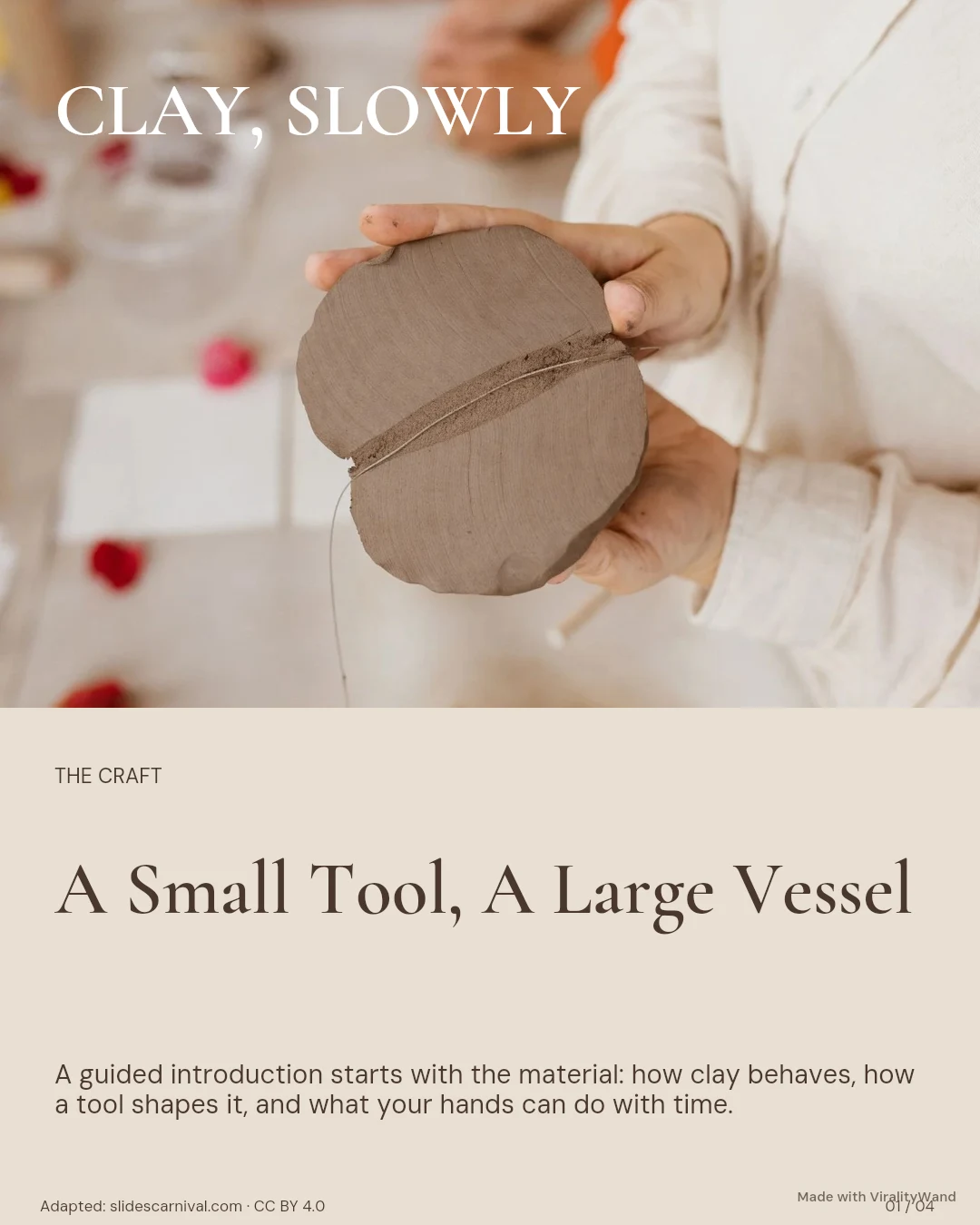
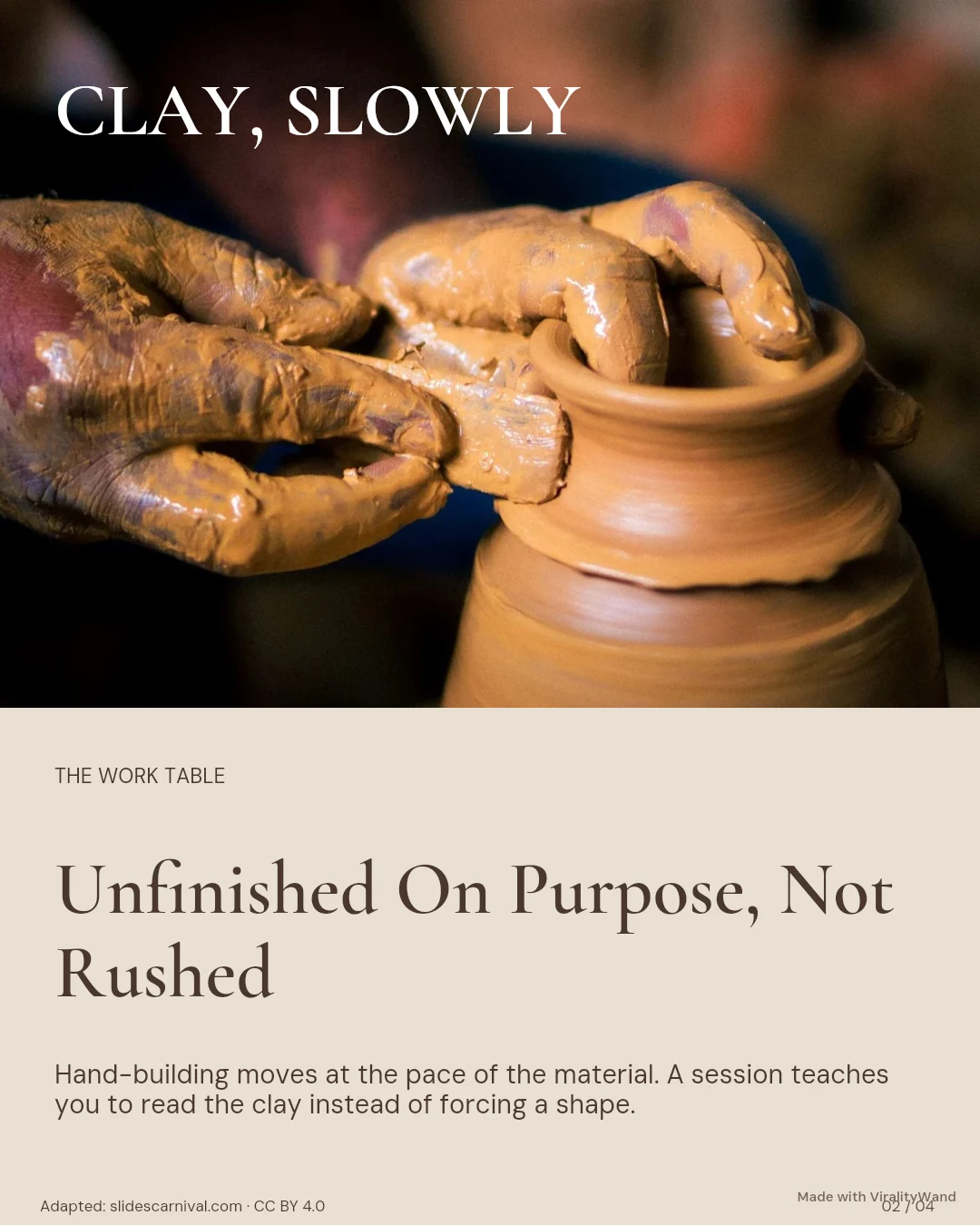


Hand-building rewards people who are willing to learn the material slowly, and an introductory session is where that starts.
Original sound · ViralityWandIllustrative feed preview · Made with ViralityWand
Space for the app interface
Our 4:5 exports sit inside the photo preview. Check framing and overlays in TikTok before publishing.
Export the slide images, transfer them to your phone and prepare a photo post in TikTok. Review framing, caption and sound in the app.
Who it’s for
Creators, makers & personal brands
Your target
Discovery, profile visits & repeat viewers
What you create
A complete visual story with a hook, useful slides and a clear next step.
Create a post
Create a workshop story from existing studio photos.
Begin with your concept artwork notes. The editor will help you arrange the photos into a post that shows studio craft.
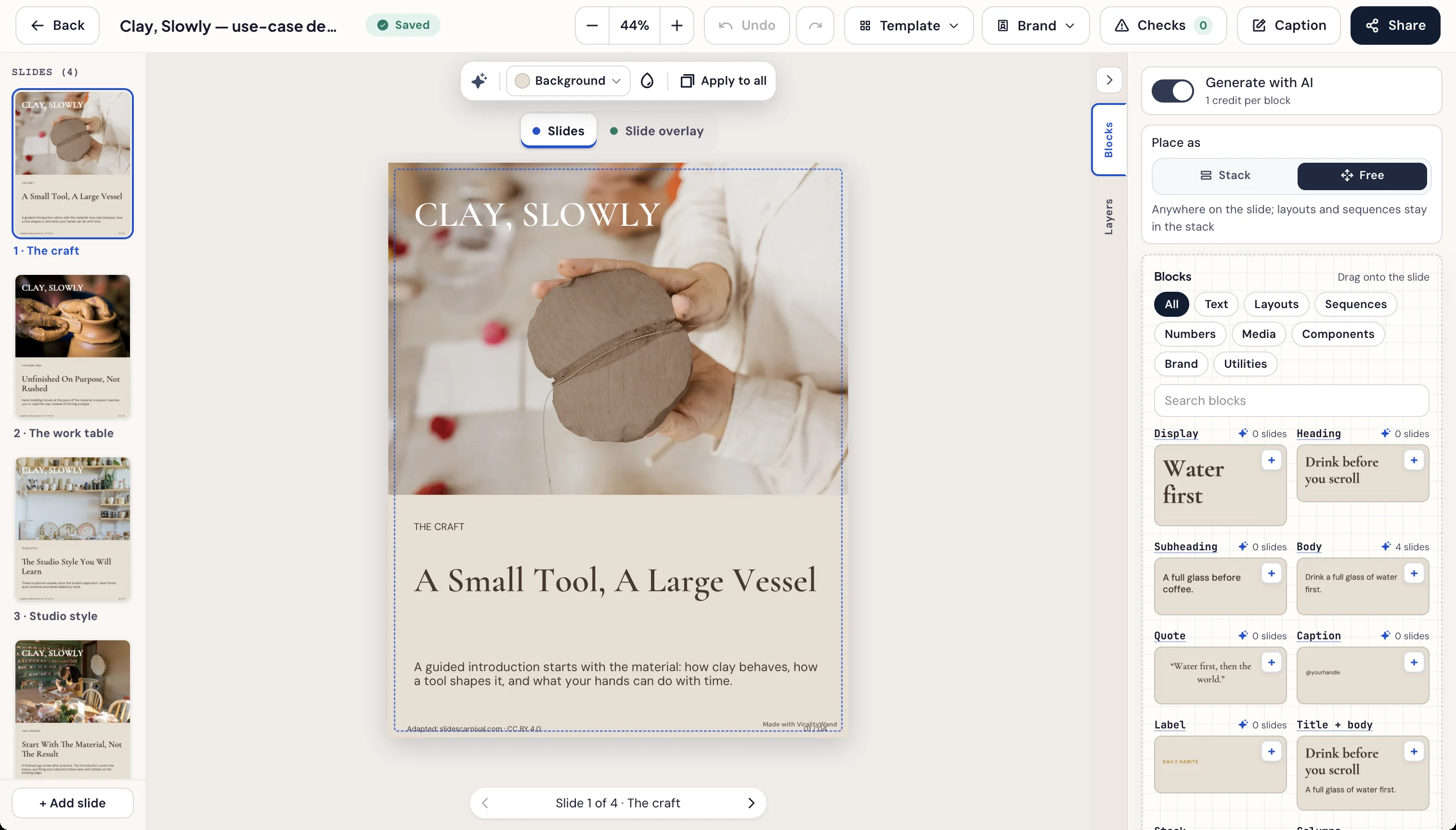
Four concept photos: hands shaping a vessel, an unfinished piece, a studio display, and a finished ceramic jug.
Add your photo notes
Describe the four images you have of the shaping, unfinished, display, and finished pieces.
Select a template
Pick a template suited to a visual story, like a photo gallery or narrative flow.
Build the story
Arrange the images, add captions about the craft, and set the call to action.
How to make yours
- Enter your topic or initial notes
- Choose a template and optionally upload photos
- Click Create and edit the draft text, images, and crops
- Review and use the Share panel to export
Before you publish
Do I need to be on camera?
No. Use photos of your work or process, or designed text slides. Choose the visual approach that helps explain the idea.
Are these video templates?
This guide covers photo posts made from exported images. It does not describe a video generation or video export workflow.
Can I reuse an Instagram post?
You can start from the same images, but review the opening, reading effort and framing for the TikTok post. Check the result in the actual app before publishing.
How do I make a post feel personal without inventing a story?
Use a real observation, question or process from your work. If you are demonstrating an invented situation, label it as an example instead of presenting it as your experience.
The finishing touches.
Find your starting point
Choose a look for your post
Select a template to see it in the phone.
Your next TikTok post starts here.
Bring your idea, choose a design and make every slide yours.
Continue to ViralityWand ↗
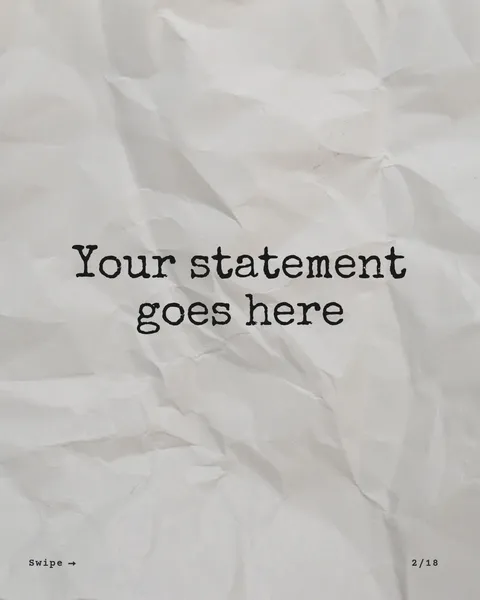
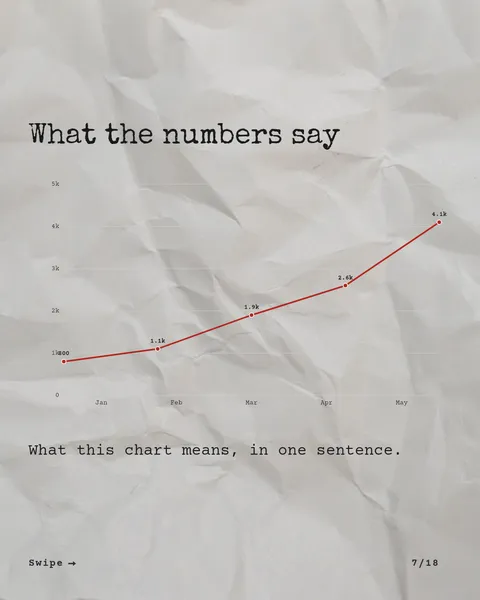

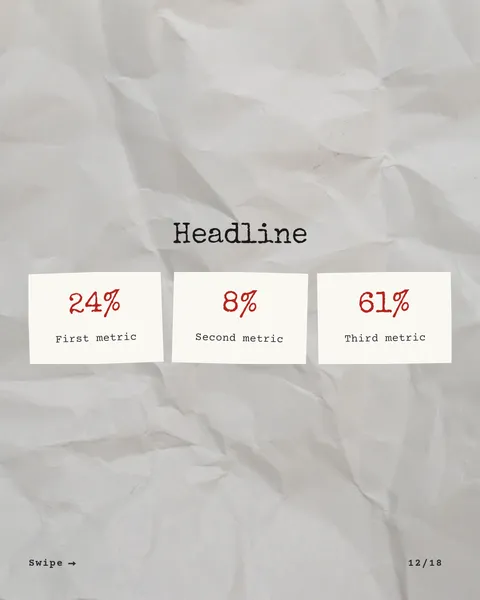
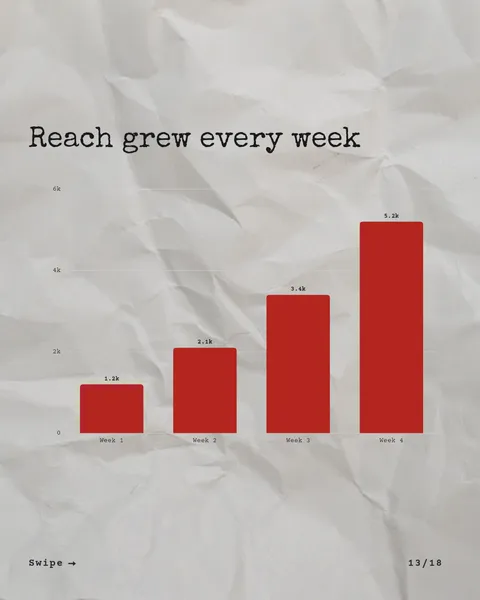
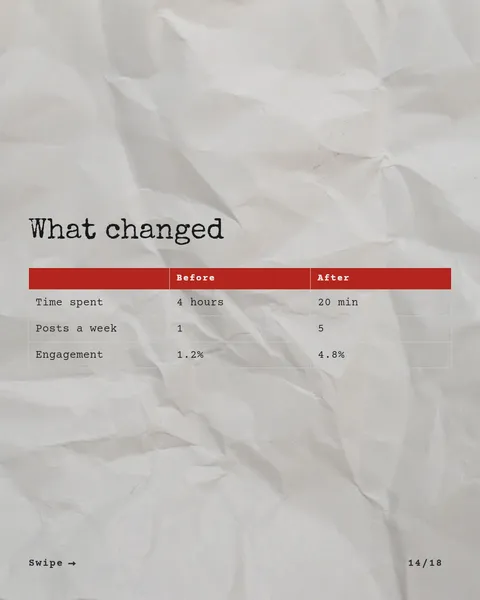
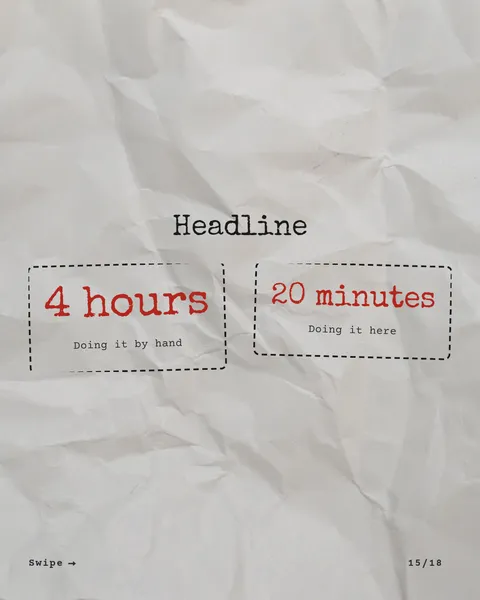
Typewriter notes on crumpled white paper with a red ink accent. A 6–10 slide story arc: hook, context, key points, journey, before/after, quote and call to action.
Original sound · ViralityWandPaper Story · Crumpled Typewriter

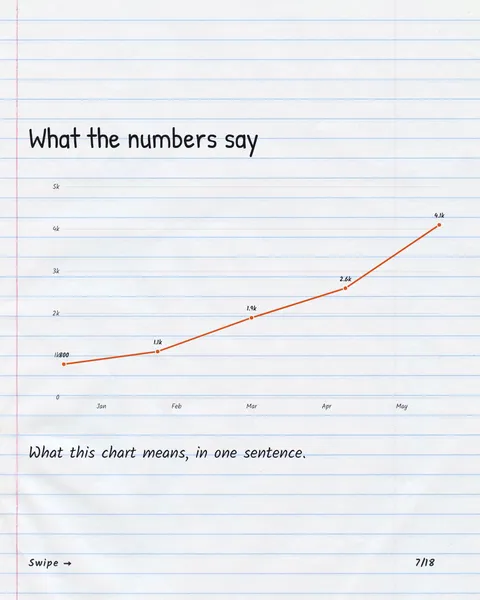

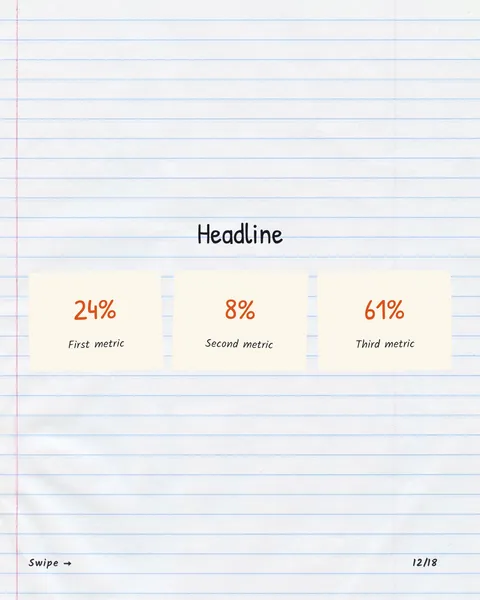
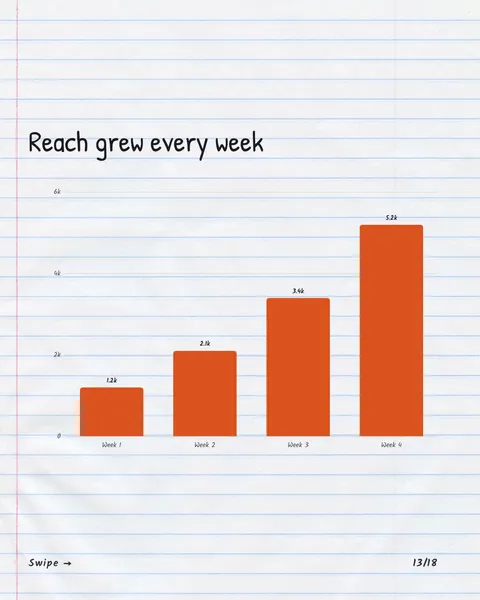
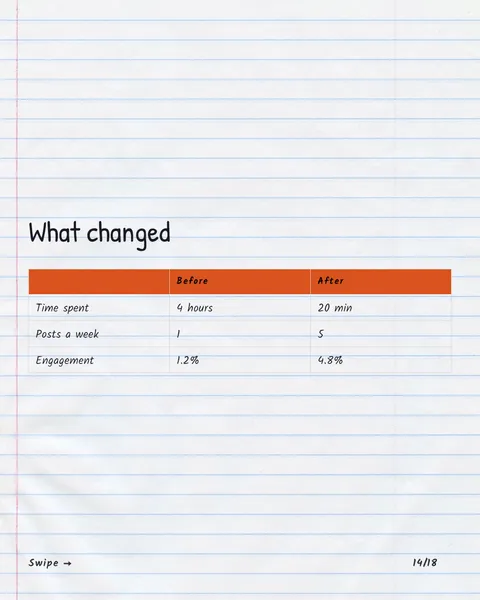
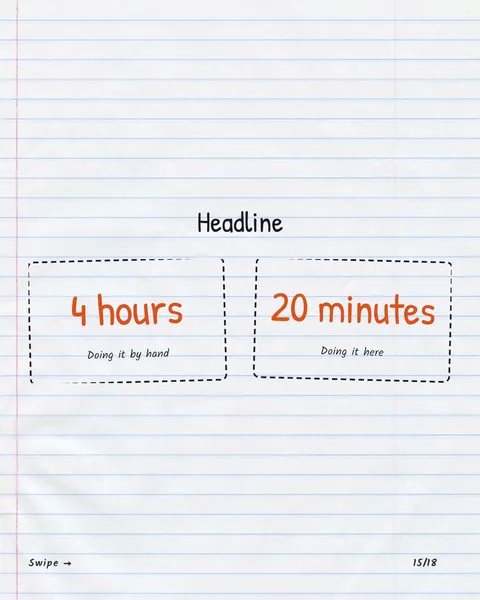
Paper Story · Lined Notebook
Original sound · ViralityWandPaper Story · Lined Notebook
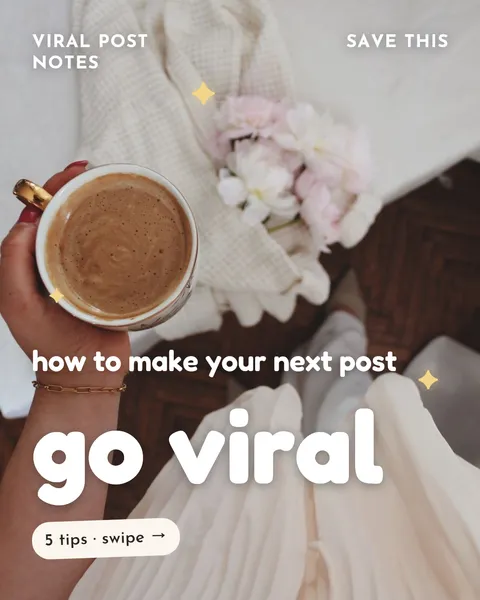



Aesthetic photo-journal post (matcha, coffee, cafe vibes) with generic tips to make a TikTok/Instagram post go viral. Ends with a ViralityWand CTA.
Original sound · ViralityWandViral Post Tips · Photo Journal




News · The Odds (prediction markets)
Original sound · ViralityWandNews · The Odds (prediction markets)


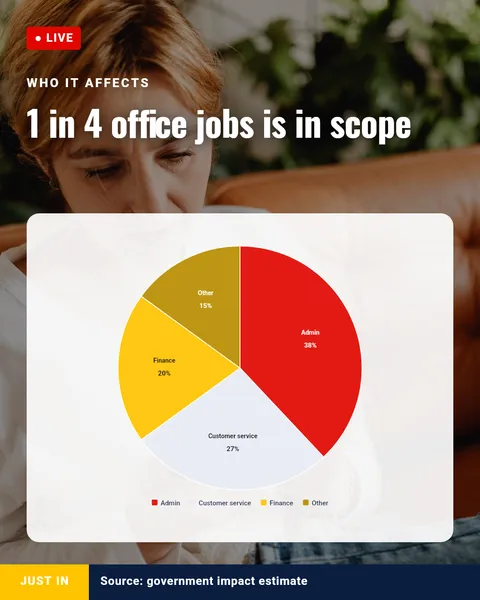

News · Live Broadcast
Original sound · ViralityWandNews · Live Broadcast

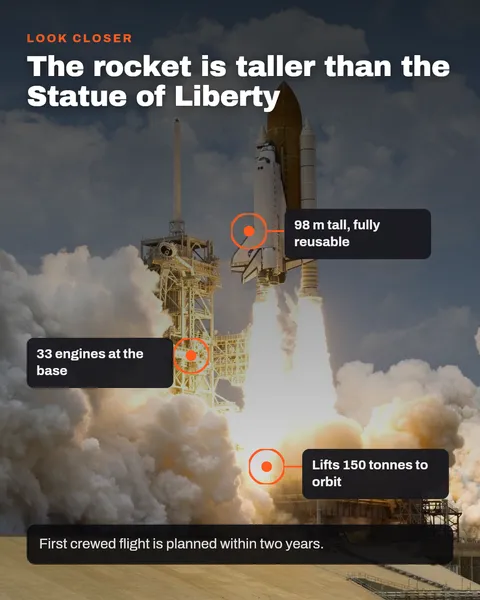
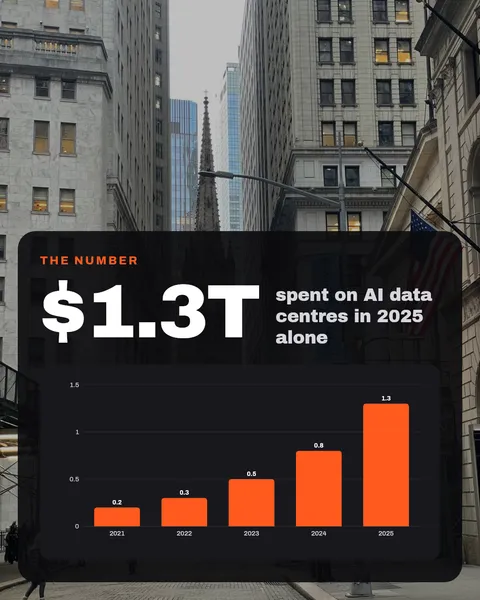
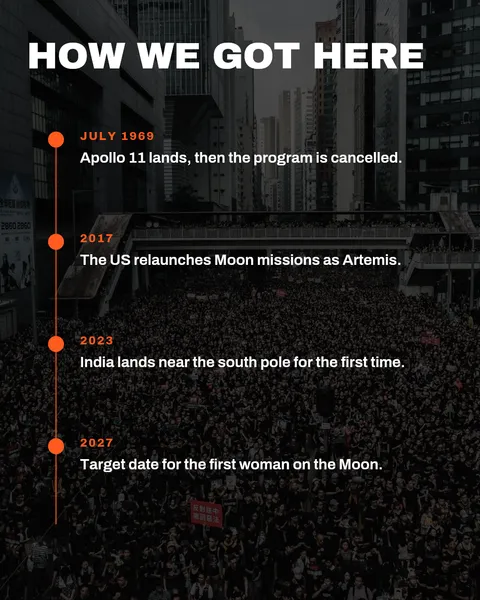

News · Photo Explainer
Original sound · ViralityWandNews · Photo Explainer